
How To Switch Weapons in Factorio 2.0
There have been a few changes!


Factorio: Space Age is now available, and with that, there are hundreds of changes, improvements, quality-of-life additions, and fixes implemented in the base game as well. Even if you don’t own the expansion, you’ll notice that things are different, especially when it comes to some controls that you might be used to. Here is how you can switch between equipped weapons in Factorio 2.0.
Switch Weapons in Factorio 2.0
As of version 2.0, weapons are now switched in Factio by pressing the “C” instead of “Tab”.
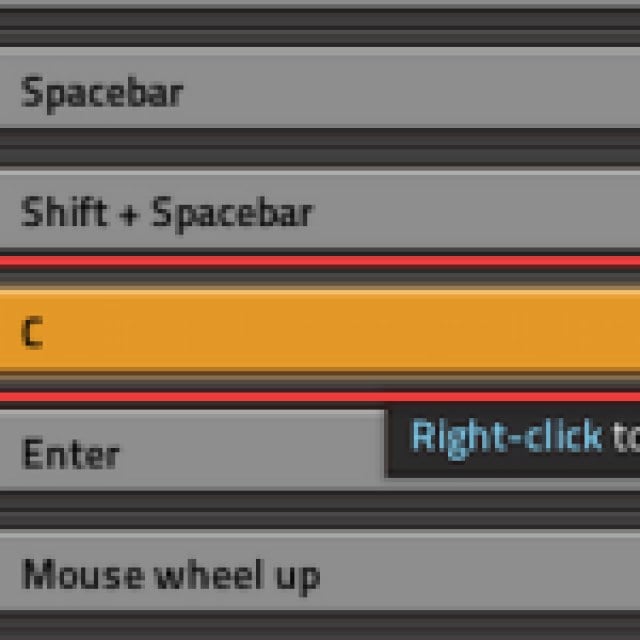

This change might throw off some players because “Tab” now opens the map instead, which is a lot more intuitive in practice.
Factorio 2.0 Updated Key Binds
Here are all the key bind changes in Factorio 2.0:
| Action | New Default Control Key | Previous Default Control Key |
|---|---|---|
| Map | Tab | M |
| Next Weapon | C | Tab |
| Shoot selected | Shift + Space | C |
| Toggle personal roboport | Alt + F | Alt + R |
| Pause | Pause | Shift + Space |
| Train Connect | J | |
| Train Disconnect | K | |
| Vertical flip | V | |
| Use item (Capsules/Grenade etc) | Right Mouse Button |
Most of the changes make a lot of sense and are easier to use during moment-to-moment gameplay. These are all the changes made to the key binds specifically. If you want to read the entire changelog for the new release, head over to the official forums.
Can You Rebind Keys in Factorio 2.0?
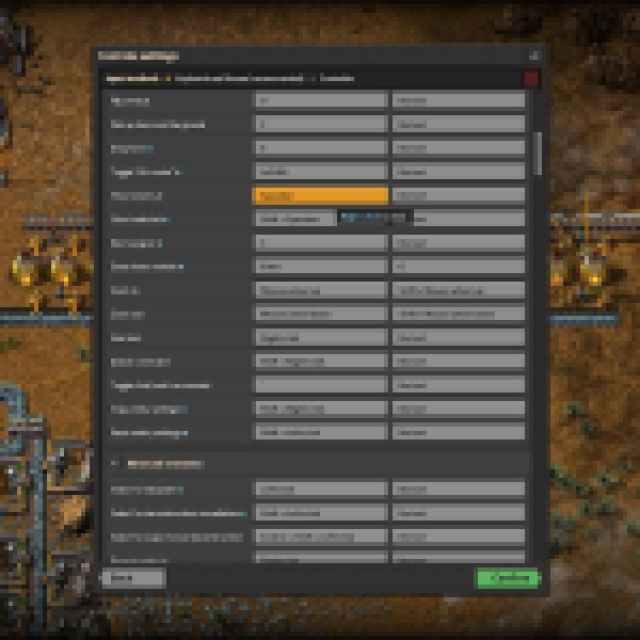
Yes, you can still rebind the keys in Factorio. If you aren’t comfortable with the changes made to the existing key binds, simply open “Settings” from the main menu or pause menu followed by the “Controls” section. Here, you can select any action and rebind it to your liking:

Overall, Factorio 2.0 is a massive update, and the new expansion is practically a sequel in terms of content. It’s fairly priced at $35 and is now available on Steam and GOG with regional pricing on Steam.


