
How to Split and Merge Armies in Endless Legends 2
Divide and conquer.

Splitting or merging your armies is one of the keys to securing easy victories in Endless Legends 2. It is an easily forgettable mechanic, especially if you skipped the tutorial.
Here’s a quick guide explaining how you can split and merge your units in Endless Legends 2.
How to Split, Merge, and Transfer Units in Endless Legends 2
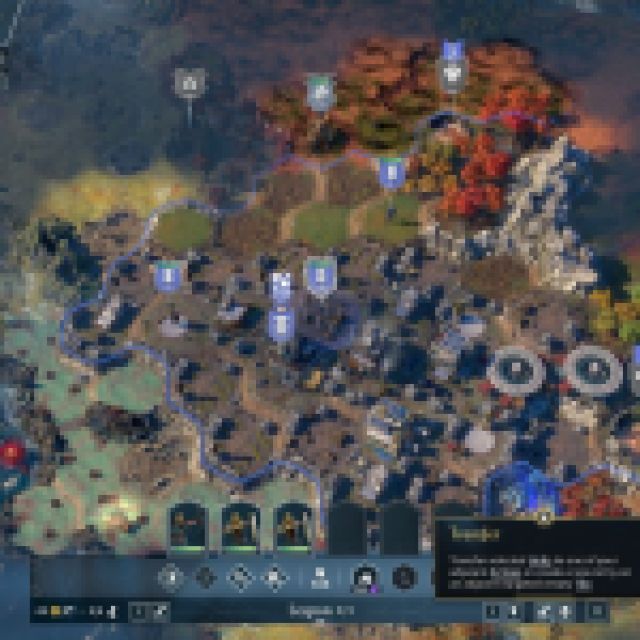

When you start producing units, they won’t all spawn at the same time, unless you use thousands of Dust to instantly recruit them. In most cases, your units will be spread out if you command them to go to areas as they spawn.
That’s typically how you lose those small battles, because if your units get engaged with any enemy, you are forced to battle with the limited number of units in that regiment. This is why you should merge your units into one, forming one controllable regiment or unit group.
To transfer your units, select the transfer button on the command panel when selecting the unit you want to merge. Once selected, select any number of units in the group. Each selected unit will be highlighted, and once confirmed, you can select a tile in the game to transfer those units. Select another unit group so they can merge together. You can have up to six units in one group.
If you simply want to split the units in the group, you’ll have to use the same transfer method. Instead of selecting another unit group, select another empty tile. This will split the number of units you selected into a separate unit group and automatically move them to the tile you selected.
Use this strategy to navigate through opposing powers on the battlefield and slowly take control of more and more space. Managing your unit group compositions is crucial to winning, especially considering how heroes are incredibly impactful in battle.
If you’d like to see more helpful guides, news, or features from Prima Games, please consider adding us to your preferred sources.


