
How To Save Progress in The Alters
Save some for the rest of us.


The Alters is another game from 11 bit studios that combines different genres for a unique experience, with an emphasis on making each decision count. You’ll frequently make choices that directly impact your other alters, which is why the game forces you to commit to them.
So, how does saving work in a game like this? Here is how you can save progress in The Alters, what its limitations are, and how you can undo some major mistakes.
How Does Saving Work in The Alters?
Your progress in The Alters is only saved when you go to bed in the captain’s cabin module. You’ll have the option to “End the day,” and your progress will be saved until that point. After that, time will move forward to the next day.
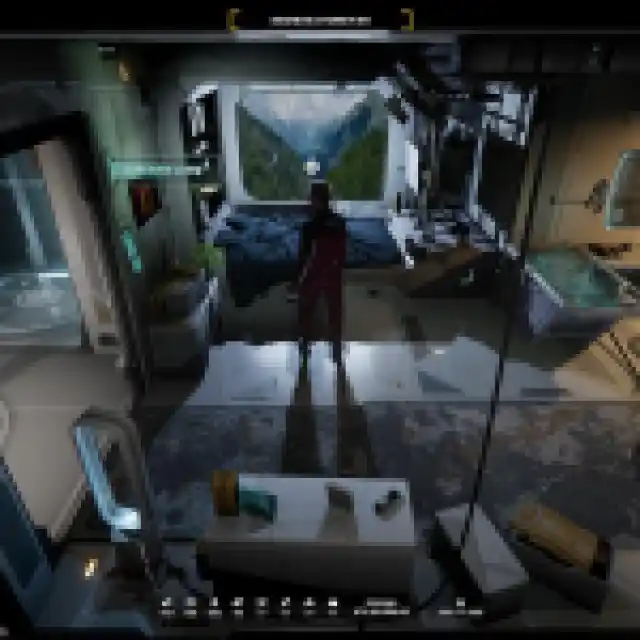

You can’t manually save in this game, and this is the only way to save progress in The Alters. I believe that certain events in the game also autosave progress, but you can’t rely on that for reliable saving.
This means that if you quit the game before sleeping, all your progress from that day will be lost, and the next time you launch the game, Jan will begin his day as usual.
If you really have to close the game, go to bed even before the day is about to end so that at least you can save your progress of that day, even if it wasn’t a full one.
Can You Go Back to a Previous Day in the Alters?
Yes, even though The Alters has a strict saving system, if you aren’t satisfied with the work done on a particular day, you can always go back to a previous day and start over from that point.
- To do this, simply select the load game option from the main menu or pause menu
- Here, you’ll see entries for individual days along with a detailed overview of your resources, current objectives, filters, storage, and the state of each alter as well.
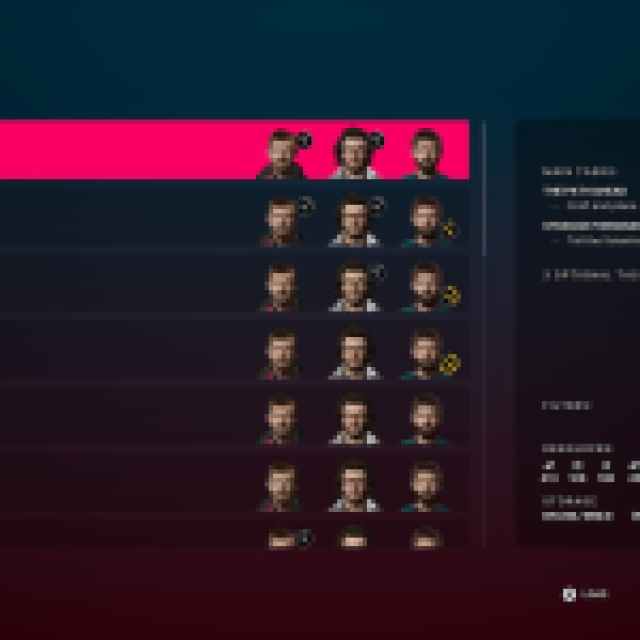

I don’t think I have seen such a detailed breakdown of what each individual save file represented in a game before, but this is really handy if you want to go back to a certain day and want to know exactly how your base and alters are doing.
You can also secure certain days, so that progress isn’t deleted when you reach the limit of save files.


Overall, I think that given the theme and gameplay structure of The Alters, the saving system is a smart idea. It forces players to be more conscious of their choices and what they do on any given day.
If you want, you can also back up your local progress by accessing the save file location of The Alters.


