
How to Reset Control Points in The Division 2
Let them take it back over.

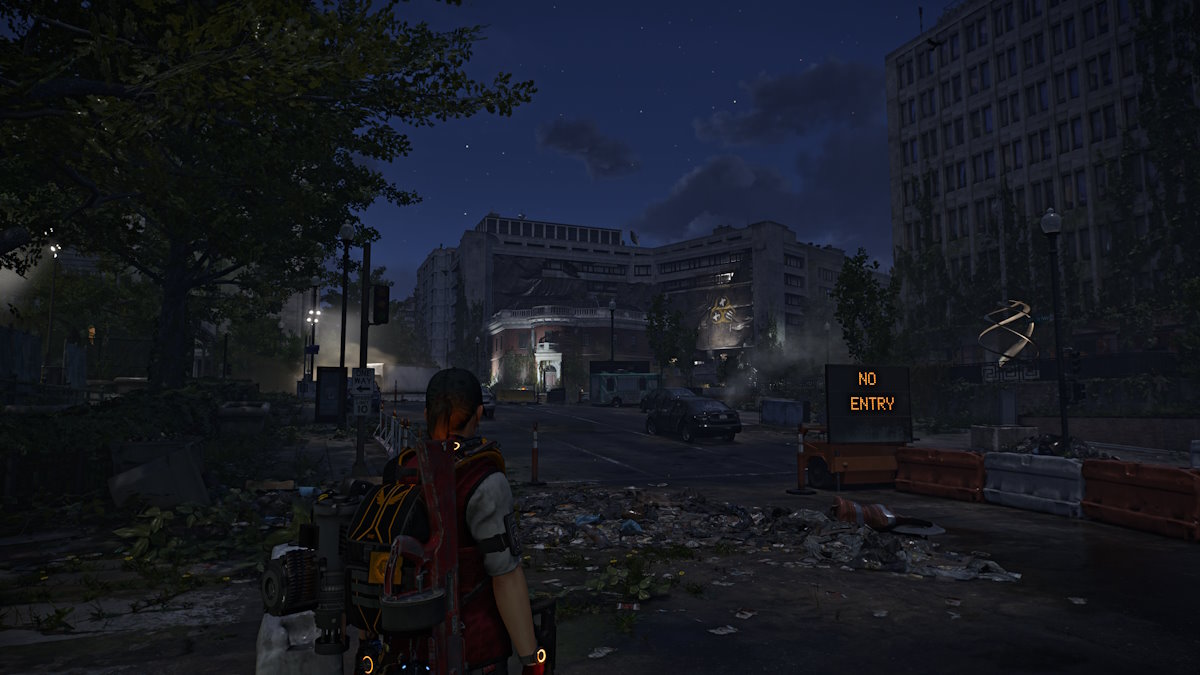
The Division 2 features control points across Washington D.C., New York, and Brooklyn that can be taken over to get resources, blueprints, and more. These are repeatable activities, but you have to manually reset them. Here is how to reset control points in The Division 2.
How to Reset Enemy Control Points in The Division 2
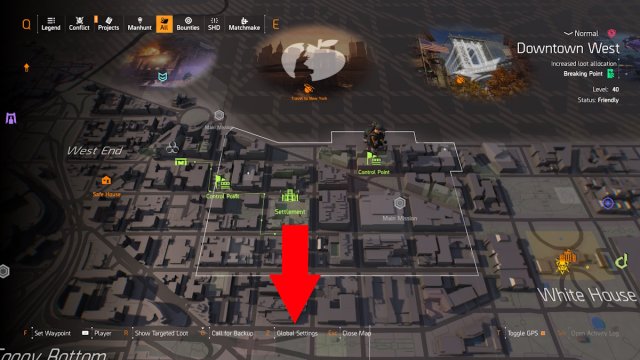
Any captured control points in The Division 2 can be reset back to enemy control in the same way by first opening the map menu. This works across Washington D.C., New York, and Brooklyn areas.
There will be a few options at the bottom of the map menu, but pick the one that says Global Settings. You may have to move your cursor for the option to appear.
You’ll see three options under Global Settings: Change Global Difficulty, Change Global Directive, and Reset Control Points. Selecting either Change Global Difficulty or Reset Control Points will reset all control points of the map. The difference is that the first option will also change the difficulty of the enemies within the open world, while the latter will simply reset control points without making enemies harder or easier. Make sure to hit Confirm Settings to lock in your choice when done.
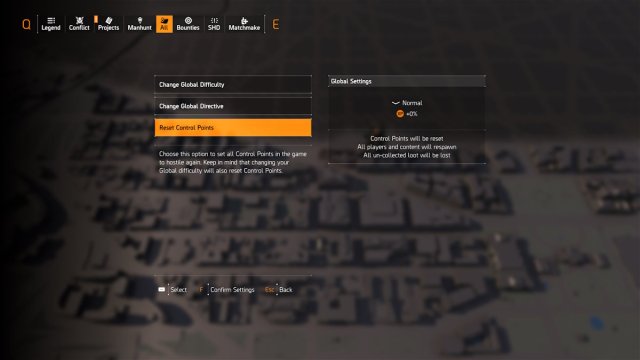
Global Directives are modifiers that affect specific features of enemies, players, or ammo. The Global Directives do not affect control point ownership and can be changed at any time.
It is important to note that the Global Settings option is only available to characters at level 40. That is the max level in the game, but players do not need to own the Warlords of New York or the Battle for Brooklyn expansions to reach it.
Resetting control points is an easy way for you to get more crafting blueprints at higher difficulties once they have all been taken over. It also might be necessary to retake specific control points as part of the seasonal manhunt riddles or limited-time events.


