
How to Reload Your Scanner in Subnautica 2
Switching is faster than reloa...

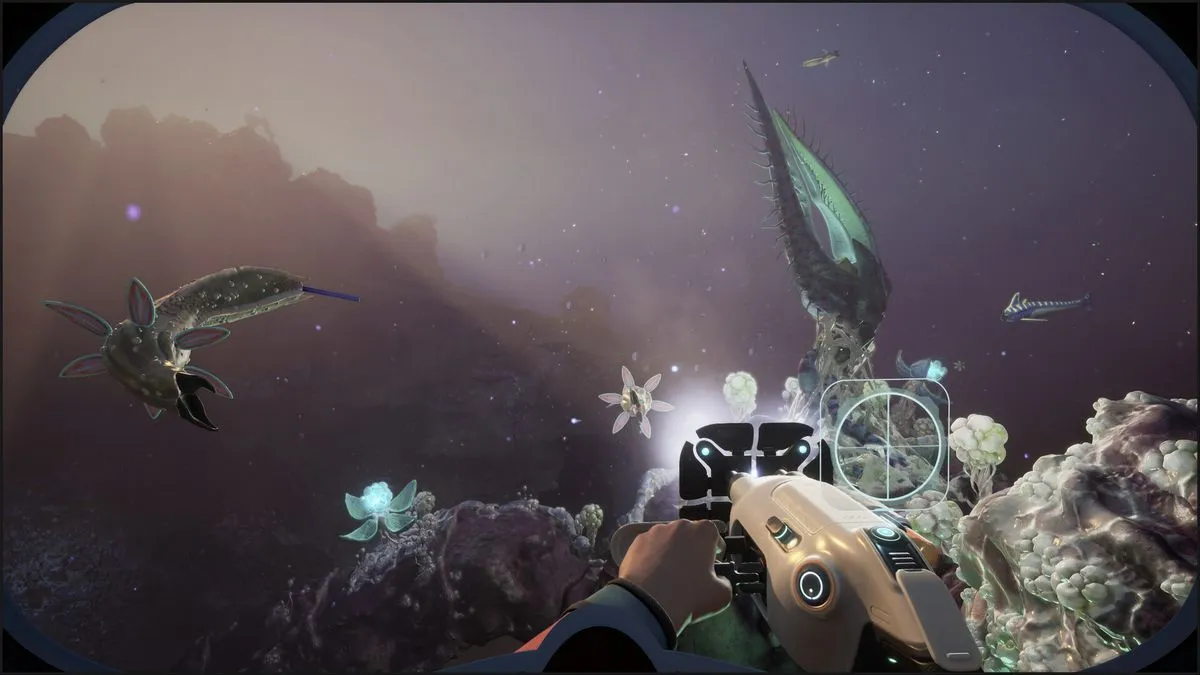
Ever noticed that bar on top of your Scanner or other equipment in Subnautica 2? When this bar becomes empty, it stops working, but you might have noticed the word “unload” when you use these tools.
This is because you can actually reload most of your tools, especially those that need a Basic Battery to craft. Here’s how to reload those tools and how to recharge empty batteries in Subnautica 2.
How to Reload Tools in Subnautica 2
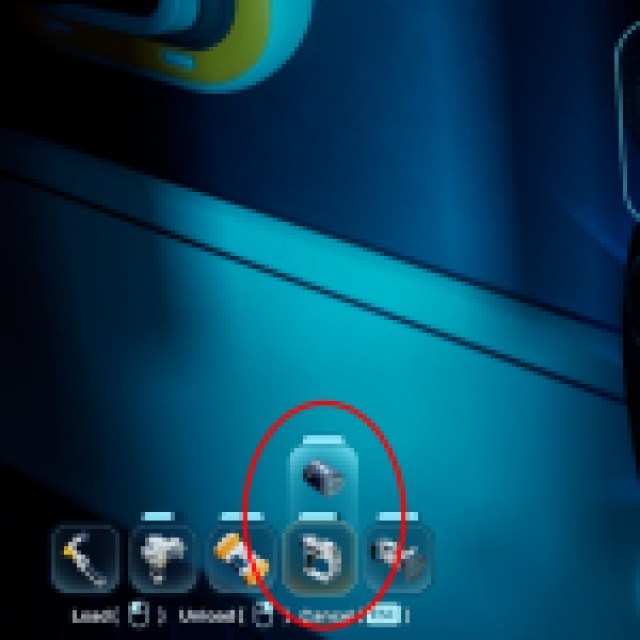
When you equip your tools like the Scanner, you’ll see an unload hotkey if it is empty or if you just press “R.” Once you unload the battery, it’ll remove the Basic Battery equipped to the tool, and it will drop it. You’ll automatically pick it up, but only if you have enough space in your inventory.
If the Basic Battery or tool is empty, it’ll show up without the bar in your inventory. Craft another Basic Battery, which should have a full charge, and bring out your tool again. Press “R” and click the left mouse button, or just use the “load” hotkey to place the new Basic Battery inside. This is the main way to reload any of your tools that use a Basic Battery.
To craft extra Basic Batteries, you just need 2x Copper and 1x Acidic Raion Pouch. Now, what do you do with the dead batteries? Well, you can actually recharge those Basic Batteries, so you don’t have to craft a new one every time your tool runs out of juice.
How to Charge Batteries in Subnautica 2
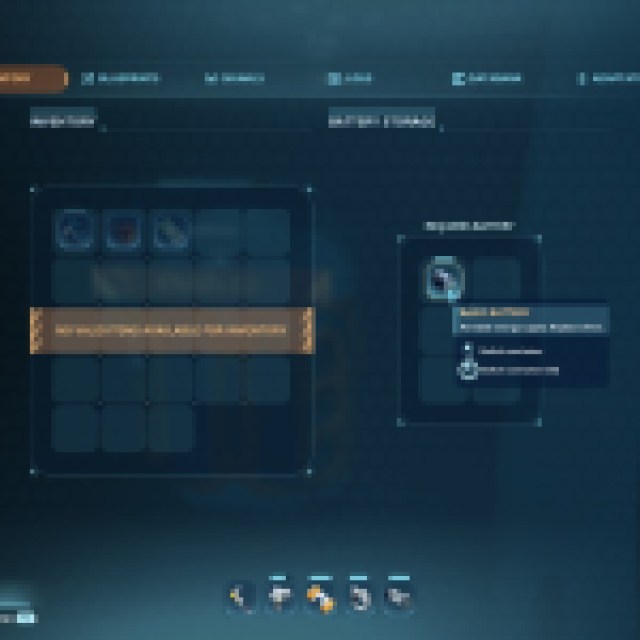
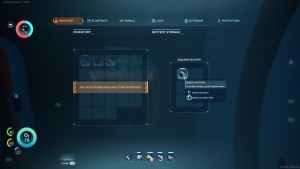
To charge Basic Batteries, you must unlock the Battery Terminal. If you have the blueprint, you can find it under the Interior Facilities category and the power subcategory. A Battery Terminal requires 2x Titanium, 2x Quartz, and 1x Copper Wire to build, and you can place it on a wall, similar to a Fabricator.
If you don’t have the blueprint, go to the Alterra bases or Cicada wreckages (maybe even some Blackbox locations) to find some Battery Terminals and use your Scanner until you unlock the blueprint.
Once you have the Battery Terminal, place your empty Basic Batteries inside and wait for them to fully charge. When the Basic Batteries are empty, the bar should disappear, but when they are placed inside the Battery Terminal, the bar should reappear and slowly recharge.
Place enough extra Basic Batteries so your tools never run out of juice. There are several tools that use batteries, like the Habitat Builder, Scanner, Sonic Resonator, and the Wakemaker. In case of an emergency when exploring, you can even freely swap batteries from other tools in the meantime.


