
How to Get More Storage and Inventory Space in Subnautica 2
Inventory management is a pain at the start.

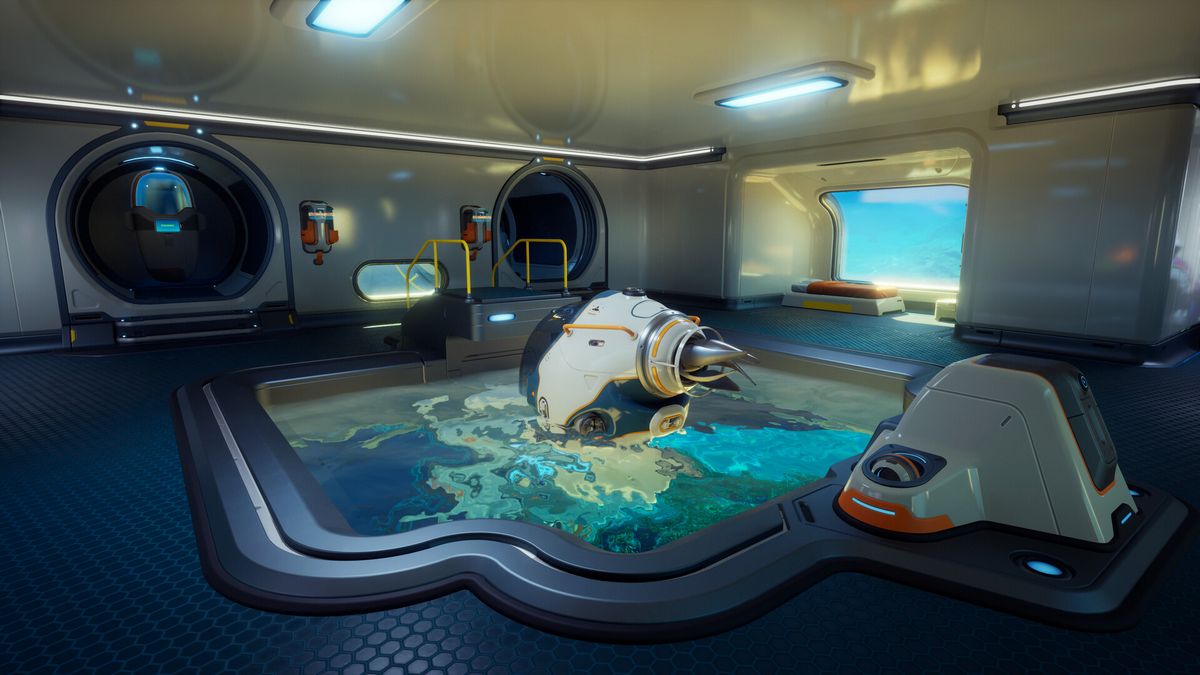
In Subnautica 2, one of the earliest challenges you’ll face is managing your inventory space and storage. Resources don’t stack here, so each item takes up a slot, which will make life extremely difficult.
However, there’s a way to expand your inventory space and also get storage containers, but you’ve got some work to do to get them and expand your storage space. So, here’s how to unlock more inventory space in Subnautica 2.
How to Build Storage Containers in Subnautica 2
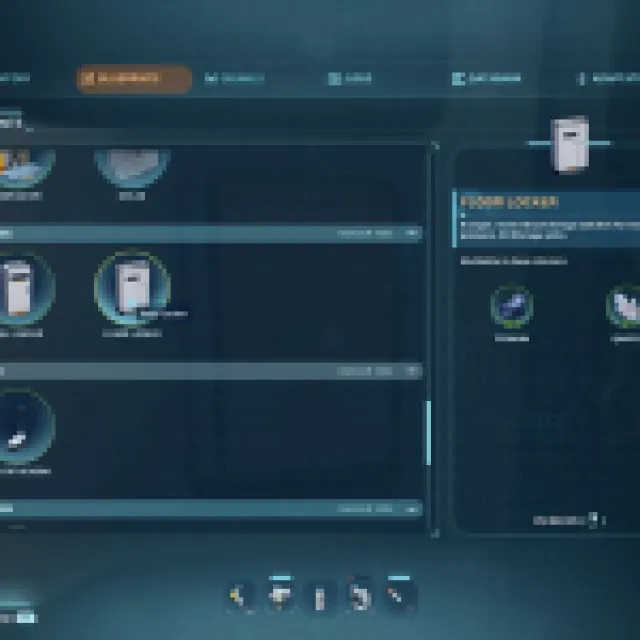
To start building storage containers, you’ll need to craft the Habitat Builder tool in the Fabricator first. The craft requires 2x Titanium, 1x Glass, 1x Basic Battery, and 1x Copper Wire. These are all basic resources found early and around your Lifepod. However, you’ll also need to roam around abandoned habitats with a Scanner to scan Habitat Builders and unlock the blueprint for it, which also means you need to craft a Scanner using 2x Titanium, 2x Quartz, and 1x Basic Battery (blueprint is automatically learned at the start).
Once you have your Habitat Builder, equip it and open the build menu.
Under Interior Facilities, you’ll find these early storage recipes:
- Wall Locker (20 item slots) – 2x Titanium
- Floor Locker (30 item slots) – 3x Titanium and 1x Quartz
You’ll unlock these Wall Lockers or Floor Lockers recipes by scanning them in other abandoned habitats. You’ll find one through the main objective, where you have to look for Blackbox – Chap in one of the habitats. Just look around and scan every scannable object.
Under Utility, you’ll find a Portable Locker (15 item slots) that requires only 4x Titanium to craft. You can also find some Portable Lockers around abandoned habitats or other closed locations, but quite rare. Anyway, once you unlock the blueprint, they are very easy to craft. These aren’t good for base storage since they not only hold fewer item slots, but they are also hard to organize.
How to Increase Inventory Space in Subnautica 2
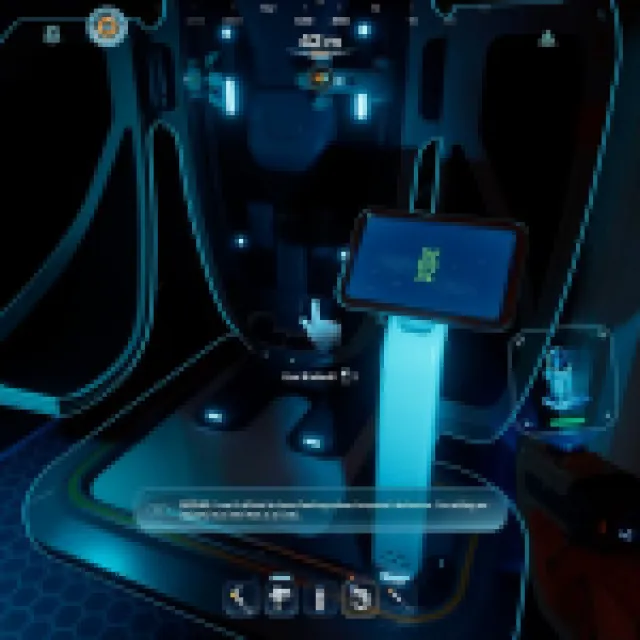
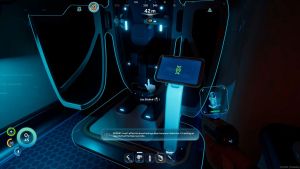
To increase your inventory space, you’ll just need to progress and explore more. In one of the early signal points, specifically the Blackbox – Chap, you’ll find a Biobed inside. Interact with it, and it’ll unlock an endurance adaptation and expand your inventory space by three slots.


