
How to Order Prospects to Stop Mining in Dawn Apart
Why mine when you can automate it.


Dawn Apart’s tutorial section doesn’t hold your hand as much as it could. It gives you tasks so you can learn about things like mining and constructing. However, there are some actions or commands it doesn’t teach you, like stopping your workers from doing a specific task.
With all the buttons on the screen, you might feel overwhelmed looking for whatever command you need. Here’s a short guide on how to order your prospects to stop mining or any other task in Dawn Apart.
How to Command Your Workers to Stop Mining in Dawn Apart
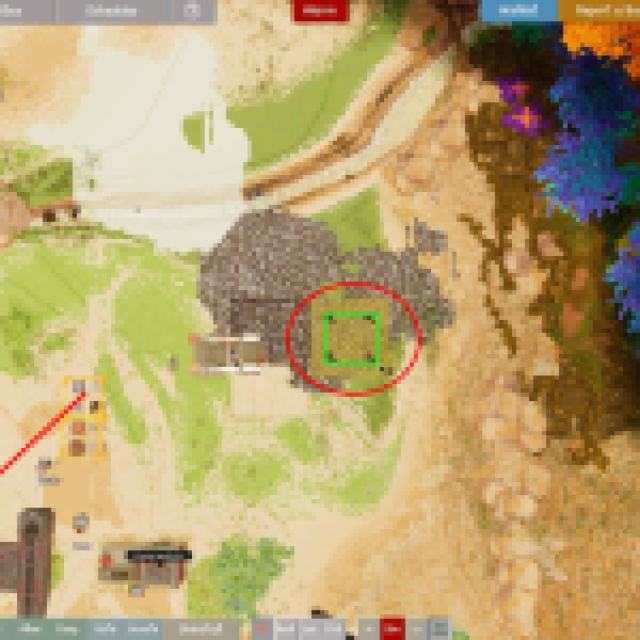
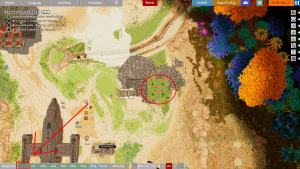
When you command your prospects or workers to mine a specific mineral node, you’ll see the pickaxe icon highlighted in yellow on the surface. Since these deposits don’t exactly disappear, those workers will continue mining indefinitely as long as the order is there.
To order them to stop, look for the “Clear” button in the lower-left corner of your screen. Click it and then select all the highlighted mining areas, as seen in the image above. This should clear the mining command, including other commands like chopping trees and more.
The tutorial doesn’t really teach you these commands; it just throws you tasks of what to mine, craft, and automate. There’s a lot to learn, so you should keep these features or commands in mind. Your prospects will need constant manual intervention because they have a “needs” system.
If they overwork themselves or get sick, you’ll want to keep them rested, and stopping them from doing tasks like mining is one of them.


