
How to Get the Subnautica 2 Twitch Drops
Pretty lax requirements!

Subnautica 2 has finally launched into early access and is already one of the biggest releases of 2026, already selling a million copies. To celebrate its launch, Unknown Worlds Entertainment has partnered with Twitch for a few campaigns, and here is how you can claim the Subnautica 2 drops.
Subnautica 2 Twitch Drops
Currently, there are three Twitch drops campaigns active for Subnautica 2, each with unique prizes either for in-game use or the Twitch platform.
| Campaign | Reward | Image | Total watched minutes required / Condition |
|---|---|---|---|
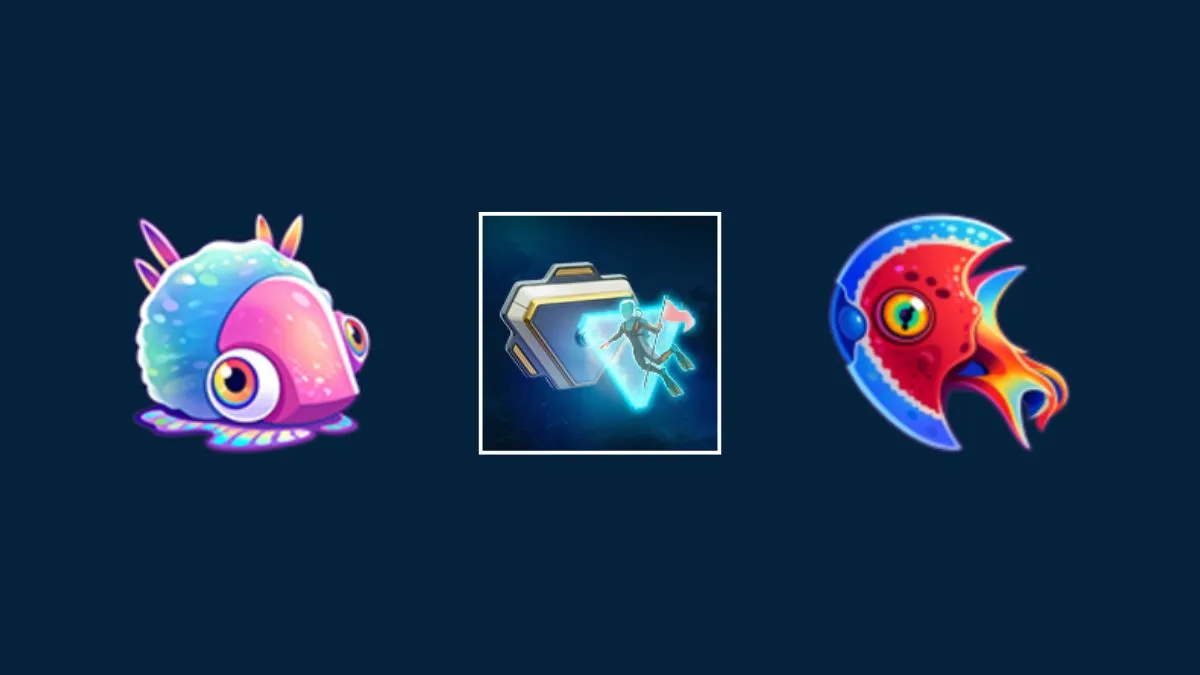
| Subnautica 2 Early Access | Pioneer Hull Plate |  | 15 Minutes |
| Subnautica 2 Launch | Halfmoon Emote |  | 15 Minutes |
| Waterslug | Waterslug Badge |  | Purchase 1 new recurring or gift subscription |
Only the Pioneer Hull Plate reward is something you’ll actually redeem in-game, while the other two campaign drops, the badge and emote, are for the Twitch platform itself. Keep in mind that Prime Subscriptions are not eligible for the Waterslug Badge.
Outside the paid requirement for the Waterslug Badge, the other drops only have a 15-minute requirement, which is usually an hour for most campaigns, and a fairly relaxed schedule.
Subnautica 2 Twitch Drops Schedule
| Campaign | Reward |
|---|---|
| Subnautica 2 Early Access | May 14, 2026 – May 29, 2026 |
| Subnautica 2 Launch | May 14, 2026 – May 21, 2026 |
| Waterslug | May 14, 2026 – May 21, 2026 |
How to Claim Twitch Drops for Subnautica 2
To claim the in-game item drop, you must connect your Subnautica 2 to Twitch.
- Launch Subnautica 2 and head over to the Debug / Info tab in Settings.
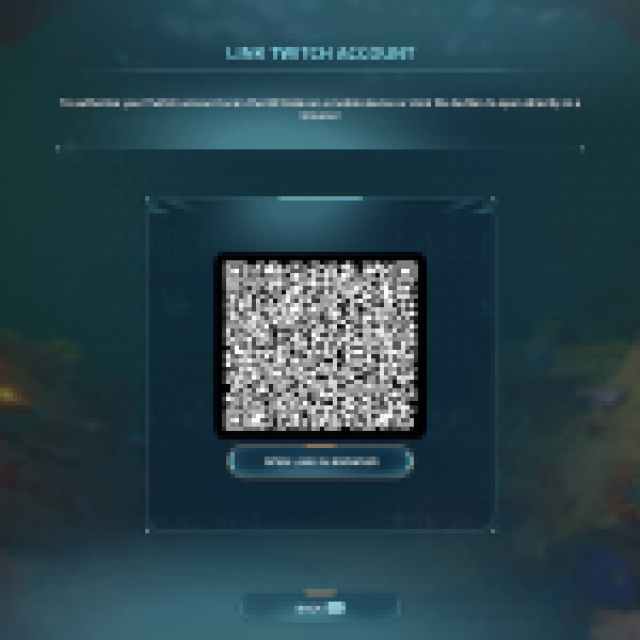
- Scroll down a bit and under the Twitch heading, click on the Link Twitch Account button.
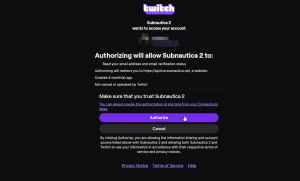
- This will allow you to access the connection page (either by opening the link or scanning the QR code).
- Once the accounts are linked, head over to any Subnautica 2 Stream on Twitch with drops enabled. It needs to be a participating stream.
- Watch the Stream (or put it on in the background) for the specified time. You only need to watch 15 minutes in total to get the two items.
- You can keep track of the drop progress in your Twitch inventory.
- Once you have watched the specified time, you’ll see the Claim Now button on the same page over the items
- After you’ve hit the claim button, open Subnautica 2 and head back to the menu and click “Check Twitch Drops”.
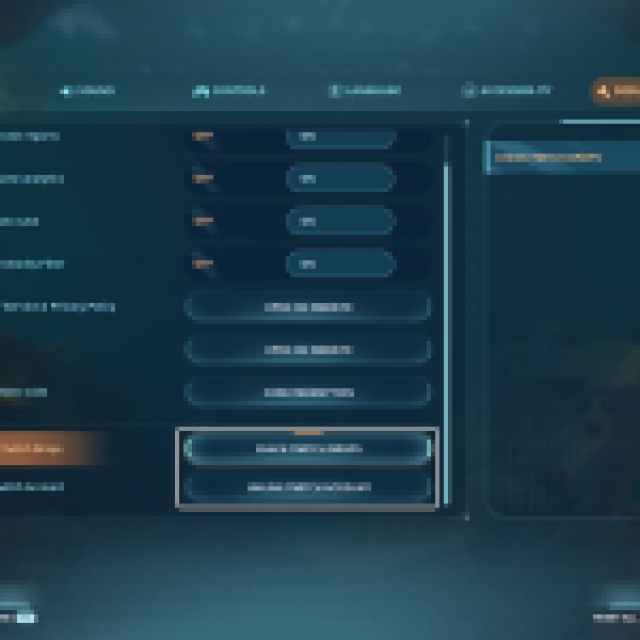
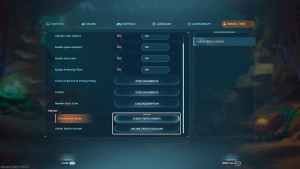
If you ever switch Twitch accounts, you can unlink the existing one and connect a new one from the same menu. I’m sure that the developers will continue launching more campaigns throughout early access. Currently, there is only one actual drop, the Pioneer Hull Plate. Speaking of, make sure to increase your inventory space for any future drops as well.


