
How To Get the Fellowship Twitch Drops
Shiny.

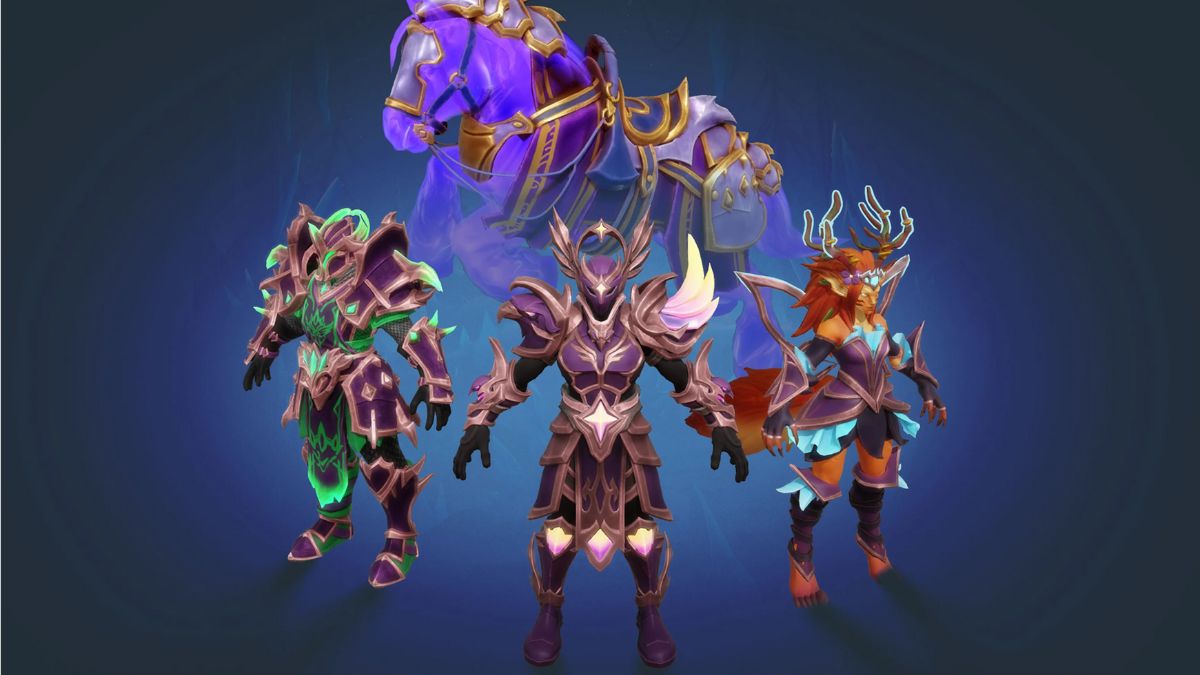
After a rocky launch, Fellowship is finally in a more playable state as it begins its early access journey on Steam. The dungeon-focused MMO has strong potential to find its audience on PC, and to celebrate its launch, the developers have partnered with Twitch for a drops campaign.
Here is how you can get the Fellowship Twitch drops and add a few customization items for your characters and mount.
Fellowship Twitch Drops
Currently, the Early Access Launch campaign for Fellowship is live on Twitch and has the following rewards:
| Item | Item Image | Total watched minutes required |
|---|---|---|
| Observer’s Platemail | 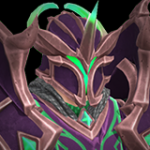 | 15 Minutes |
| Seeker’s Remnants | 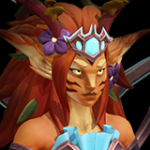 | 30 Minutes |
| Skygazer’s Regalia | 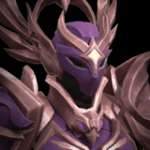 | 60 Minutes (1 Hour) |
| Scryer’s Warhorse |  | 120 Minutes (2 Hours) |
Fellowship Twitch Drops Schedule
The current Fellowship Drop campaign is available from October 16, 2025, to November 6, 2025. That’s around 20 days, which is more than enough time to spare two hours for the watchtime requirement.
How to Claim Twitch Drops for Fellowship
To participate in the Twitch campaign, you need to link your Arc account with Twitch and watch streams with drops enabled for the specified time.
- Launch Fellowship from Steam and verify your email for your Arc account.
- Next, head over to the following link to link your Arc account with your Twitch account.
- After you’re done, head over to any Fellowship stream with drops enabled and watch the Stream (or put it on in the background) for the specified time. You need to watch for a total of two hours, not necessarily in a single session.
- You can keep track of the drop progress in your Twitch inventory.
- Once you have watched the specified time, you’ll see the Claim Now button on the same page over the items. Claim each item.
Once you have claimed the items, launch Fellowship and head over to the Cosmetics station for the armors and the Stablemaster for the mount armor.
A few things to keep in mind about this drop:
- You can’t link multiple accounts to Twitch. Each Arc account can only be connected to one Twitch account.
- You can’t earn the drops faster by watching multiple streams.
If you’d like to see more helpful guides, news, or features from Prima Games, please consider adding us to your preferred sources.


