
Hollow Knight Silksong Save File Location for PC
Shaw files!

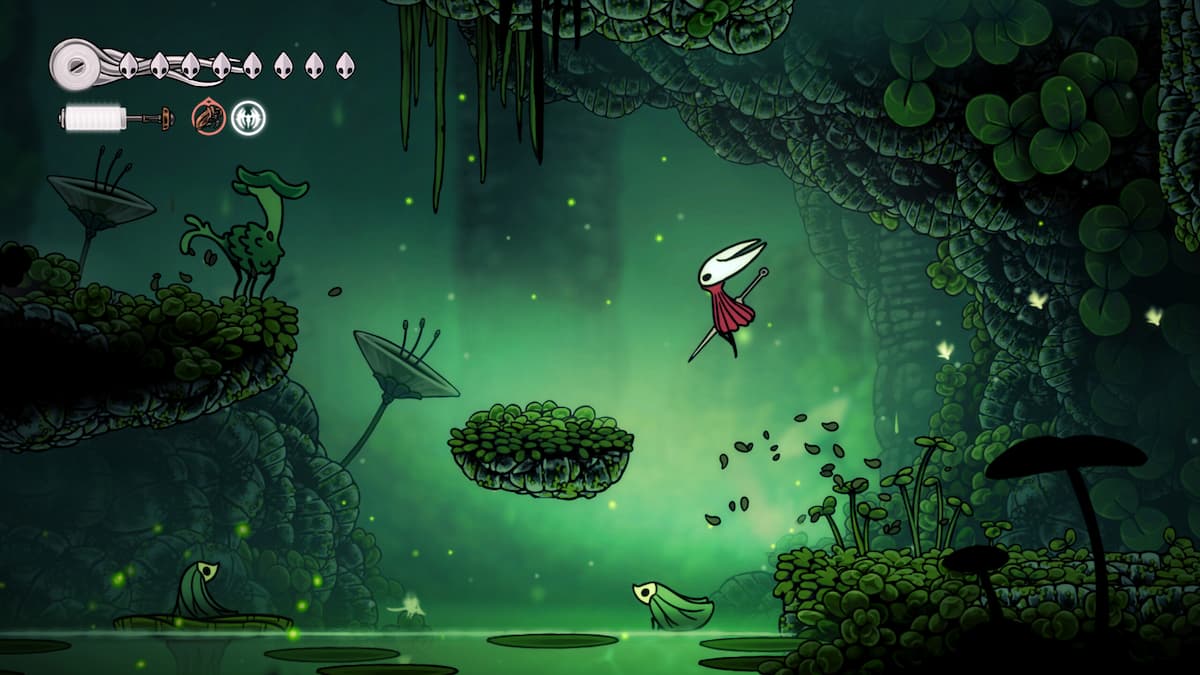
Hollow Knight: Silksong is now available on PC and consoles after nearly seven years of development. The sequel to the beloved modern classic is equally impressive so far, with new mechanics and an unmatched level of polish. It also supports cloud saves on PC, along with several Steam features.
If you want to locate your local progress data for Hollow Knight: Silksong on PC, here is the save file location.
Hollow Knight Silksong Save File Location
| Client | Save File Location |
|---|---|
| Steam | C:\Users\[Windows Username]\AppData\LocalLow\Team Cherry\Hollow Knight Silksong |
| GOG | C:\Users\[Windows Username]\AppData\LocalLow\Team Cherry\Hollow Knight Silksong |
| Mac | ~/Library/Application Support/unity.Team-Cherry.Silksong/ |
| Linux | ~/.config/unity3d/Team Cherry/Hollow Knight Silksong/ |
Both the Steam and GOG versions have the save data in the same location as above. The Team Cherry folder also contains a folder for Hollow Knight, but if you just want to back up the data for the sequel, copy the Hollow Knight Silksong folder instead.
You can access the main folder by entering the following shortcut address in Windows Run or Explorer as well:
%USERPROFILE%\AppData\LocalLow\Team Cherry\Hollow Knight Silksong
Just like the first one, you can find individual files for the individual save slots, but I recommend backing up the entire folder just to be on the safe side.
Does Hollow Knight Silksong Have Multiple Save Slots?
Yes, Hollow Knight: Silksong has multiple save slots available, meaning you can have more than one active profile.
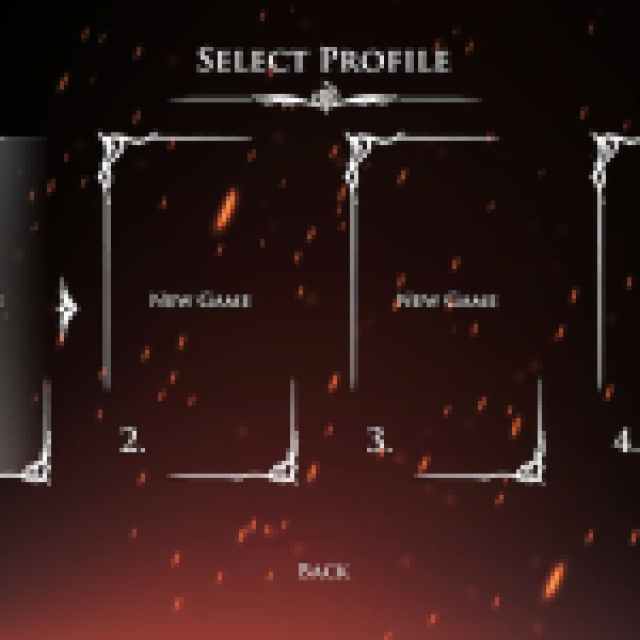

This is especially useful if you want to do a challenge run or don’t want to mess up your main profile. You can switch between these from the main menu at any time.
Does Hollow Knight Silksong Have Cloud Saves?
Yes, Hollow Knight: Silksong has support for cloud saves on both Steam and GOG.
On Steam, Hollow Knight: Silking has support for the following as well:
- Family Share: Members of your Steam Family can access Hollow Knight: Silkong in their libraries as well.
- Steam Input: If you aren’t using a PlayStation or Xbox controller, you can use Steam Input to play with whatever is plugged in.
- Steam Trading Cards: You can unlock different trading cards in Steam while playing the game that can be used to craft badges or be sold on the Steam marketplace.
Hollow Knight: Silksong is also verified for the Steam Deck and runs pretty well on it. Thanks to Steam Cloud, you can pick up your progress on the Deck and enjoy the game on multiple devices.
If you’d like to see more helpful guides, news, or features from Prima Games, please consider adding us to your preferred sources (available to users in the US or India). This new feature will enable you to see more of us in your search results and news feeds, and will greatly help us navigate these difficult times in gaming media. We thank you, dear readers!


