
How To Fix the Hytale Download Stuck Launcher Error
LET ME IN!


Hytale is one of the biggest releases of the year and has a decade of hype building up behind its launch. With that, it’s easy to see why everyone is trying to get into the game and start playing now that it’s officially out in early access.
If your download is stuck and you’re getting a generic error in the Hytale launcher, here is what you can do to fix that.
Fix the Hytale Download Stuck Launcher Error
If you’re trying to download Hytale and the progress is stuck at some random value, or you get an error followed by a “Relaunch” button, here are a few things you can do to fix that.
Restart the Launcher
- If your progress is completely stuck at a certain value, press the cancel button and start over. In most cases, it should reach the same point again and hopefully continue progressing.
- If you get an error with a “Relaunch” button, click that instead. You may need to do this a few times, but it usually resumes from the last point after relaunching.
- You can also fully close the Hytale launcher and open it again to see if that improves things.
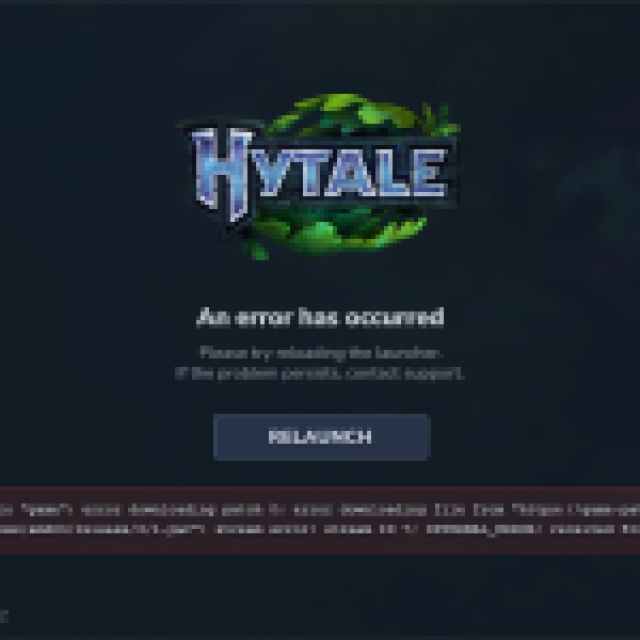

Since Hytale wasn’t available, everyone is trying to download and get in at the same time, which is clearly a bit much for the servers. The developers are aware of this issue as well and have provided the same recommendation.
It’s mostly a matter of patience; I was eventually able to get in after restarting the launcher around 10 times.
Generic Troubleshooting
That said, it’s possible that you aren’t able to download Hytale due to a network issue. You can try the following generic network troubleshooting suggestions.
- Try a different connection if there is no download progress at all.
- Restart your modem or router.
- Reset your internet connection in Windows.
- Unplug your Ethernet cable, restart your PC, and replug the cable.
- Flush Your DNS
- Run the Command Prompt as an administrator
- Enter the command: ipconfig /flushdns
- Restart your PC
For most PC players, though, these shouldn’t be necessary, especially if you were able to download the launcher. If you’re tired of the constant errors, I recommend downloading the game in a couple of hours when the servers aren’t that hammered.


