
Dying Light The Beast Complete Controls for PC and Controller
Press F to throw weapon.

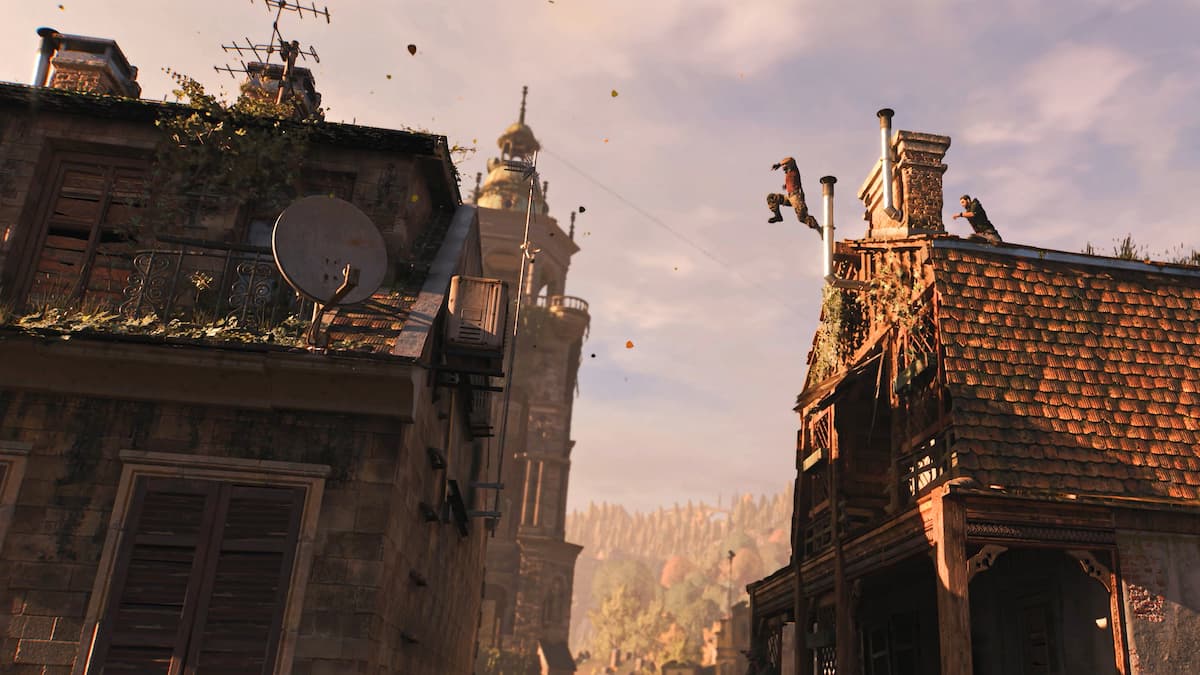
Dying Light: The Beast is an actual sequel to the original release, featuring the return of Kyle Crane with plenty of new tricks up his sleeve. Returning players will feel right at home while running off rooftops and kicking biters, but there are several new mechanics added into the mix.
For your reference, here are the complete controls for Dying Light: The Beast, no matter what input type you’re playing with on PC or consoles.
Dying Light The Beast Complete Controls for PC
Here are the complete controls for Dying Light: The Beast if you are playing it on keyboard and mouse.
| Action | Input |
|---|---|
| Move Forward | W |
| Move Backward | S |
| Move Left | A |
| Move Right | D |
| Crouch | C |
| Jump | Space |
| Walk | X |
| Sprinting (Dash and Afterboost) | Shift |
| Grappling Hook (Expert) | Alt |
| Use Accessory | Middle Mouse Button |
| Loot / Interact / Weapon Throw / Finisher | F |
| Trade / Interact (alternative) | R |
| Survivor Sense | Q |
| Look Back | Caps Lock |
| Attack | Left Mouse Button |
| Aim / Block | Right Mouse Button |
| Kick | E |
| Reload | R |
| Binoculars | B |
| Check the watch | N |
| Flashlight | T |
| Use consumable | H |
| Next Equipment | Scroll Wheel Down |
| Previous Equipment | Scroll Wheel Up |
| Drop Item | Backspace |
| Cycle Equipment | 1 |
| Cycle Consumables | 2 |
| Cycle Weapons | 3 |
| Extended HUD | Tab |
| Inventory Menu | I |
| Map Menu | M |
| Journal | J |
| Skill Menu | U |
| Crafting | O |
| Collections | K |
Dying Light The Beast Complete Controls for Controller
Here are the complete controls for Dying Light: The Beast if you’re playing on an Xbox or PlayStation controller.
| Action | Xbox | PlayStation |
|---|---|---|
| Jump | RB | R1 |
| Attack | RT | R2 |
| Use Equipment | LB | L1 |
| Block / Aim | LT | L2 |
| Kick | A | X |
| Crouch | B | Circle |
| Use / Reload / Use Consumable (Hold) | X | Square |
| Look Back / Turn Back | Y | Triangle |
| Move Forward / Backward | Left Stick (Up and Down) | Left Stick (Up and Down) |
| Sprinting | LS | L3 |
| Strafe Left / Right | Left Stick (Left and Right) | Left Stick (Left and Right) |
| Look Up / Down | Right Stick (Up and Down) | Right Stick (Up and Down) |
| Survivor Sense | RS | R3 |
| Look Left / Right | Right Stick (Left and Right) | Right Stick (Left and Right) |
| Cycle Consumables | D-Pad Up | D-Pad Up |
| Toggle Flashlight | D-Pad Down | D-Pad Down |
| Accessories | D-Pad Left | D-Pad Left |
| Cycle Weapons | D-Pad Right | D-Pad Right |
| Player Menu | View Button | Touchpad |
| Pause Menu | Menu Button | Options Button |
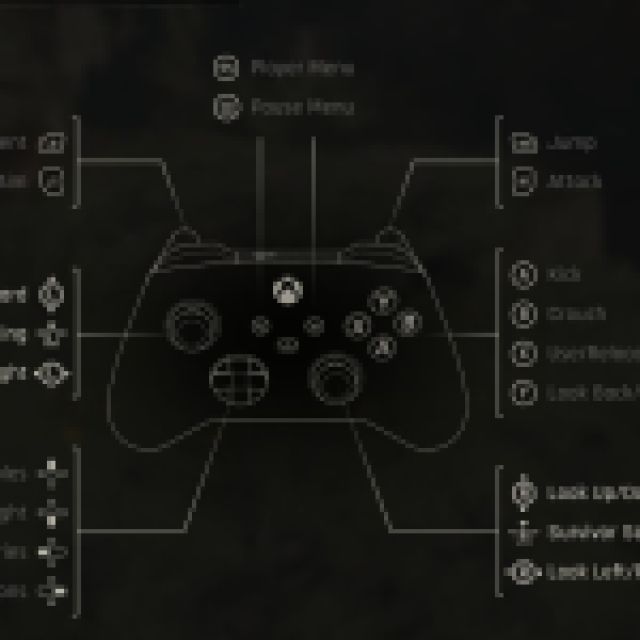
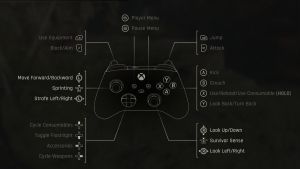
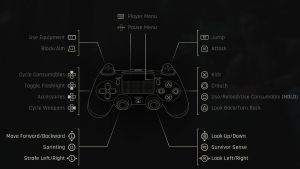
It has correct in-game prompts for both Xbox and PlayStation controllers as well.
Can you Remap Controls in Dying Light The Beast?
The keyboard and mouse controls can be remapped in Dying Light: The Beast. However, when it comes to controllers, you can only select from a limited number of available presets. It’s better than nothing, though I’d wish if the developers extended remapping to controllers as well.
Fix Dying Light The Beast Controller Issues on PC
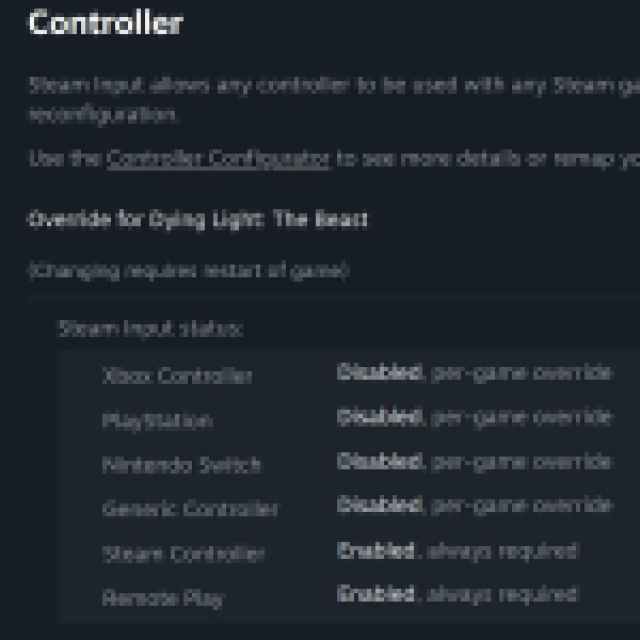
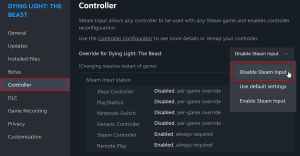
Dying Light: The Beast offers native support for Xbox and PlayStation controllers on PC, allowing developers to set up individual profiles for each controller type. If your DualShock 4 or DualSense isn’t working, however, this means that you need to disable Steam Input so that the correct profiles are loaded instead.
- Make sure Dying Light: The Beast isn’t running.
- Open Steam and navigate to your library.
- Here, right-click on Dying Light: The Beast and select Properties.
- In the Controller tab, select the Disable Steam Input option under Override for Dying Light: The Beast.
Dying Light: The Beast is another entry in the series where player freedom continues to shine and there is a wealth of traversal options which feel accessible and intuitive, whether you’re on a pad or keyboard and mouse.


