
How To Get The Division 2 X PAYDAY Twitch Drops
Alright ramblers, let’s get rambling!


The Division 2 and PAYDAY have teamed up for a collaboration event featuring new cosmetics to unlock, including masks and outfits. The event isn’t limited to in-game rewards, as Ubisoft has also partnered with Twitch for exclusive limited-time drops tied to the collaboration.
Here is how you can earn these Division 2 X PAYDAY Twitch drops that include several cosmetics and item caches.
The Division 2 X PAYDAY Twitch Drops
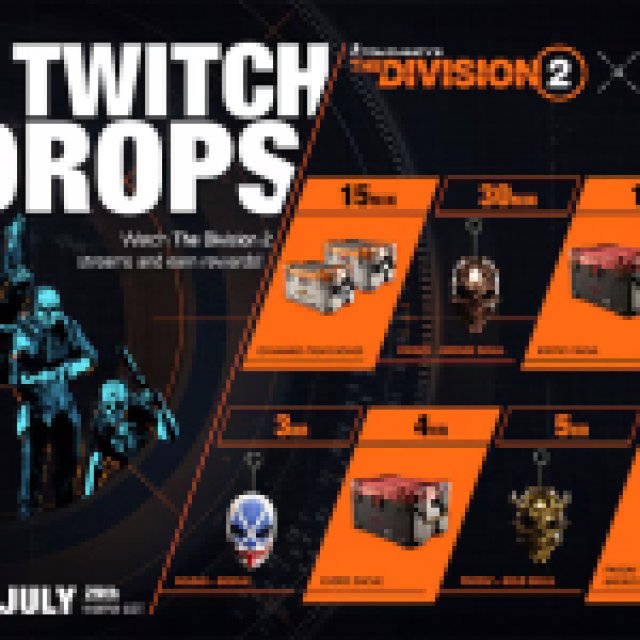
The Division 2 X PAYDAY campaign has the following drops:
| Item | Item Image | Total watched minutes required |
|---|---|---|
| Named Item Cache x2 | 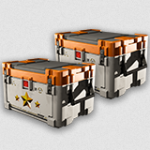 | 15 Minutes |
| Payday Bronze Skull Backpack Trophy |  | 30 Minutes |
| Exotic Cache | 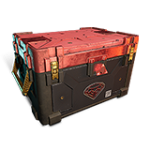 | 60 Minutes (1 Hour) |
| Payday Latex Gloves | 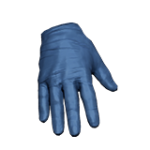 | 120 Minutes (2 Hours) |
| Payday Bonnie Mask Backpack Trophy | 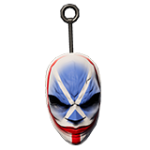 | 180 Minutes (3 Hours) |
| Exotic Cache | | 240 Minutes (4 Hours) |
| Payday Gold Skull Backpack Trophy |  | 300 Minutes (5 Hours) |
| Payday Bronze Skull Mask |  | 360 Minutes (6 Hours) |
In total, you need to watch six hours or 360 minutes to unlock everything from this collaboration event, including two named and two exotic caches. There’s a nice variety of cosmetic content, with the Bronze Mask as the final reward.
The Division 2 X PAYDAY Twitch Drops Schedule
The Division 2 X PAYDAY Twitch Drop campaign is available from July 15, 2025, to July 29, 2025. This gives you around two weeks to get everything, which is more than achievable given the total required minutes.

How to Claim Twitch Drops for The Division 2
You need to connect your Ubisoft account with Twitch to become eligible for these rewards and the campaign itself.
- Head over to the following link to both accounts, Ubisoft and Twitch.
- Once you’ve linked your Ubisoft and Twitch accounts, head over to any Division 2 stream with drops enabled and watch the Stream (or put it on in the background) for the specified time, a total of 360 minutes if you want everything.
- You can keep track of the drop progress in your Twitch inventory. If the progress bar doesn’t update automatically, refresh the page.
- Once you have watched the specified time, you’ll see the Claim Now button on the same page over the items one by one.
- After you claim the items, they will show up in your inventory.
This is just one mask from this PAYDAY collaboration; there are six more masks you can obtain during this event in The Division 2.


