
Death Stranding 2 Save File Location for PC
Keep on keeping on!

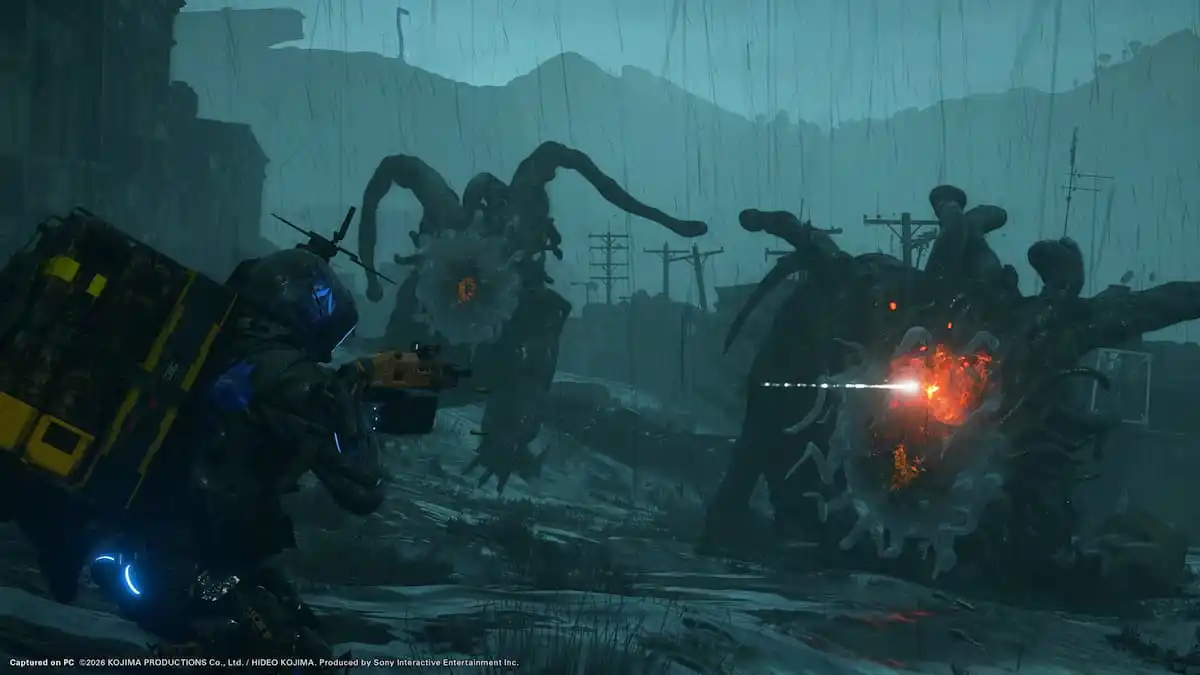
After a year of exclusivity, Death Stranding 2: On the Beach is out now on PC through Steam and the Epic Games Store. It’s another fantastic port co-developed by Nixxes and Kojima Productions that performs well and has tons of settings to fine-tune.
If you’re looking for your local game progress data, though, here is the save file location for Death Stranding 2: On the Beach on PC.
Death Stranding 2 Save File Location
| Client | Save File Location |
|---|---|
| Steam | C:\Users\USERNAME\Documents\DEATH STRANDING 2 – ON THE BEACH\ |
| Epic Games Launcher | C:\Users\USERNAME\Documents\DEATH STRANDING 2 – ON THE BEACH\ |
Inside the DEATH STRANDING 2 – ON THE BEACH within Documents, you’ll find a subfolder with a long number or a combination of letters and numbers. For ease of use, I recommend backing up the entire DEATH STRANDING 2 – ON THE BEACH folder. You can quickly access the same location by entering the following address in Windows Run or Explorer:
%USERPROFILE%\documents\DEATH STRANDING 2 - ON THE BEACH\
Can You Transfer Death Stranding 2 PS5 Saves to PC?
No, it’s not possible to transfer save data of Death Stranding 2 from PS5 to PC, or vice versa. Each platform will have its specific progress. However, you will see activity from both PS5 and PC players since the game uses the same servers for both platforms.
Does Death Stranding 2 Have Multiple Save Slots?
Yes, you can create multiple active slots in Death Stranding 2: On the Beach by making use of manual saves.
Death Stranding 2 Steam Features
On Steam, Death Stranding 2: On the Beach makes use of several client features, including the following:
- Steam Cloud: Your progress is automatically uploaded to the Steam Cloud after you close the title, and it is downloaded again if you access the game on a different device.
- Steam Family Sharing: If you own a copy of Death Stranding 2: On the Beach, members of your Steam family can access it in their libraries.
- Steam Input: While the game has native support for multiple controllers, including DualSense and its Haptic Feedback and Adaptive Triggers, you can always use Steam Input to get third-party controllers to work without much trouble.
Death Stranding 2 Supported Languages on PC
| Interface | Full Audio | Subtitles | |
| English | ✅ | ✅ | ✅ |
| French | ✅ | ✅ | ✅ |
| Italian | ✅ | ✅ | ✅ |
| German | ✅ | ✅ | ✅ |
| Spanish – Spain | ✅ | ✅ | ✅ |
| Arabic | ✅ | ✅ | |
| Czech | ✅ | ✅ | |
| Dutch | ✅ | ✅ | |
| Greek | ✅ | ✅ | |
| Japanese | ✅ | ✅ | ✅ |
| Korean | ✅ | ✅ | |
| Polish | ✅ | ✅ | ✅ |
| Portuguese – Brazil | ✅ | ✅ | ✅ |
| Portuguese – Portugal | ✅ | ✅ | ✅ |
| Russian | ✅ | ✅ | ✅ |
| Simplified Chinese | ✅ | ✅ | ✅ |
| Spanish – Latin America | ✅ | ✅ | ✅ |
| Traditional Chinese | ✅ | ✅ |
It’s clear that Kojima Productions and Nixxes worked closely on porting this title to PC, and the results are quite positive.


