
Complete Guide to Mecha BREAK’s Marketplace
Pay to look cool!


Mecha BREAK’s rich game modes, like Mashmak, make it a no-brainer to have a player-driven marketplace. With all the items, mods, and cosmetics, it’ll be hard to understand how to use the marketplace and what to sell, but everyone will need to learn how to use it.
The marketplace is quite simple once you know the terms and how to interact with it. If you are having trouble with those actions, here’s your one-stop guide to learning Mecha BREAK’s marketplace.
Sellable vs Matrix Marketplace Tags in Mecha BREAK, Explained
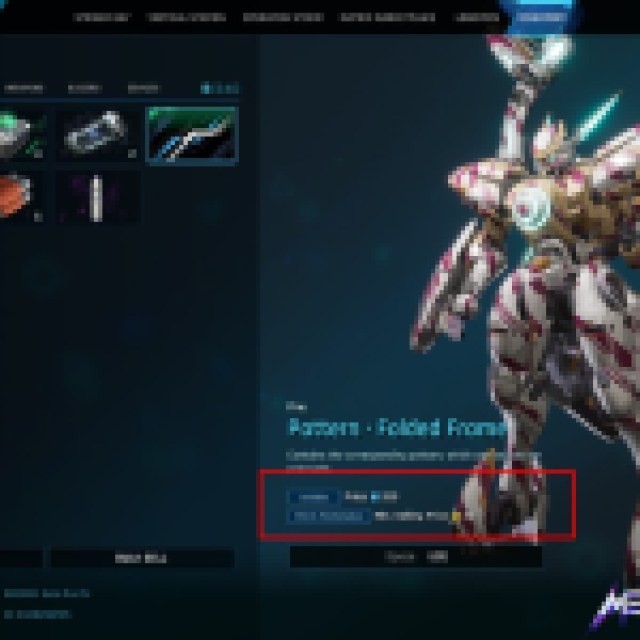
Firstly, you’ll need to know the difference between the Sellable and the Matrix Marketplace. When you look at your items, such as cases, mods, weapons, and all the other types, you’ll encounter the tags “Sellable” and “Matrix Marketplace.”
Sellable means you can sell the item to get Matrix Credit, which is the basic currency used in the Mashmak game mode. You’ll use the Matrix Credit mostly to do Airdrop Research, Airdrop Paint Jobs, Mods, and Matrix Supplies for the Operation Storm – Mashmak mode.
You’ll also notice most of the items with the “Sellable” tag come from items you find in Mashmak mode, which is a loop that takes you around the whole PvPvE system in Operation Storm – farm, sell items, buy items, research, and farm again.
Items with the Matrix Marketplace tags are the ones you sell in there. Some of these items could also have the “Sellable” tag, which means you can flip them for Matrix Credits. However, you’ll want to sell them in the Matrix Marketplace because it deals in Corite, which is the premium currency in the game. Technically, you can get some of these Corites by playing for free, which you can use to get some premium cosmetics, so keep that in mind.
How to Sell Items in the Matrix Marketplace in Mecha BREAK


Now that you know what items you can sell or not, here’s how to list them for sale. To list items in the Matrix Marketplace, go to the Matrix Marketplace tab and go to the “My Listings” tab.
Under this tab, you’ll see all your currently listed items, but in the lower-right corner of your screen, you’ll see the “Sell” and “Auction” buttons.
Pressing either one will take you to your inventory page with all the items with the “Matrix Marketplace” tag. The sell feature will list the current item for sale at a specific price, which is better for hot commodities like extremely rare cosmetics and mods.
You can also choose to auction your item, which will put it in the marketplace, giving everybody a chance to bid on it. You can end up selling it for less, which is why you might want to avoid auctioning items. Auctioning is only good for items that fluctuate in value, but are not that valuable, so it can save you some research time and auction them off.
Note: There are Matrix Marketplace items with a minimum selling price, which is probably there because they are also being sold in the Logistics cosmetics shop for that price.
How to Bid for Items in the Matrix Marketplace in Mecha Break
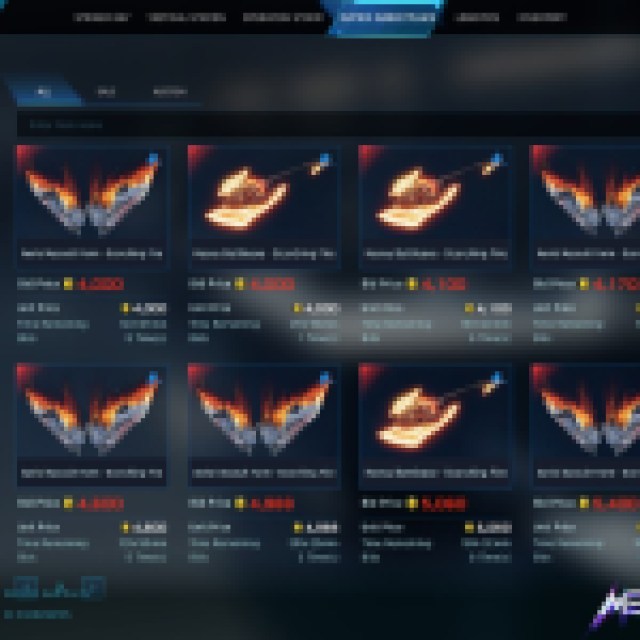
To bid for items, you simply go to the Matrix Marketplace and browse through all the skins, patterns, paints, mods, styles, and everything you can find on the page.
If you are looking for some great deals from someone who auctioned a rare piece with no bidders, you can go to the specific category you are looking for, such as skins, and select the “Auction” tab to filter out the non-auctioned items. There’s no sorting for which has the lowest time remaining, so there won’t be any auction sniping here unless you really look for one and keep track of it manually.
Once you find something you want, select it, and it’ll show you a page with the unit price. Use the bid button in the lower left corner of your screen and hope you end up with the item when the timer runs out.


