
Mortal Shell 2 Save File Location on PC
Shells.

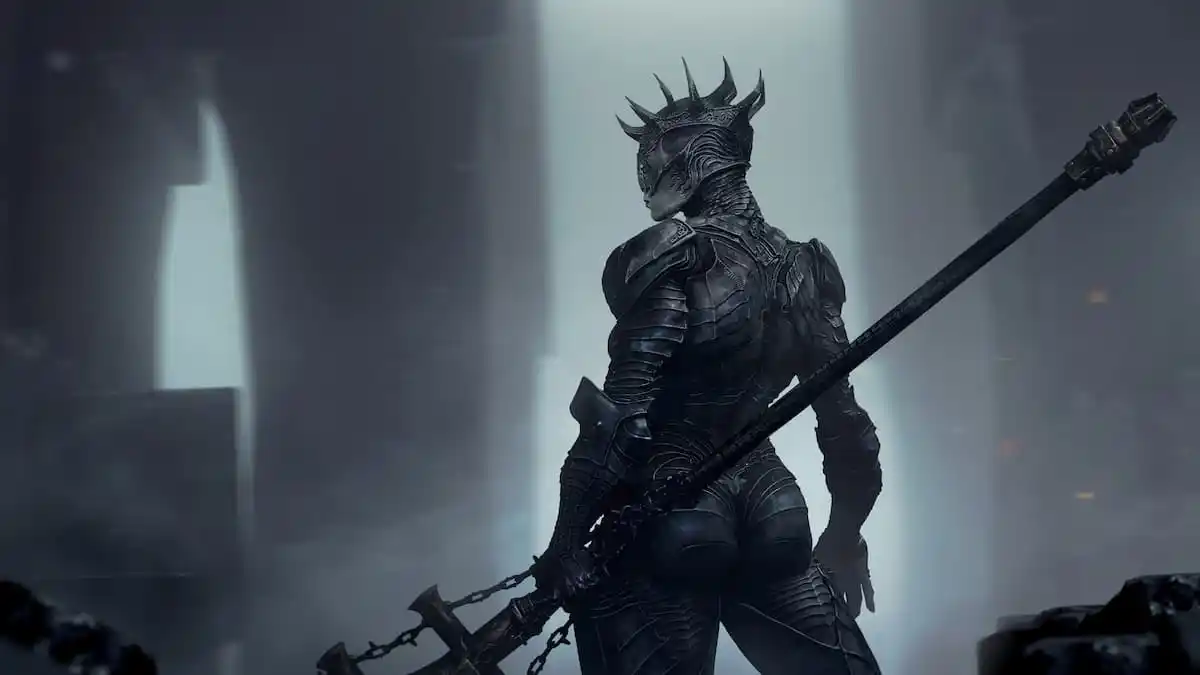
Mortal Shell 2 is now available in early access on PC and consoles. The PC version has a lot to like, with tons of options to tweak and solid performance throughout the soulslike adventure. If you’re looking for your local progress data, though, here is the Mortal Shell 2 save file location.
Mortal Shell 2 Save File Location
| Client | Save File Location |
|---|---|
| Steam | C:\Users\[Windows Username]\AppData\Local\MortalShell2\Saved\SaveGames |
Like many other Unreal Engine releases, Mortal Shell 2 has a dedicated folder in AppData\Local. Inside, you’ll find the save and configuration files, as well as telemetry data. Instead of backing up only the Saved folder, I recommend copying the entire MortalShell2 folder in Local for future use.
You can access the same location by entering the following address in Windows Run:
%USERPROFILE%/AppData/Local/MortalShell2/Saved/SaveGames
Does Mortal Shell 2 Have Multiple Save Slots?
Yes, you can create up to 3 save slots in Mortal Shell 2. Each save slot serves as an individual campaign slot.
When you select “Load Game,” you can see the total playtime for each slot, your current location, which shell you’ve equipped, part of your loadout, and the currency you have. It’s a nice feature that gives you a clear idea of what’s going on in that slot.
Mortal Shell 2 Steam Features
On PC, Mortal Shell 2 has the following Steam features:
- Steam Cloud: Your progress is automatically uploaded to the Steam Cloud after you close the game and downloaded again if you access it on a different device.
- Steam Family Sharing: If you own a copy of Mortal Shell 2, members of your Steam family can access it in their libraries.
- Steam Input: While the game has native support for multiple controllers, you can always use Steam Input to get third-party controllers to work without much trouble.
- Achievements: There are 53 unique achievements in Mortal Shell 2.
As of writing, Mortal Shell 2 isn’t verified for the Steam Deck; it’s playable on the handheld if you aim for a 30 FPS lock. It doesn’t look amazing on the device, but you can still play through it. Other, more powerful handhelds will be better suited for this.
Overall, though, Mortal Shell 2 is a major step up over the original and a solid soulslike experience that’s worth playing through, especially on PC.


