
Windrose Complete Controls for PC and Controller
B to Toggle Shanty!

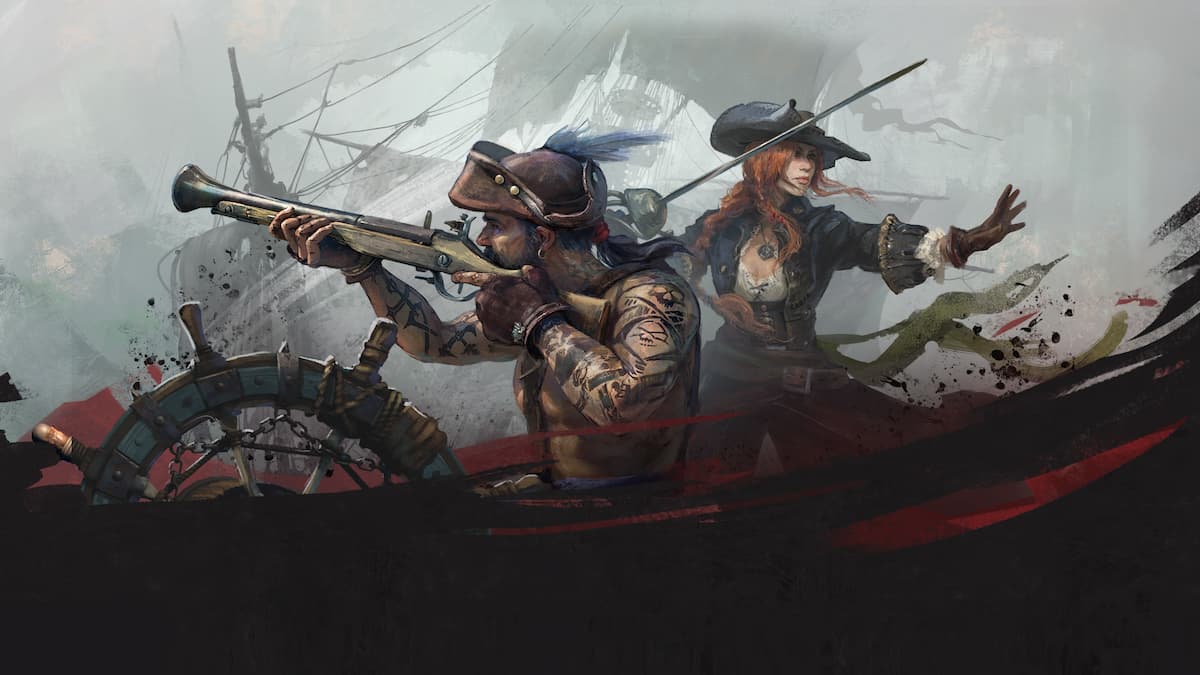
Windrose is now in Early Access on Steam, offering a full pirate fantasy with ships and survival-crafting elements. Like most survival games, it features multiple systems and contextual actions to learn. Here are the complete controls for Windrose, whether you’re using a keyboard and mouse or a controller.
Windrose Complete Controls for Keyboard and Mouse
Here are the complete controls for Windrose if you’re playing on keyboard and mouse.
Character
| Action | Input |
|---|---|
| Move Forward | W |
| Move Backward | S |
| Move Left | A |
| Move Right | D |
| Sprint | Shift |
| Jump | Space |
| Dash | Ctrl |
| Walk | Caps Lock |
| Interact | E |
| Target Lock | T |
| Aim | Alt |
| Fire | Left Mouse Button |
| Light Attack | Left Mouse Button |
| Heavy Attack | Right Mouse Button |
| Block | Middle Mouse Button |
| Reload | R |
| Remove Weapon (hold) | R (hold) |
| Change Target (Left) | [ |
| Change Target (Right) | ] |
| Change Target (Up) | — |
| Change Target (Down) | — |
| Special Attack | F |
| Use Item 1 – 8 | 1 – 8 |
| Shovel: Next Mode | 2 |
| Shovel: Previous Mode | 3 |
Building
| Action | Input |
|---|---|
| Building Mode | B |
| Open Catalog | Right Mouse Button |
| Build / [HOLD] Quick Build | Left Mouse Button |
| Rotate | Mouse Scroll |
| Building Options | Q |
| Toggle Destroy Mode | Middle Mouse Button |
| Camera Mode | V |
| Snapping Mode | P |
| Shift Block | Z |
| Rotation Step | L |
| Destroy Block | Left Mouse Button |
Menus
| Action | Input |
|---|---|
| Game Menu | Escape |
| Inventory | Tab |
| Map | M |
| Discovery | G |
| Adventure | J |
| Recall Ship | K |
| Previous Tab | Q |
| Next Tab | E |
| Previous Tab (Secondary) | A |
| Next Tab (Secondary) | D |
| Confirm Operation | Space bar |
| Decrease Value | Z |
| Increase Value | X |
| Story: First Page | Q |
| Story: Previous Page | A |
| Story: Play / Pause | Space bar |
| Story: Next Page | D |
| Story: Last Page | E |
| Story: Close | Escape |
Ship
| Action | Input |
|---|---|
| Speed Up | W |
| Slow Down / Reverse | S |
| Camera Mode | F |
| Toggle Shanty | B |
| Turn Right | D |
| Turn Left | A |
| Begin Boarding | Space bar |
| Next shanty | N |
| Leave Helm | E |
| Interact (from ship) | Space bar |
| Aim | Right Mouse Button |
| Fire | Left Mouse Button |
| Select Cannonballs | 1 |
| Select Chain Shots | 2 |
Windrose Complete Controls for Controller
Here are the complete controls for Windrose if you’re playing with a controller.
| Action | Xbox | PlayStation (Steam Input) |
|---|---|---|
| Aim | LT | L2 |
| Block | LB | L1 |
| Move | Left Stick | Left Stick |
| Sprint (press) | Left Stick (press) | L3 |
| Inventory | View (tap) | Touchpad (tap) |
| Open Map (hold) | View (hold) | Touchpad (hold) |
| Game Menu | Menu (tap) | Options (tap) |
| Remove Weapon (hold) | Menu (hold) | Options (hold) |
| Heavy Attack | RT | R2 |
| Light Attack | RB | R1 |
| Jump | A | Cross (X) |
| Dash | B | Circle |
| Sprint (hold) | B (hold) | Circle (hold) |
| Interaction | X | Square |
| Secondary Interaction (hold) | X (hold) | Square (hold) |
| Reload | Y | Triangle |
| Switch Action Slots (hold) | Y (hold) | Triangle (hold) |
| Look | Right Stick | Right Stick |
| Target Lock | Right Stick (press) | R3 |
| Use Item 1 | D-pad Up | D-pad Up |
| Use Item 2 | D-pad Right | D-pad Right |
| Use Item 3 | D-pad Down | D-pad Down |
| Use Item 4 | D-pad Left | D-pad Left |
| Special Attack | LB + RB | L1 + R1 |
The developers have mentioned that controller support isn’t as polished yet and will be improved over the course of early access.
Can you Remap Controls in Windrose?
Yes, you can rebind controls for keyboard and mouse in Windrose, but not for the controller.
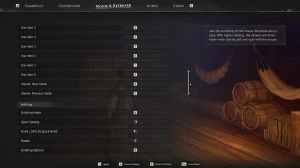
Currently, I think Windrose is best played on keyboard and mouse anyway, and juggling all the survival, building, and sailing systems is fairly intuitive this way.


