
How to Invite Friends to Your Server in Hytale – Offline or Strict Firewall Issue
We just want to play together...


Hytale is definitely one of those games that play much better with friends or even random online players! A server can handle up to 100 players, maybe even more, so invite as many as you can.
If you are struggling to get friends to connect to your servers, here are some ways to help them connect to your servers in Hytale.
How to Connect to Your Friend’s Server in Hytale
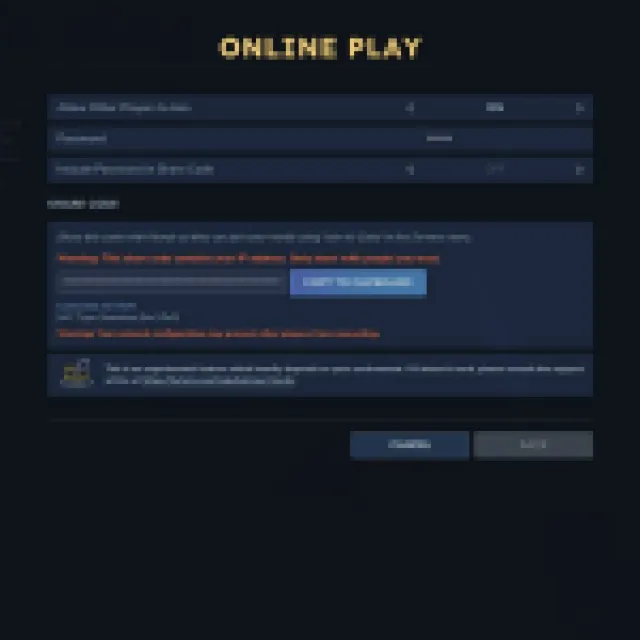

To connect to a server, you must have the invite code and join through the servers tab. To get the invite code, the host must go to the main menu and open “Online Play.”
In this menu, turn on “Allow Other Players to Join” and place a password if you want it to be more private. Wait for a while until Hytale establishes a connection, and you’ll eventually get a shareable invite code. Select “Copy to Clipboard” and share the code with your friend.
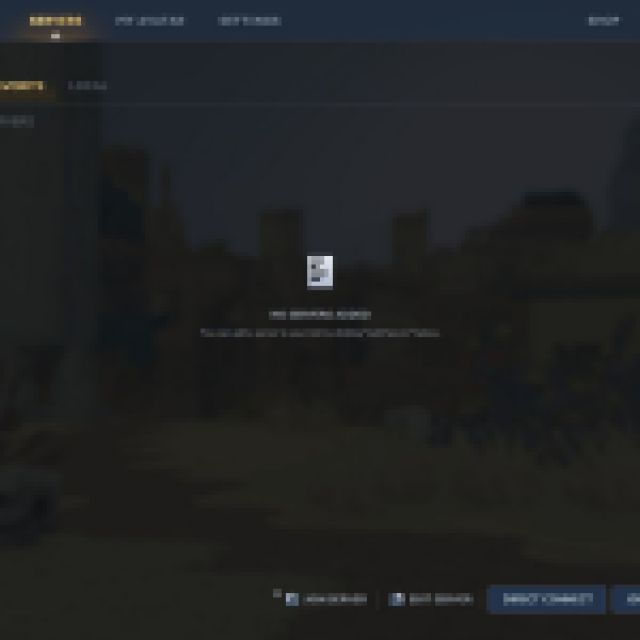

Your friend must go to the “servers” tab from the main menu and select “Join via code.” Paste the code copied from the clipboard, which should look something like:
dc5NS8NAEAbgvyJ77i4zk2y+bqUUPEmxFUER2XYnspAmYRNLY+l/d6IieBD2MjPvPrwXddsN4507sqrUuv3oXjcxHJ1afO0f3oOXva0LC5TXOqEi1SkcSDtM9poOnmmfs0NL8mPL8cTxx9qG9q3hvnETx5vHLjZeEutzHyIPy1ECBJRpQI3pDm2FKM8kFrAsyieJrlzrg3cjD6p6vqjd1M/qXEqOS++FkYvCkgxmhUEzN9h0UegMwOYyxNDFME6qQgC4Ln6R7573XDd8Dif+6yEZgtRgbo2F/8lcxJfrJw==
Yup, the code is really like that. You’ll know it is correct if you get into a loading screen after joining that says “Joining X’s server or world.”
The host may be offline or behind a strict firewall problem
However, you could still be struggling to join a server with all this. If you encounter errors like “Failed to connect to any available address. The host may be offline or behind a strict firewall.”
In this case, it is mostly because the host may have some NAT-type/firewall issues. A possible fix is to set your NAT type to Open, as it may be set to “Strict,” which can prevent other online players from connecting to your address.
Disabling your firewall might not work, and it is also dangerous to try. Port forwarding could also potentially fix this problem. These solutions will depend on your type of router and connection as well.
Another potential fix is to buy your own dedicated server where people can connect. There are many services that offer this, and you can have some friends pitch in for the monthly fees.


