
How To Create a New Character in Where Winds Meet on PC
Why is this is so unintuitive?

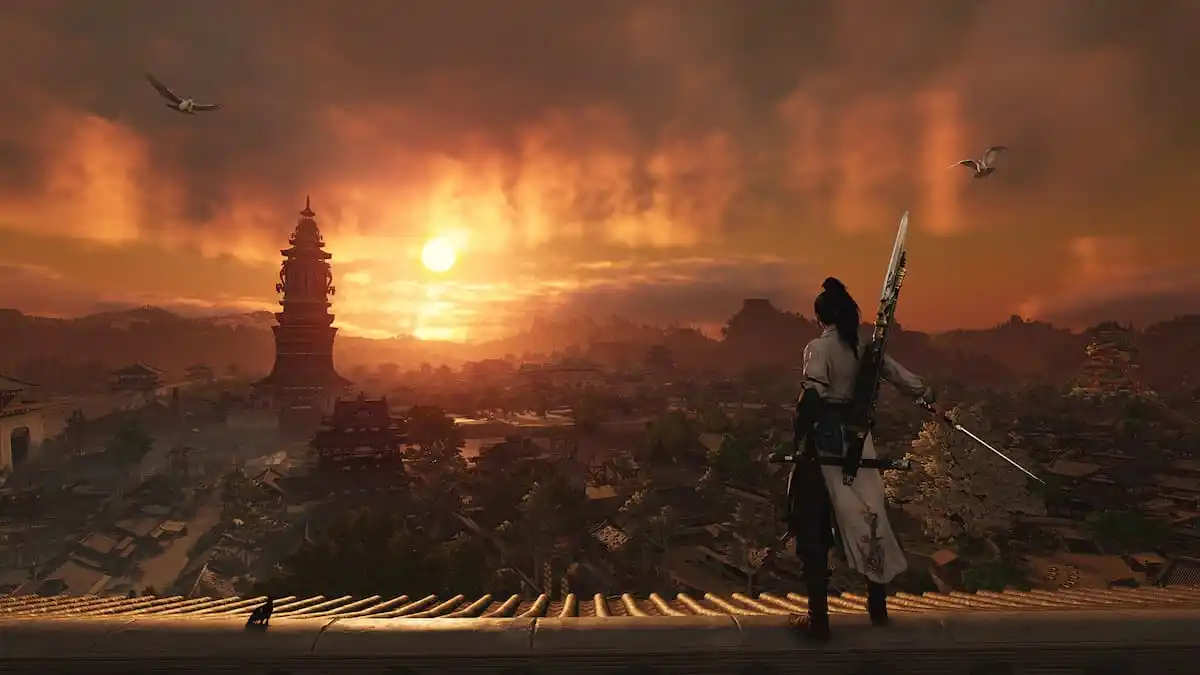
Where Winds Meet is doing a lot of things at the same time. It is an ARPG, an MMO, a single-player experience, and it has shared worlds as well. With so much ambition and complexity, there are some limitations too, the biggest one being the number of characters you can create.
By default, you can only create one character in Where Winds Meet, so if you mess up, you’re basically stuck with them until you delete. However, you can technically start over with a new character through a bit of a process, and here is how that works.
Create a New Character in Where Winds Meet (PC)
Here is how you can create a new character if you’re playing on the PC version:
- First, launch Where Winds Meet and open settings.
- Head to the last tab called “Other” and select Bind Account (You can skip this if you have already linked the game to your NetEase account)
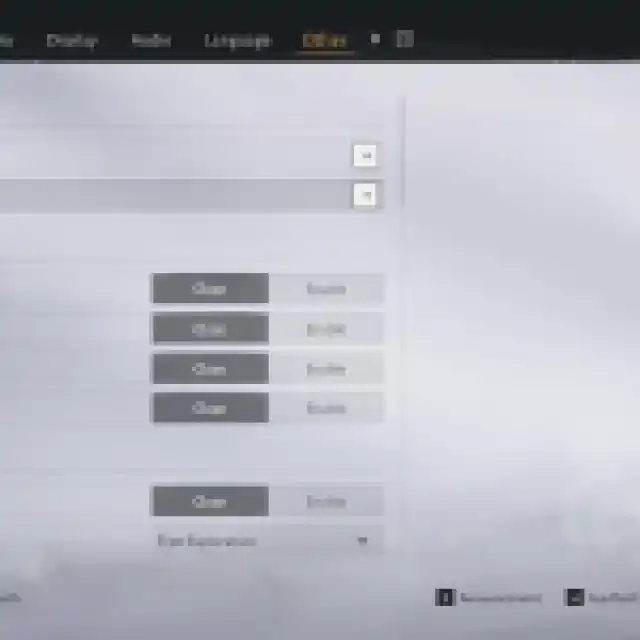

- This will open a pop-up window with several account types you can connect the game to.
- Now, click on the Link button next to NetEase Games.
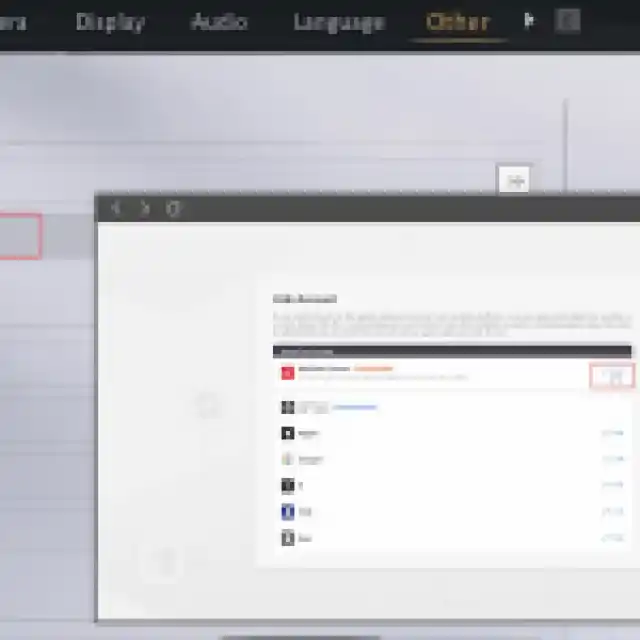

- You will be taken to the NetEase website in your browser, where you can create a NetEase account (I recommend using a throwaway email or not your primary one).
- To ensure the account has been successfully bound, click Bind Account in the Other tab again to see the NetEase account linked.
- Once you’ve bound Where Winds Meet to the NetEase account, we want to unbind the game from Steam.
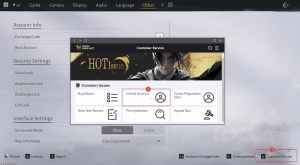
- Back in the Other tab, click V to bring up the Customer Service (or select the option at the bottom right).
- Select the Unbind Account option.
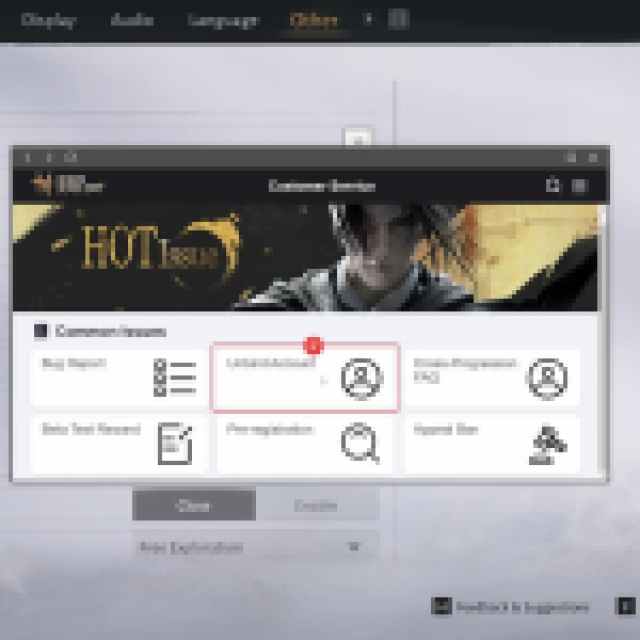
- Select your Steam account and type Confirm (C is case sensitive).
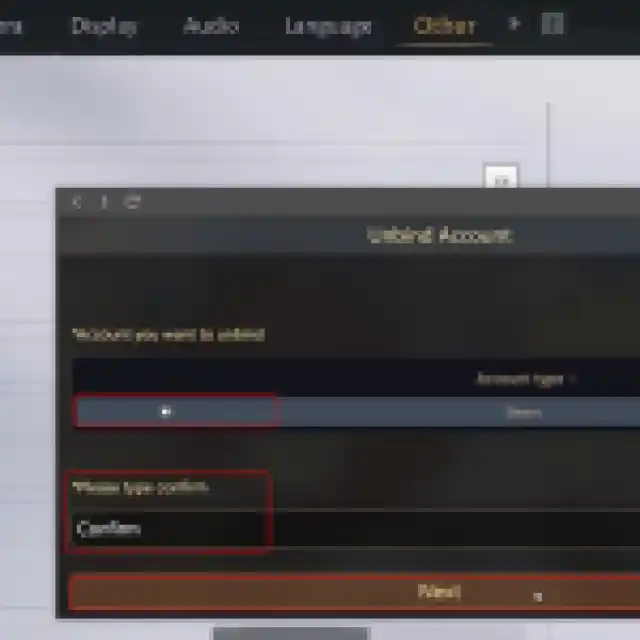


- After a successful prompt, restart Where Winds Meet.
If you have followed the instructions correctly, your previous account will be unlinked, and you can now create a new character when you launch the game again.
To understand what is happening, the game allows one character per account. The only way to make a new one is to unbind your Steam account from your NetEase account.
After unbinding, the game treats your Steam login as new the next time you launch it, allowing you to create a fresh character. This is a workaround because the game does not provide a normal create another character option.
It should be clear how unintuitive this is, and I really hope that NetEase considers giving players an option to create more than one character per account, since this is an RPG and people like to experiment with different characters.
If you’d like to see more helpful guides, news, or features from Prima Games, please consider adding us to your preferred sources.


