
How To Enable DLSS in Where Winds Meet
Turn this on ASAP!


Where Winds Meet is out now on PC and PS5 and runs on the Messiah Engine, delivering impressive visuals paired with smooth framerate. On PC, you can tweak multiple settings to get the most out of your system with support for DLSS, XeSS, and FSR.
If you have an NVIDIA RTX graphics card and aren’t seeing the DLSS option in Where Winds Meet’s graphics settings, here is how you can enable it.
Enable DLSS in Where Winds Meet
If you don’t see DLSS in the graphics settings of Where Winds Meet, you need to ensure that the game is running in DirectX 12 mode. Here is how you can force this in Steam:
- Open the Steam client and head to your library.
- Here, hit play on Where Winds Meet instead of the desktop shortcut.
- You’ll be prompted with two launch options.
- Select “Where Winds Meet (DirectX12)” and check “Always use this option” and then hit the play button.
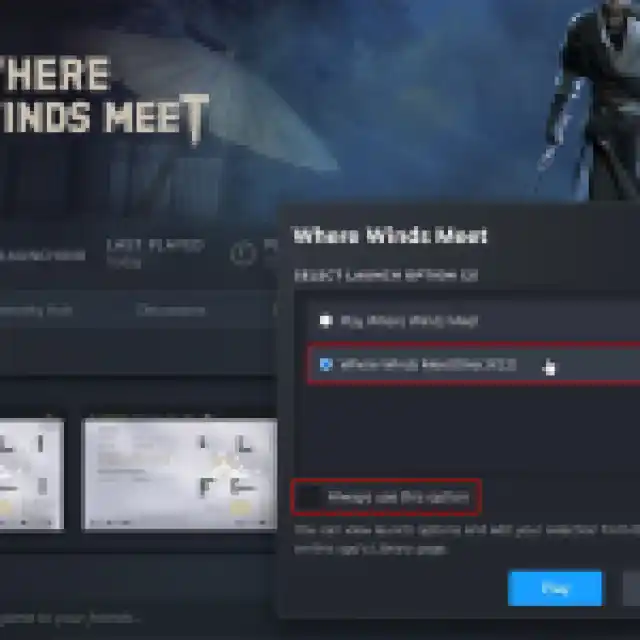
- This will ensure that Where Winds Meet runs in DirectX 12 mode from now on, even if you launch it via the desktop shortcut.
- Now, load into the game and your character. Open settings and select the Display tab.
- Scroll down a bit until you see the Super Resolution Sampling heading.
- Here, you’ll now see the DLSS option next to Super Resolution Type.
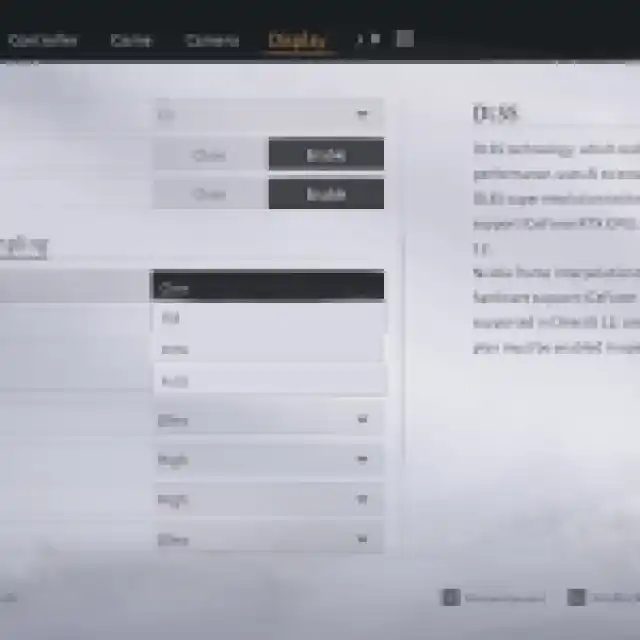
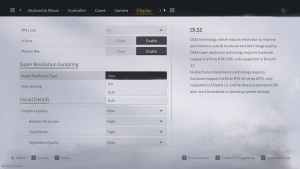
You will be able to select between the usual presets, including Quality, Balanced, and Performance. Additionally, the game also has support for NVIDIA Reflex, available in the same section.
If you have an RTX GPU, using DLSS should be a no-brainer, especially since the game is using DLSS 4, which does a tremendous job at upscaling even from a lower internal resolution. At 4K, I’m playing with DLSS set to performance, and the game looks spectacular with no visible glitches or apparent artifacts.
If you have an AMD GPU, it’s worth trying out both FSR and XeSS to see which implementation you prefer. Where Winds Meet also has support for frame generation, which should help if you have a decent average framerate.
If you’d like to see more helpful guides, news, or features from Prima Games, please consider adding us to your preferred sources.


