
How to Increase Your FPS in Borderlands 4 – Can Your PC Run BL4?
Can it fix UE5?


Gearbox Software’s Borderlands 4 might have had one of the company’s roughest launches ever. Players have been experiencing crashes, freezes, and stuttering even while way above the minimum system requirements.
It doesn’t mean the game is bad, and there are ways to help improve your performance. Here’s how to increase your FPS or figure out if your PC can run BL 4 smoothly.
How to Increase Your FPS in Borderlands 4
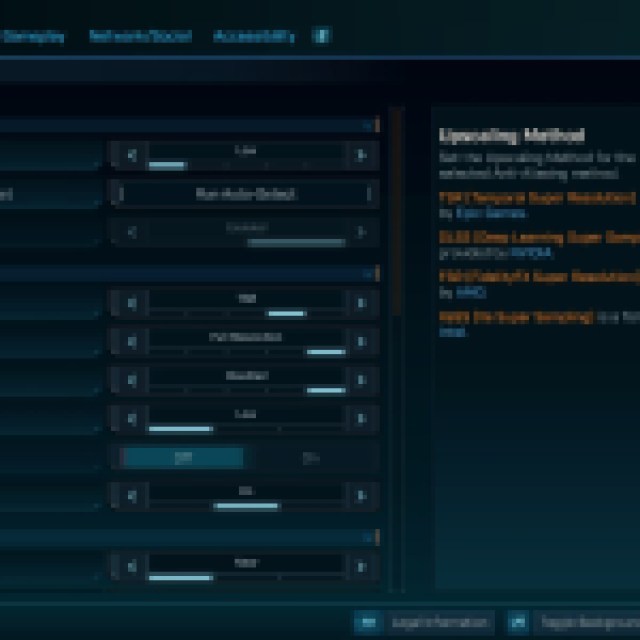
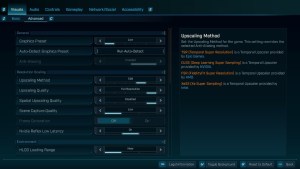
There are several ways to increase your FPS, but before we get to the other complicated methods, let’s start with the easiest ones first.
- Close other software and applications while playing. While other applications may seem light, they all contribute to performance. Since Borderlands 4 is heavy on the GPU and CPU, you’ll want to especially avoid playing other videos or streaming your screen.
- Update your drivers.
- Lower the graphic settings. You can open the options and go to the “Visuals” tab to tweak the graphics. Go to “Advanced” and you can easily set the graphics to “Low” by changing the Graphics Preset to Low.
- Lower your resolution. While this is on the extreme side of compromises, lowering your resolution could give you better performance. If you are running on a 4K monitor, you can dial that back to help with performance. You can do this in the display settings of your OS.
These methods are generally applicable to any game. Hopefully, some of these options worked already. If not, you can try turning on Frame Generation in the settings: DLSS for Nvidia and FSR for AMD GPUs.
However, the problem with turning on something like DLSS is that it is only available for 40-series GPUs. At this point, that leaves everyone with older hardware lost for a fix. To avoid those crashes, freezes, and stutters, you are going to need to wait for some optimization fixes with older hardware.
What is Causing FPS Drops, Crashes, and Freezes in Borderlands 4?

Since the system requirements for Borderlands 4 require at least an NVIDIA GeForce RTX 2070, AMD Radeon RX5700 XT, or an Intel Arc A580, why are most players experiencing widespread performance issues even with superior hardware than the ones listed?
Assuming that you have a good and compatible PC with a great processor, memory, graphics, enough storage, and proper maintenance, the game could still lack optimization, especially at the time of writing.
After playing and testing for a while, I have noticed that most freezes and stutters come from an overload of assets. In the open world, loading several enemies at once, especially in a party setting (multiplayer), can cause severe performance issues even with great hardware.
Just from the second boss in the open world, it is clear that some of the massive freezes come from loot explosions, which spawn or load a bunch of random assets at once. With more optimization, things can definitely get better.
If you’d like to see more helpful guides, news, or features from Prima Games, please consider adding us to your preferred sources.


