
How To Skip Dawn of War Definitive Edition Intro Videos
Watch it once, at least!


The original Warhammer 40,000: Dawn of War has some legendary cutscenes in the franchise. The intro cutscene is burned into my memory, and seeing it on my larger display is nothing short of glorious. That said, I don’t want to watch it every single time I launch the game.
Here is how you can skip the Dawn of War Definitive Edition intro videos and logos and jump straight into the action.
Skip Dawn of War Definitive Edition Intro Videos
To skip the intro videos and all the different logos at the start of Dawn of War Definitive Edition, you need to use a simple launch command directly in Steam. Here is how that works:
- Make sure the game isn’t currently active.
- In the Steam library, right-click on Warhammer 40,000: Dawn of War – Definitive Edition and select Properties.
- In the General tab, under LAUNCH COMMANDS, type the following:
-nomovies
That’s all you need to do, and the next time you launch Warhammer 40,000: Dawn of War – Definitive Edition, you’ll skip through the opening logos, videos and will be taken directly to the main menu.
It reduces the start-up time from around 20 seconds to around 2 seconds in total, which is pretty fast and something you don’t get to see a whole lot in modern titles because you still have something that can’t be skipped.
If you want to witness that glorious cutscene again, though, simply follow the steps above and remove the launch command and enjoy the cinematic in all its glory.
So far, I don’t have many complaints about the Warhammer 40,000: Dawn of War – Definitive Edition and think it’s the ideal way to experience the incredible RTS title along with its expansions.
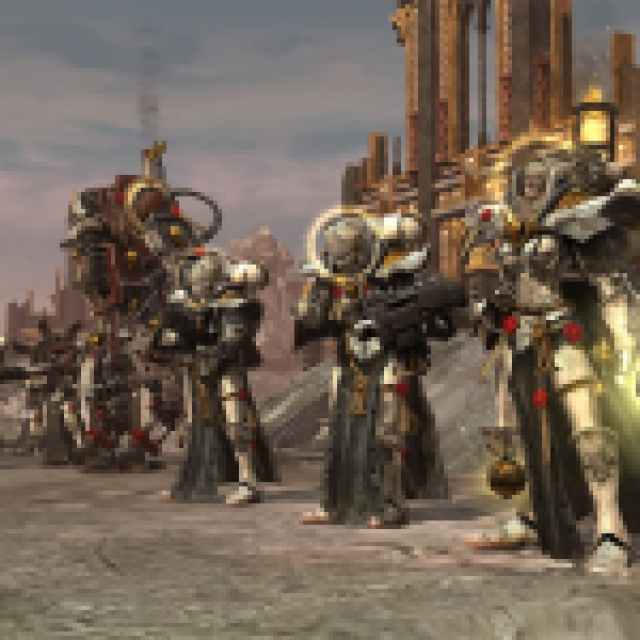
I love how the developers bundled everything into one package, still have mod support, and haven’t removed the original title or its expansions from Steam. This is the right way to go about it, and if you have a preference for the original for whatever reason, you can always enjoy that. This remaster may not have everything players wanted when it comes to quality-of-life features, but they didn’t mess with anything important either.


