
Does Grounded 2 Have DLSS or FSR? Answered
My GPU's hurtin.


Just like the original, Grounded 2 has launched into early access first on both PC and Xbox consoles. The game isn’t finished and will likely remain so for more than a year. It’s an Unreal Engine 5 release, and not perfect, especially when it comes to support for upscalers.
So, does Grounded 2 have NVIDIA’s DLSS or AMD’s FSR? Here is everything you need to know.
Does Grounded 2 Have DLSS Support?
No, as of writing, Grounded 2 does not have support for DLSS in its early access launch version.
Obsidian Entertainment has not provided an update on this, and it’s a common complaint raised on the Steam forum. Most PC players are familiar with DLSS at this point, but the recent release of DLSS 4 has made native rendering almost obsolete in a lot of modern titles.
Grounded 2 isn’t the most demanding game, but at high settings, I can’t hold a steady 60 FPS at 4K on my RTX 4070 Super. DLSS would make things a lot easier here, and I hope it’s something they plan to add in an update.
Does Grounded 2 Have FSR Support?
No, Grounded 2 does not have support for FSR or XeSS either.
However, FSR is mentioned in the configuration file for Grounded 2, so it might be something that’s on the way.
Which Upscaler Does Grounded 2 Support?
Currently, Grounded 2 only has support for Unreal Engine 5’s TSR, which you can access from the display settings in-game. Simply lower the render scale value, and TSR will be activated.
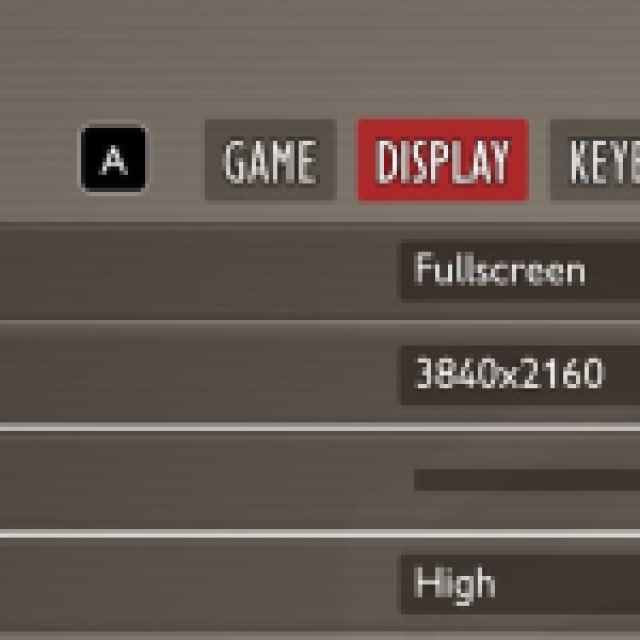

I’ve kept it at 75 for now to get a reasonable experience without losing too much in terms of visual clarity at 4K. You can turn this down all the way down to 25, but I don’t recommend that, because the game will look like a pixelated mess, especially if you’re playing on a 1080p display.
I hope that the developers enable support for DLSS, FSR, and XeSS in Grounded 2 in an upcoming update because running the game at a decent framerate on a higher resolution is a big challenge at the moment. Additionally, the graphics settings available to players are already pretty limited, which means it’s hard to fine-tune the experience to find the right balance between visuals and performance.


