
How To Fix the PEAK Voice Chat Issues on PC
PEAK proximity.


PEAK is the co-op sensation of 2025. Its simple premise is climbing a mountain, but it has tons of mechanical depth and opportunities for shared hilarity. Since this is a social game, voice chat is a big part of it, and PEAK also supports proximity chat.
Though if you can’t get your mic to work in PEAK and are missing out on the useful chatter and roasting, here are a few things you can try to fix the voice chat.
Make Sure You’re Using the Correct Input Audio Device
If you’re like me and use additional audio software to get rid of noise, then it’s possible that you don’t have the correct input device selected. For instance, if you’re using NVIDIA Broadcast to clean up audio, then you need to select that in the in-game settings.
- Open Settings, followed by the Audio tab.
- Here, make sure the correct input device is selected.
- In my case, the actual audio device is “USB PNP Audio Device,” but since I’m using NVIDIA Broadcast, I’ll select that.

If your microphone doesn’t appear here at all, then head into Windows audio settings to make sure Windows is actually picking it up. Additionally, make sure you haven’t set it to ‘Push to Talk’ if you’re trying to use the proximity chat feature instead.
Ensure You’re on the Latest Game Version
If you or someone on your party is on a different outdated version, then voice chat will likely not work as intended. Make sure that everything is up to date, and a restart doesn’t hurt, especially if you’ve been in the game for a while.
Razer Headset Users: Disable Synapse
I use a Razer headset and have nothing positive to say about the Synapse software. The developers are in the same camp and recommend turning it off before playing. You don’t have to close the entire Razer suite, just “Exit Synapse” from the taskbar.
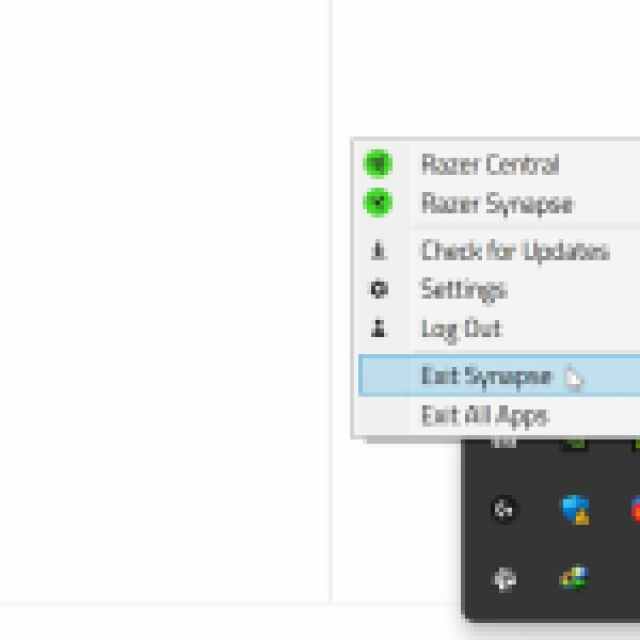
Synapse has a noise suppression utility that can impact the voice chat.
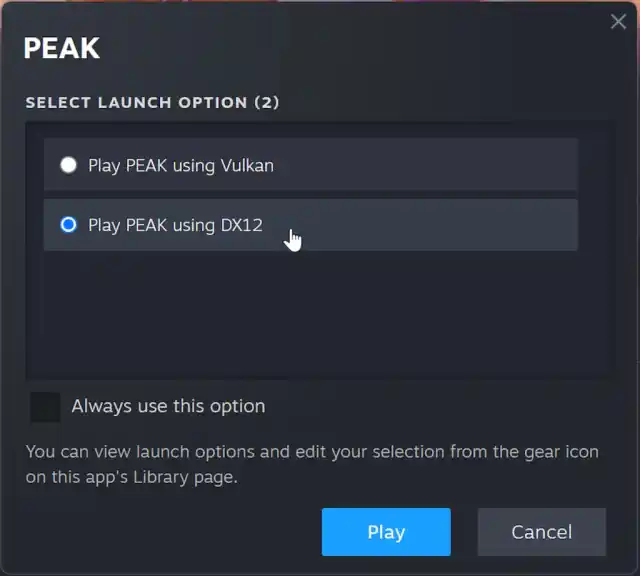
AMD Users: Play in DX12 Mode
If you have an AMD GPU, the developers recommend playing in the DirectX 12 mode instead of Vulkan. This isn’t specific to just voice chat, but stability as well.
Additional Audio Troubleshooting
In addition to the recommendations above, go through the following generic audio troubleshooting tips to get voice chat working as normal.
- Make sure the audio device isn’t muted in Windows audio settings. Open Windows Audio settings and locate your mic under the Input heading. Here, make sure that the input volume is set to 100.
- Change the input audio device, and switch back to your default one.
- Disable audio software like Voicemod and VoiceMeeter.
- Update Windows to the latest version (1909 or higher)
- Run the game as an administrator to bypass any potential permission conflicts.
Overall, getting voice chat to work properly is pretty much essential in PEAK, in my opinion. The game is designed with it in mind, and I think it’s the way to go. I hope that the developers continue updating the game to improve stability and address ongoing concerns.


