
How To Remove the 60 FPS Cap in The Alters Cutscenes
Praise Lyall.


The Alters is one of the best games of 2025 and another complex title from 11 bit studios with a compelling narrative to back up its blend of survival and management genres. It’s also a visually striking game that makes great use of Unreal Engine 5 with minimal performance issues.
Despite the decent performance, the in-game cutscenes are unfortunately capped at 60 FPS. This can be a bit distracting, especially when the game itself can run up to 240 FPS. Thankfully, Lyall has released a patch to remove the cap from The Alters’ cutscenes on PC.
Remove the 60 FPS Cap in The Alters Cutscenes
The patch created by Lyall removes the 60 FPS framerate cap from The Alters whenever in-game cutscenes are playing. While the game doesn’t have a lot of these, it’s nice to have a consistent experience, especially if your PC can handle it.
Here is how you can install it:
- Make sure The Alters isn’t running.
- Head over to the following Codeberg link and download the patch file by clicking SUWSF zip. under Installation.
- Extract the zip file in the game’s installation folder.
That’s all you need to do, and the next time you launch The Alters, the fix will be applied and all in-engine cutscenes will run without the 60 FPS framerate cap.
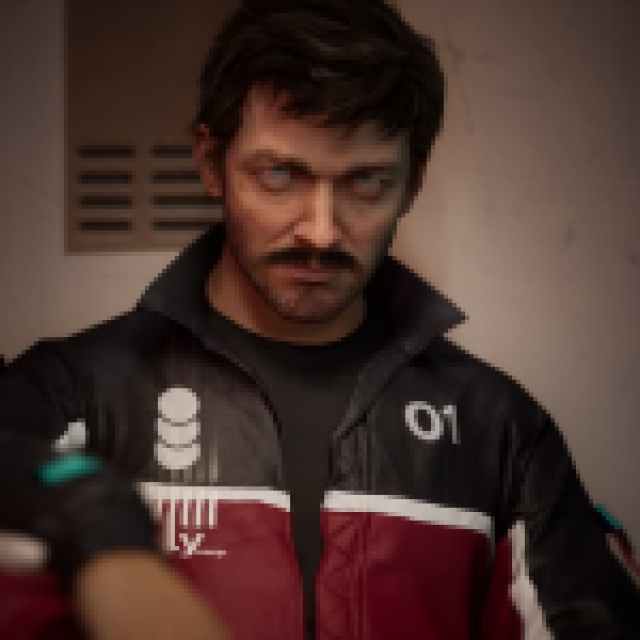
The patch doesn’t come with any additional features as usual, and this is because The Alters is already in a pretty good shape and has support for ultrawide monitors.
All credits go to Lyall for creating and testing the patch. Their contributions are incredibly helpful for PC gamers, and you can learn about their work on their Patreon.
If you want to remove the patch for any reason, simply delete the files that came with the zip file. I don’t recommend it, though, because it’s pretty stable and only does one thing.
The Alters is one of my favorite releases of the year, and if you’re just starting out, I recommend checking my suggestion for which Alter to unlock second. I hope that the developers extend the framerate options to the cutscenes in a future patch, but for now, this is your best bet.


