
How to Increase Carry Weight in Elder Scrolls 4 Oblivion Remastered
More items for you to carry.


Your inventory capacity in The Elder Scrolls IV: Oblivion Remastered is limited by carry weight, which prevents you from picking up new or better items that you come across. However, this issue can be dealt with in multiple ways, which I’ll share with you in this guide.
How to Increase Max Encumbrance in Oblivion Remastered
There are multiple ways you can increase your carry weight in The Elder Scrolls IV: Oblivion Remastered, which will allow you to carry multiple items. Here are all the ways you can increase your carry weight in the game:
By Increasing the Strength Attribute
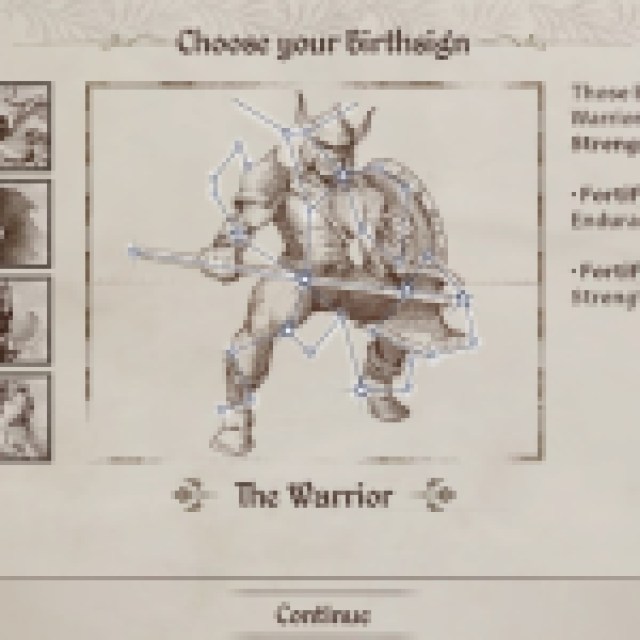

One of the attributes of your character is Strength, which mainly focuses on carry weight. You can invest points into the Strength attribute to increase the inventory capacity. Each point invested in the Strength attribute increases Encumbrance by five points.
Moreover, there are pre-built classes from which you will have to choose at the start that will have increased levels in the Strength attribute. Barbarian, Warrior, and Knight are examples of pre-built classes with points invested in the Strength attribute.
Using Spells or Potions
There are Spells and Potions you can use to increase your carry weight – Fortify Strength and Feather. Both do the same job of increasing the carry weight.
However, the effect only lasts for a limited time and will wear away afterward. You can use the limited time to run towards town and sell the items to a dealer that are not required.
Using Console Commands

There is a console command in the game that you can use to increase the maximum encumbrance by any amount. To use the console command, press the Tilde key “~” on your keyboard to open the console and type in:
Replace X with the amount by which you want to decrease your encumbrance. However, one thing to note is that you will lose the effect of the command every time you save or load up a save file. Moreover, the achievements will be disabled, and you will not be able to 100% the game.
Using Mods
The last method is for PC players who can use a variety of mods to increase the maximum encumbrance. All you have to do is make an account on the Nexus Mods website and search for “Oblivion Remastered mods”. Here are some mods you can install to increase your carry weight in the game:
- Carry Weight Modifier
- Evil Rock of Infinite Carry Weight
- Carry Weight options
- CE Scrip No Carry Weight
To install these mods, go to their respective pages to find a guide on how to install them.
And that is all the ways you can increase your carry weight in The Elder Scrolls IV: Oblivion Remastered. For more guides like this, check out how to skip Intro Videos in Oblivion Remastered.


