
Add The P.R.I.M.A. 3000 to Your Sim’s Home
Unlock the P.R.I.M.A. 3000 with a code from the Collector's Edition guide.


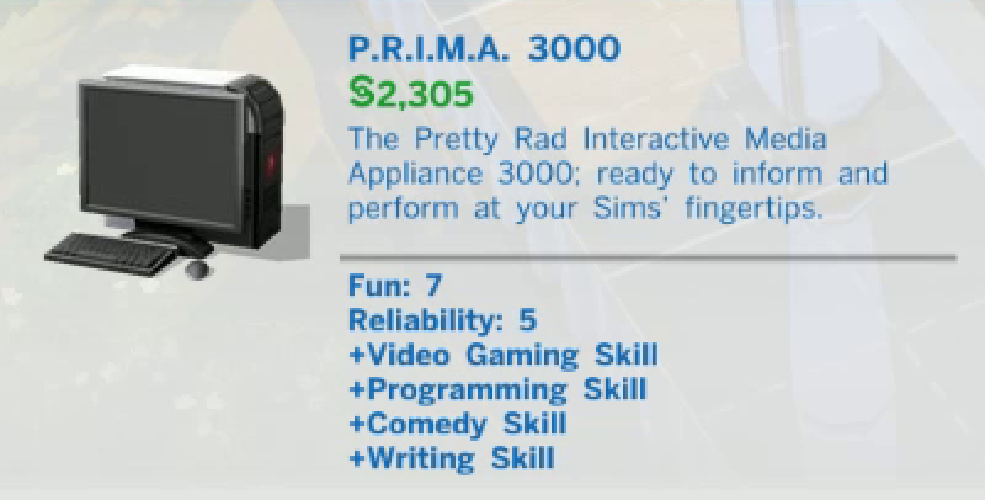
The P.R.I.M.A. 3000 computer is a great addition to your Sim’s home! Using a computer helps your Sim build skills that can help with their careers, and options for things you can do change depending on your Sim’s emotional state.
 Collector’s Edition Exclusive
Exclusively available with Prima’s Official Collector’s Edition game guide for The Sims 4, The Pretty Rad Interactive Media Appliance 3000 is a valuable in-game computer ready to inform and perform at your Sims’ fingertips. Entertain your Sim for hours on end!

How to Unlock
Log in to your account and enter the code on the back of the drop-away sheet that comes with your Collector’s Edition guide to unlock your free The Sims 4 eGuide AND receive the code to unlock The P.R.I.M.A. 3000. Once your eGuide is unlocked, click on your username and select the My Guides & DLC Codes option. Scroll down to find your unique code for this DLC item, along with instructions for how to redeem it on Origin.


