
How to Unlock Creatures of Ava Graphics Settings on Steam Deck
Take control!


Creatures of Ava is an action-adventure, creature-saver game from Inverge Studios. In our Creatures of Ava review, we enjoyed its relaxing open-world gameplay loop and finding all sorts of cute creatures. It also happens to run really well on PC making it the perfect experience for handheld devices like the Steam Deck. However, the developers have locked the graphics settings on the Steam Deck to provide a consistent experience, but if you want to mess around on your own, here is how you can unlock those.
Unlock Creatures of Ava Graphics Settings on the Steam Deck
To unlock the graphics settings in Creatures of Ava while playing on the Steam Deck, you need to use a launch command that bypasses the lock set by the developers.
- First, in your Steam Deck, navigate to your library and select Creatures of Ava.
- Now, click on the settings icon
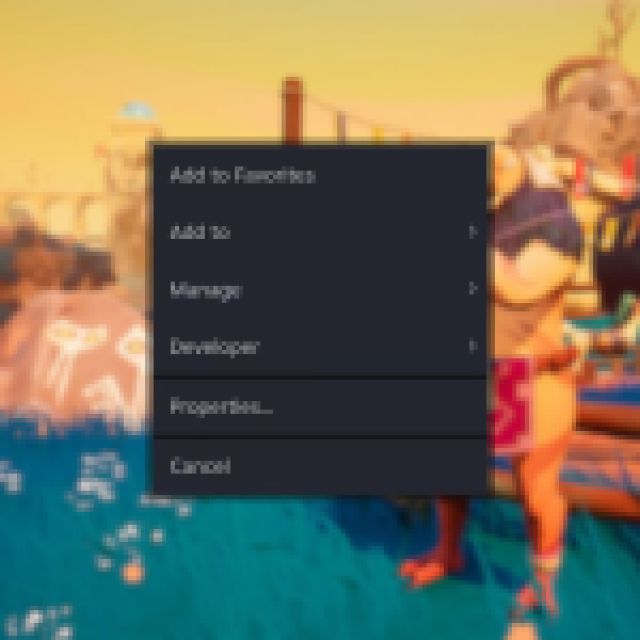
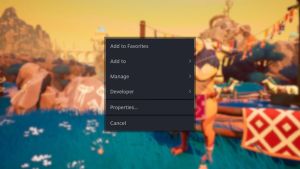
- Here, in the GENERAL tab, scroll to the bottom, and under Launch Options, type the following command.
SteamDeck=0 %command%
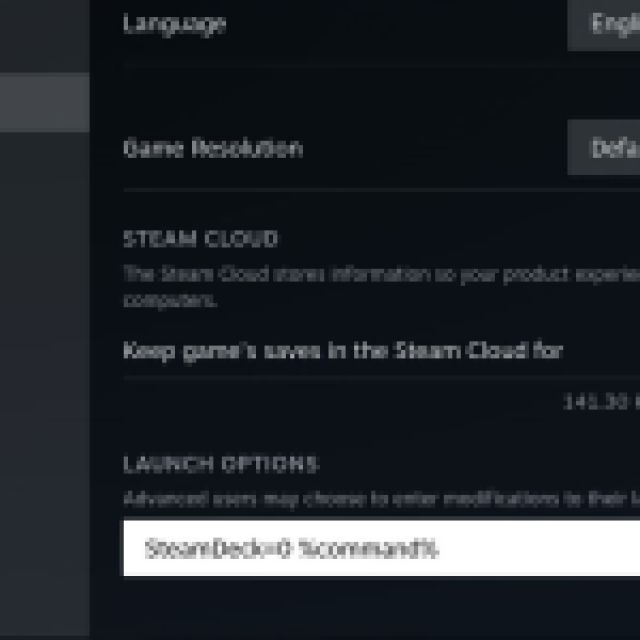
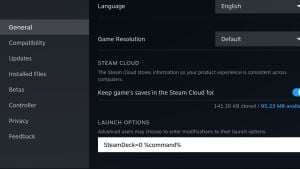
After this, the game will run like it’s running on any other PC, and you will see all the graphics settings. If you want to revert back to the default settings applied by the developer, you can follow the steps above and remove the launch command.
Creatures of Ava currently is verified for the Steam Deck and passes all the checks placed by Valve. The entire game can be played with a controller, the text is completely readable, and even though the default settings are a bit restrictive, those work quite well, all things considered.
If you’re just starting out, we recommend checking out our Creatures of Ava early tips to make your journey easier as well as the best skills to prioritize. Check our dedicated sections for even more guides.


