
Beyond Good & Evil 20th Anniversary Edition Save File Location on PC
Cross-progression confirmed!

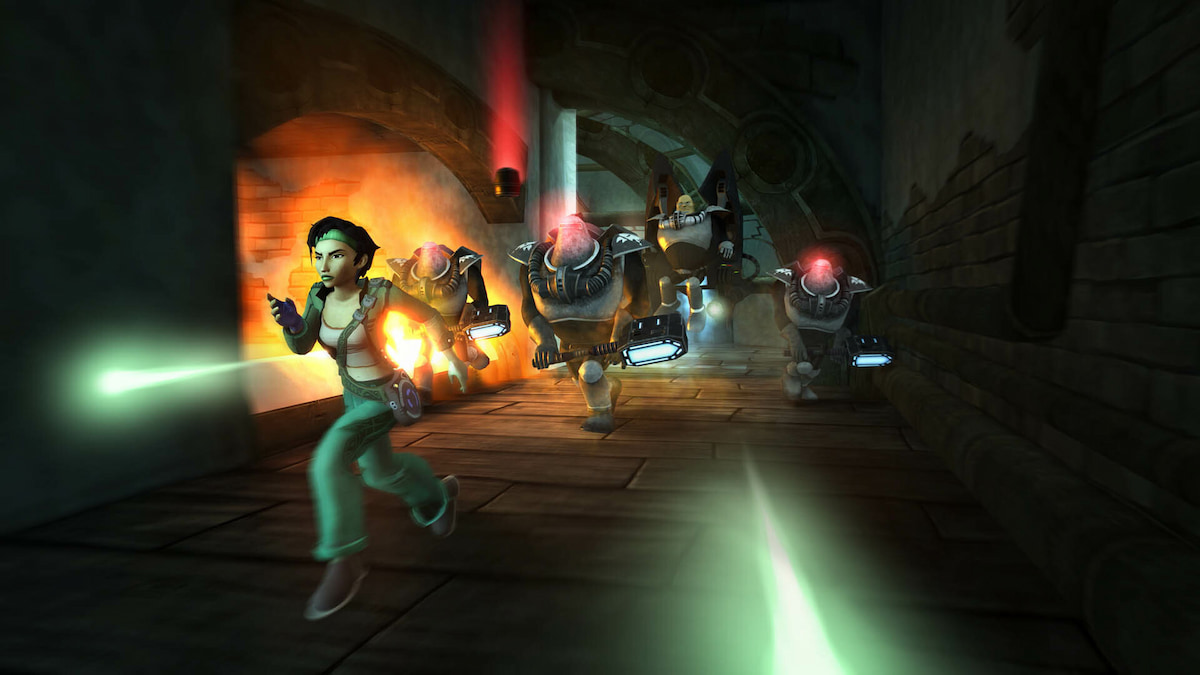
Beyond Good & Evil 20th Anniversary Edition, the full remaster of the classic Ubisoft title is now available on PC and consoles. The new release comes with cross-progression and is also available on Steam, but lacks Steam Cloud. If you want to manually back up your local progress, you can do so by accessing the Beyond Good & Evil 20th Anniversary Edition save file location on PC.
Beyond Good & Evil 20th Anniversary Edition Save File Location
The save files for Beyond Good & Evil 20th Anniversary Edition are available in the following location on PC.
C:\Users\<username>\Saved Games\Beyond Good & Evil - 20th Anniversary Edition
The folder contains the save files in the .sav format, and I recommend backing up the entire folder if you want to move things around.
Faster Navigation
To quickly navigate to the same location, you can use Windows Run. You can bring up Run by pressing the Windows and R keys together.
Enter the following address, which will take you directly to your save files.
%USERPROFILE%\Saved Games\Beyond Good & Evil - 20th Anniversary Edition

Progress is saved automatically as you play, and you have access to four autosave slots and one manual save slot. This makes it easier to start a new game during your current playthrough.
We can confirm that progress is shared between devices thanks to Ubisoft Connect. I personally tested the game on PC, and then the Steam Deck, and was able to access my save files on the device. However, you do have to manually upload the file to Ubisoft’s cloud through the in-game menu for the files to be shared. It’s not as intuitive as Steam Cloud.


Overall, there are plenty of neat additions to the original, and we’re glad to see Ubisoft support the title and release it on day one on Steam. For more on Beyond Good & Evil 20th Anniversary Edition, check out our dedicated section.


