
Subnautica 2 Save File Location on PC
More games need the save key feature.

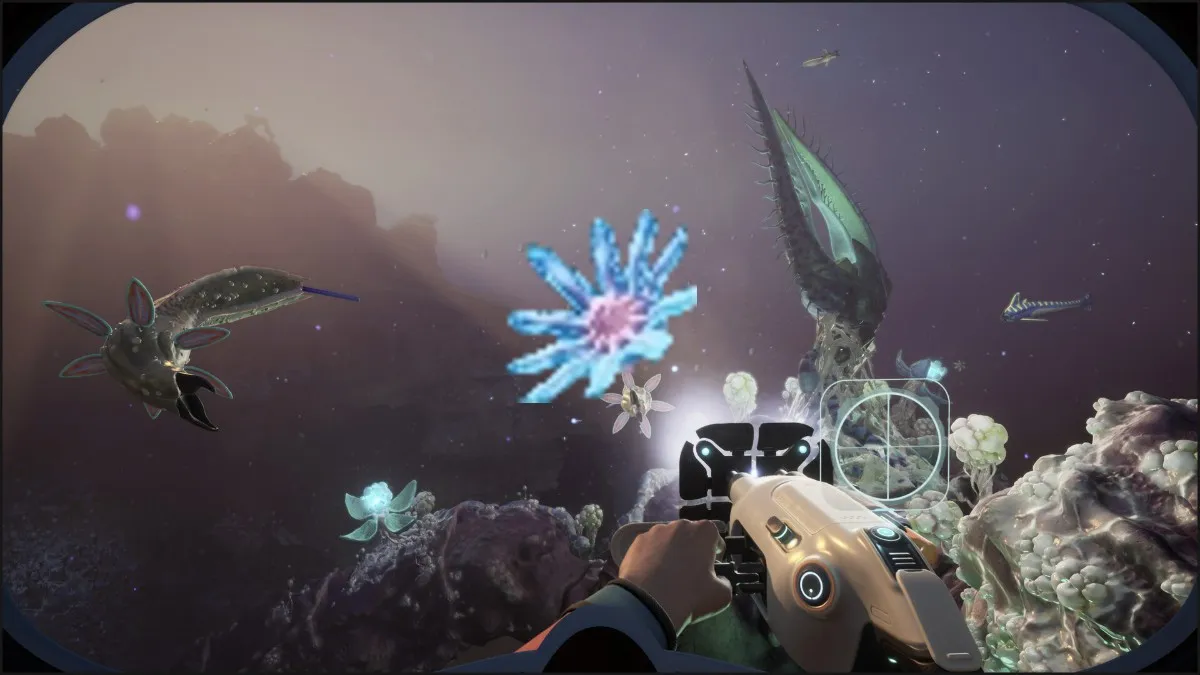
Subnautica 2 is out now on PC in early access, cementing itself as a worthy sequel with plenty of players diving in and enjoying the content available so far. There’s already a robust profile manager in-game, but if you’re looking for your local data, here is the save file location.
Subnautica 2 Save File Location
| Client | Save File Location |
|---|---|
| Steam | C:\Users\[Windows Username]\AppData\Local\Subnautica2\Saved\SaveGames |
If you’re looking specifically for the save files, they are in the SaveGames folder, with .sav and .bak extensions. However, to keep things simple, I recommend backing up the entire Subnautica 2 folder in Local to ensure everything remains in place, as there are several data folders within the Saved folder.
You can access the same location by entering the following address in Windows Run or Explorer:
%USERPROFILE%/AppData/Local/Subnautica2/Saved/SaveGames
Subnautica 2 Cloud Save Sharing
Now, while offline backups can be useful, Subnautica 2 actually has an in-game cloud save sharing system, which makes moving around save files pretty simple, especially if you want to share it with your friends.
- In the main menu, click on your save file, and you’ll see a bunch of options, including the ability to delete or rename the specific save file.
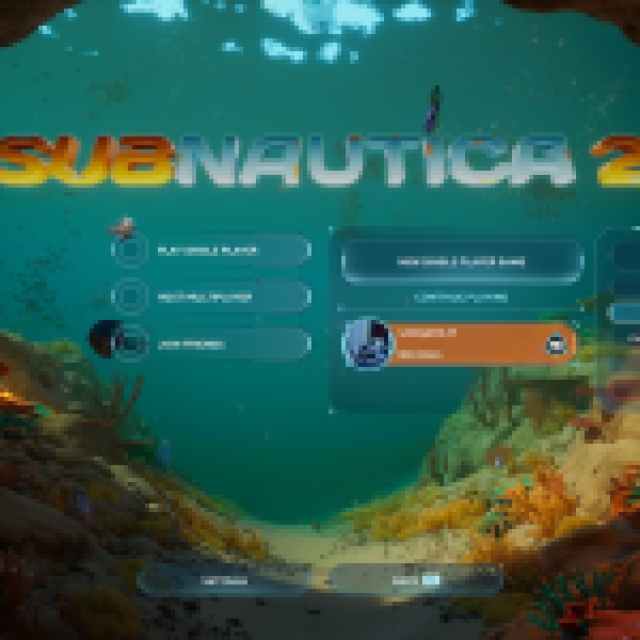

- You want to click “Upload to Cloud” which will lead to another prompt, asking if you want to upload this specific save file and share it.
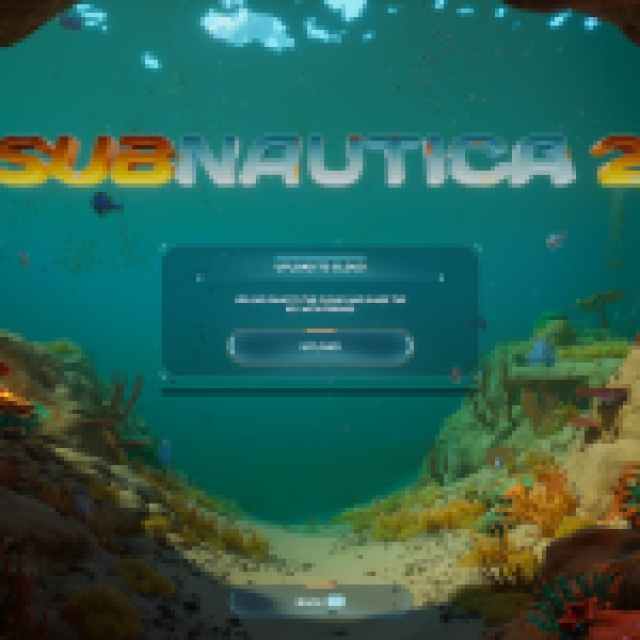
- After it’s done, you’ll get a unique key for the save file, which you or your friends can enter into the “Import Save” option in the main menu.
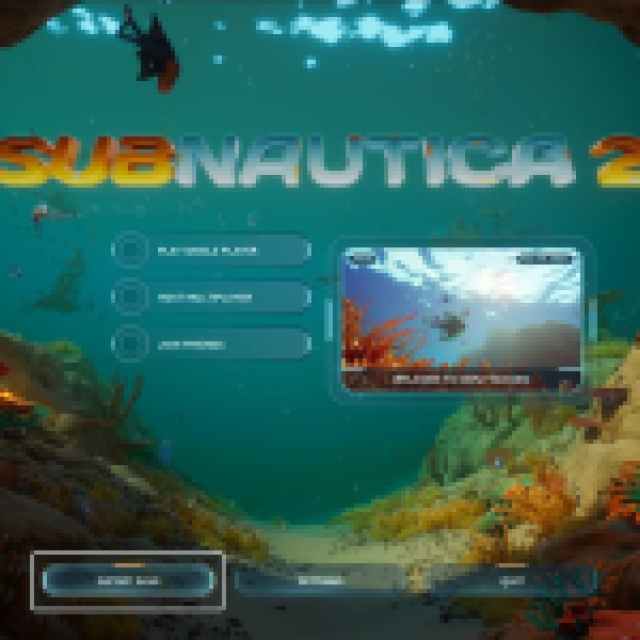
This makes the process pretty straightforward, and you don’t need to move around files, rename them, or bother with any additional tinkering. Subnautica 2 supports multiple save files and manual saving directly from the pause menu, so you don’t have to worry about keeping everything in the same profile.
Subnautica 2 Steam Features
Subnautica 2 has support for several Steam features, including the following:
- Steam Cloud: Your progress is stored locally and online thanks to Steam Cloud, so if you switch between devices, you can easily pick up where you left off.
- Steam Family Share: Members of your Steam family can access Subnautica 2 in their libraries.
- Steam Input: Subnautica 2 has full controller support, but if you have a controller that isn’t supported by the game, you can use Steam Input to get it to work without any issues.
Subnautica 2 is expected to stay in early access for two to three years and will likely see many changes throughout its development. Older save files might not be compatible with newer versions, but I doubt that it’ll be that complicated, as the developers are already giving players options to manage, edit, and sort their data.


