
Subnautica 2 Complete Controls for PC and Controller
Take control!

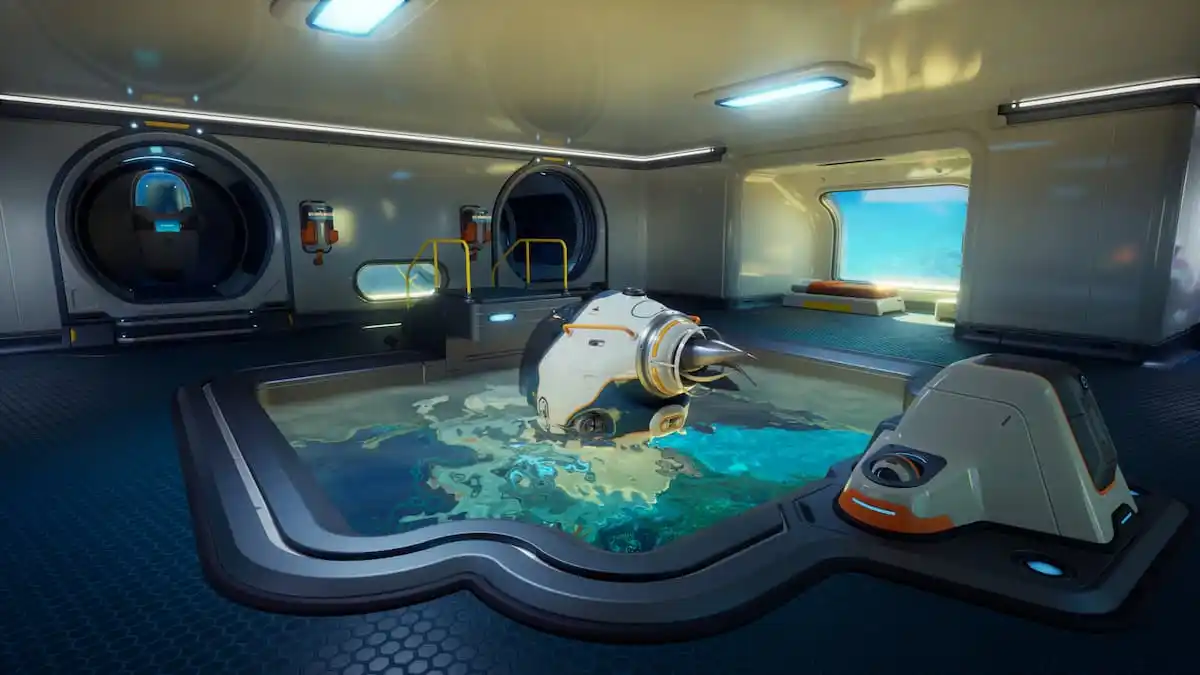
Subnautica 2 builds upon the original title with new mechanics to learn, creatures to study, more building options, and intuitive controls that are easy to pick up and navigate. That said, if you need a quick reference for the default control scheme, here are the complete controls for Subnautica 2.
Subnautica 2 Complete Controls for Keyboard and Mouse
If you’re playing on a keyboard and mouse, here’s the full control scheme for Subnautica 2.
| Action | Input |
|---|---|
| Swim / Walk Forward | W |
| Swim / Walk Left | S |
| Swim / Walk Backward | A |
| Swim / Walk Right | D |
| Jump | Space bar |
| Ascend | Space bar |
| Descend | C |
| Activate Tool Primary | Right Mouse Button |
| Activate Tool Secondary | F |
| Activate Tool Tertiary | Left Mouse Button |
| Activate Tool Quaternary | Q |
| Next Toolbar Item | Mouse Scroll Up |
| Previous Toolbar Item | Mouse Scroll Down |
| Ping | V |
| Open PDA | Tab |
| Reload | R |
| Slot 1 – 10 | 1 – 0 |
| Holster | H |
| Toggle Beacons | B |
| Open Feedback Menu | F8 |
| Stop Pilot | E |
| Detach Chassis | Q |
| Detach | Right Mouse Button |
| Battery Menu: Close | Escape |
| Battery Menu: Load | Left Mouse Button |
| Battery Menu: Unload | Right Mouse Button |
| Battery Menu: Previous | A |
| Battery Menu: Next | D |
| Set Label | T |
| Activate Biomod | Left Shift |
| Drop Item | F |
| Open Builder Menu (when equipped) | Right Mouse Button |
Subnautica 2 Complete Controls for Controller
Here are the complete controls for Subnautica 2 if you’re playing with an Xbox or PlayStation controller.
| Action | Xbox | PlayStation |
|---|---|---|
| Interact | LT | L2 |
| Jump | RB | R1 |
| Ascend | RB | R1 |
| Descend | LB | L1 |
| Activate Tool Primary | RT | R2 |
| Activate Tool Secondary | X | Square |
| Activate Tool Tertiary | LT | L2 |
| Activate Tool Quaternary | Y | Triangle |
| Next Toolbar Item | D-pad Right | D-pad Right |
| Previous Toolbar Item | D-pad Left | D-pad Left |
| Ping | RS | R3 |
| Open PDA | View Button | Touchpad |
| Reload | D-pad Up | D-pad Up |
| Holster | B | Circle |
| Activate Biomod | LS | L3 |
| Set Label | D-pad Down | D-pad Down |
| Drop Item | X | Square |
| Detach | B | Circle |
| Stop Pilot | B | Circle |
| Detach Chassis | D-pad Down | D-pad Down |
| Open Builder Menu (when equipped) | LT | L2 |
| Battery Menu: Close | B | Circle |
| Battery Menu: Previous | LB | L1 |
| Battery Menu: Next | RB | R1 |
| Battery Menu: Load | A | Cross |
Can You Rebind Controls in Subnautica 2?
Yes, you can completely rebind controls in Subnautica 2 for both keyboard and mouse, as well as controllers.
Subnautica 2 Controller Support on PC
On PC, Subnautica 2 has native support for Xbox and PlayStation with appropriate button prompts for each controller type. I’ve tested both the Xbox Series controller and the DualSense.
To make sure the DualSense is working correctly and using the developer’s controller profile, though, I recommend disabling Steam Input.
- Make sure Subnautica 2 isn’t running.
- Open Steam and navigate to your library.
- Here, right-click on Subnautica 2 and select Properties.
- In the Controller tab, select the Disable Steam Input option under Override for Subnautica 2.
Overall, Subnautica 2 is a joy to play regardless of your input preference, and the complete customization makes it even easier to recommend, even in its early access state.


