
Resident Evil Requiem Save File Location on PC
You don't need a second opinion for this, Leon.


Resident Evil Requiem is finally out on PC and consoles is already the biggest release for the franchise, with nearly 260K concurrent players on Steam in just an hour since launch. It’s a technically impressive title with plenty of customization on PC, along with support for cloud saves.
If you want to access your local progress data, here is the save file location for Resident Evil Requiem.
Resident Evil Requiem Save File Location
| Client | Save File Locaction |
|---|---|
| Steam | C:\Program Files (x86)\Steam\userdata\[Steam Numeric ID]\3764200\remote\win64_save |
Like previous Resident Evil titles, you’ll find the save files within the usedata folder in the Steam installation folder. After you open the folder with your Steam numeric ID, you need to open 3764200, which represents the unique Steam ID for Resident Evil Requiem. I recommend sorting the main folder by date so this one appears at the top. Inside it is the remote folder, followed by win64_save, which has your individual save files in the BIN format.
For ease of use, I recommend backing up the entire 3764200 folder instead of individual BIN files.
Does Resident Evil Requiem have multiple save slots?
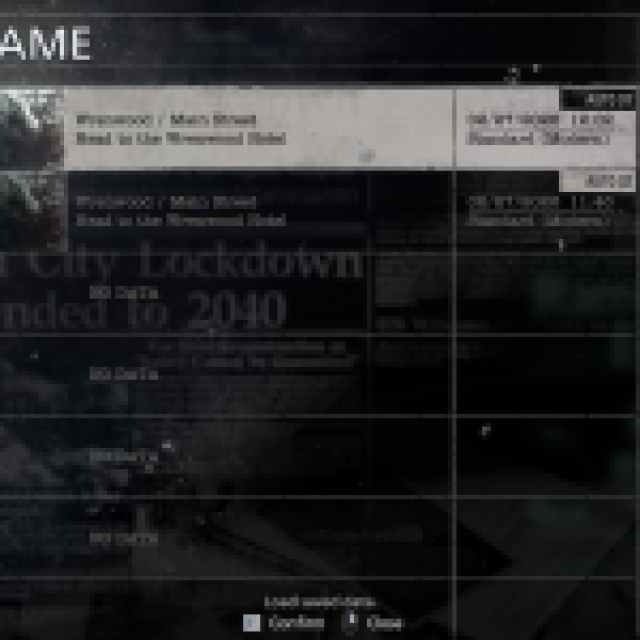
Yes, like previous Resident Evil titles, there are multiple save slots available in Resident Evil Requiem for you to start different runs with different settings and difficulty options.
Resident Evil Requiem Steam Features
On PC, Resident Evil Requiem has the following Steam features:
- Steam Cloud: Your progress is automatically uploaded to the Steam Cloud after you close the title, and it is downloaded again if you access the game on a different device.
- Steam Family Sharing: If you own a copy of Resident Evil Requiem, members of your Steam family can access it in their libraries.
- Steam Input: While the game has native support for multiple controllers, you can always use Steam Input to get third-party controllers to work without much trouble.
- Steam Point Shop: You can buy different customization items for your Steam profile using points.
- Steam Trading Cards: As you play through Resident Evil Requiem, you’ll receive trading card drops, which contribute to badge progress and can be sold on the marketplace.
- Achievements: There are 49 unique achievements in Resident Evil Requiem.
Resident Evil Requiem Supported Languages
| Language | Interface | Full Audio | Subtitles |
|---|---|---|---|
| English | ✓ | ✓ | ✓ |
| French | ✓ | ✓ | ✓ |
| Italian | ✓ | ✓ | ✓ |
| German | ✓ | ✓ | ✓ |
| Spanish – Spain | ✓ | ✓ | ✓ |
| Arabic | ✓ | ✓ | |
| Spanish – Latin America | ✓ | ✓ | ✓ |
| Portuguese – Brazil | ✓ | ✓ | ✓ |
| Polish | ✓ | ✓ | |
| Russian | ✓ | ✓ | ✓ |
| Simplified Chinese | ✓ | ✓ | ✓ |
| Traditional Chinese | ✓ | ✓ | |
| Japanese | ✓ | ✓ | ✓ |
| Korean | ✓ | ✓ |
After a string of mediocre PC ports, CAPCOM is back with an exceptional RE Engine release that looks and runs amazing on PC. Resident Evil Requiem is the first entry in the series that finally has support for various upscalers like DLSS and FSR, and Frame Generation. It also has support for Path Tracing, which I don’t recommend enabling unless you have a really beefy system.


