
Octopath Traveler 0 Complete Controls for PC and Controller
This is a bit different.

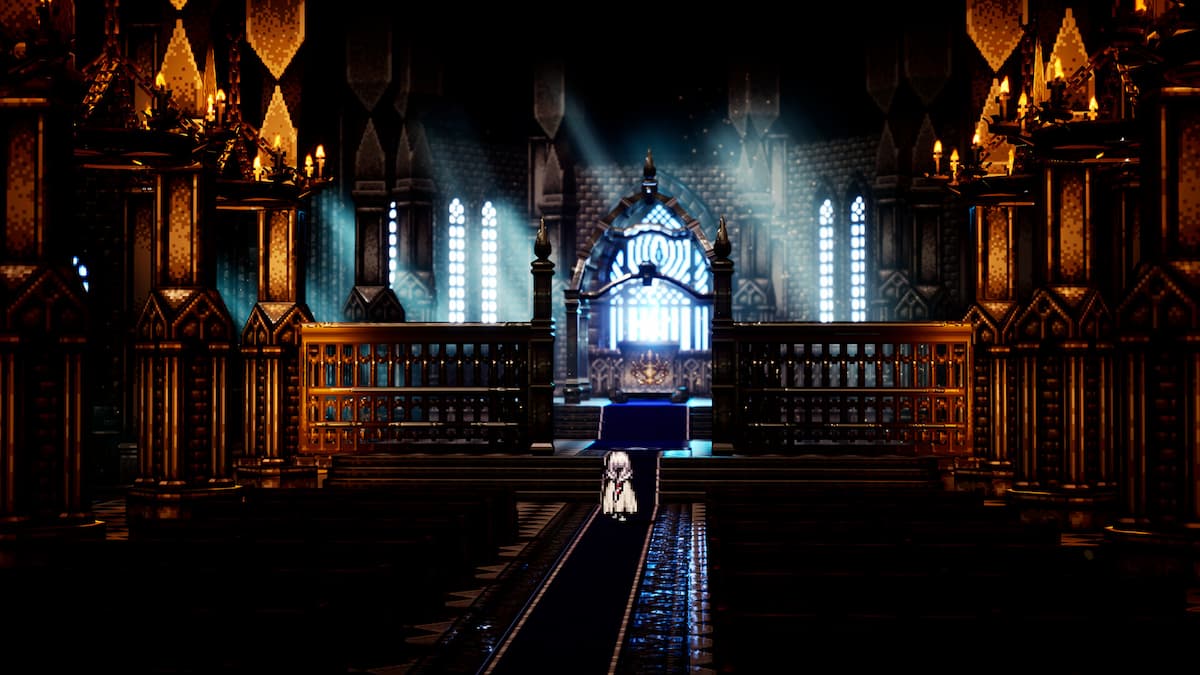
Octopath Traveler 0 is out now on PC and consoles and is Square Enix’s final major release of 2025. Receiving positive reviews from critics and fans, it serves as an accessible entry point to the series. Here are the complete controls to help you get acquainted with its systems.
Octopath Traveler 0 Complete Controls for Controller
Here are the complete controls for Octopath Traveler 0 if you’re playing on an Xbox, PlayStation, or Switch controller.
| Action | Xbox | PlayStation | Switch |
|---|---|---|---|
| Confirm | A | X | A |
| Examine | A | X | A |
| Cancel | B | Circle | B |
| Dash | B | Circle | B |
| Open Menu | Y | Triangle | X |
| Ultimate Techniques | Y | Triangle | X |
| Path Action | X | Square | Y |
| Details | X | Y | |
| Party Chat | Menu | Options | + |
| World Map | View | Touchpad | – |
| Next Tab | RB | R1 | R |
| Previous Tab | LB | L1 | L |
| Switch Rows | RT | R2 | ZR |
| Area Map | LT | L2 | ZL |
Octopath Traveler 0 Complete Controls for Keyboard
Here are the complete controls for Octopath Traveler 0 if you’re playing on a keyboard.
| Action | Input |
|---|---|
| Move Up | W |
| Move Down | S |
| Move Left | A |
| Move Right | D |
| Zoom In | Page Up |
| Help Window Top | Page Up |
| Zoom Out | Page Down |
| Help Window Bottom | Page Down |
| Reset Camera | End |
| Confirm | F |
| Examine | F |
| Cancel | C |
| Dash | Shift |
| Open Menu | I |
| Ultimate Techniques | I |
| Path Action | Space |
| Details | Space |
| Party Chat | P |
| World Map | M |
| Next Tab | E |
| Previous Tab | Q |
| Switch Rows | R |
| Area Map | T |
Can you Remap Controls in Octopath Traveler 0?
Yes, you can remap controls in Octopath Traveler 0 for controllers and keyboard and mouse. This can be done from the settings, which you can open from either the main menu or through the in-game pause menu.
On PC, Octopath Traveler 0 has support for multiple controller types and if you’re running into any input related issues, specifically with controllers you need to disable Steam Input.
- Make sure Octopath Traveler 0 isn’t running.
- Open Steam and navigate to your library.
- Here, right-click on Octopath Traveler 0 and select Properties.
- In the Controller tab, select the Disable Steam Input option under Override for Octopath Traveler 0.
While keyboard and mouse support could be better, the game is still playable on it. It is still better on the controller, though.


