
Marvel Cosmic Invasion Complete Controls for PC and Controller
Spam Y as Captain America.

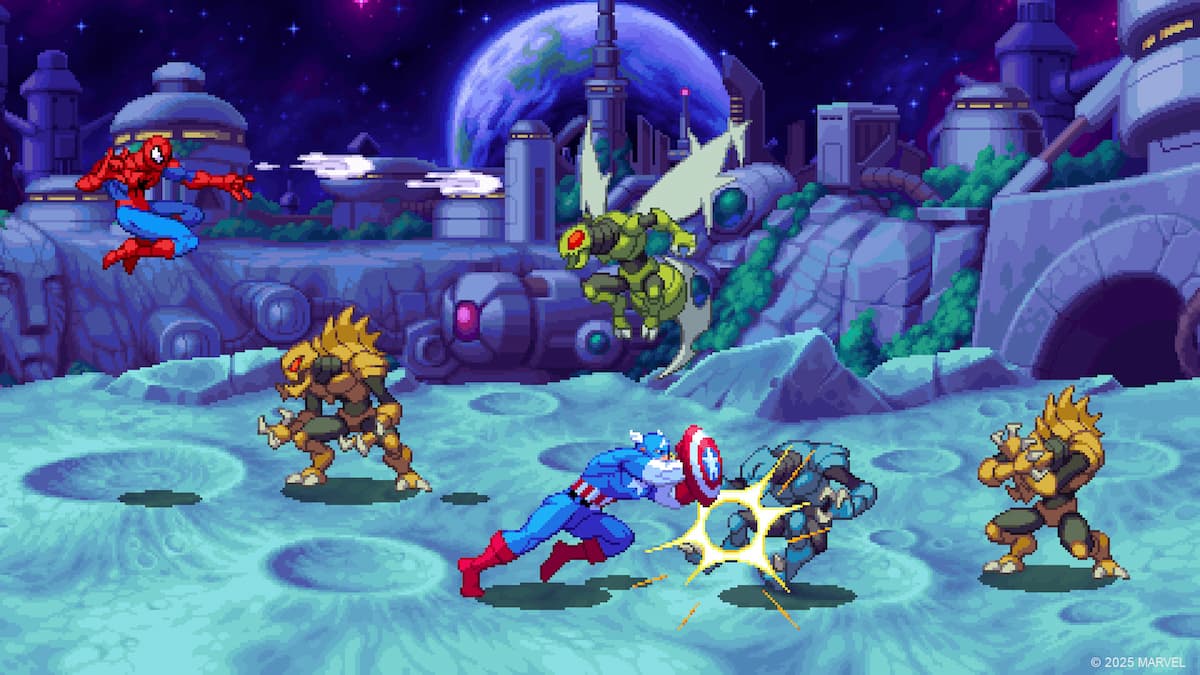
MARVEL Cosmic Invasion has one of the largest playable rosters in any beat ’em up, and controls well regardless of your input choice. Whether you prefer a tried and tested controller or like playing on a keyboard, the game has proper support for both.
Here are the complete controls for MARVEL Cosmic Invasion, and how you can fix any controller issues if you’re playing on the PC version.
Marvel Cosmic Invasion Complete Controls for Controller
Here are the complete controls for MARVEL Cosmic Invasion, whether you’re playing on an Xbox, PlayStation, or Switch controller.
| Action | Xbox | PlayStation | Switch |
|---|---|---|---|
| Jump | A | X | B |
| Attack | X | Square | Y |
| Power Attack | Y | Triangle | X |
| Special Attack | RB | R1 | R |
| Move Up | D-Pad Up | D-Pad Up | D-Pad Up |
| Move Down | D-Pad Down | D-Pad Down | D-Pad Down |
| Move Left | D-Pad Left | D-Pad Left | D-Pad Left |
| Move Right | D-Pad Right | D-Pad Right | D-Pad Right |
| Dodge / Block / Parry | B | Circle | A |
| Show Players | LT | L2 | ZL |
| Team Swap | LT | L2 | ZL |
Marvel Cosmic Invasion Complete Controls for Keyboard
Here are the complete controls for MARVEL Cosmic Invasion if you’re playing on a keyboard:
| Action | Input |
|---|---|
| Jump | Z |
| Attack | X |
| Power Attack | A |
| Special Attack | S |
| Move Up | ↑ |
| Move Down | ↓ |
| Move Left | ← |
| Move Right | → |
| Dodge / Block / Parry | Left Ctrl |
| Show Players | H |
| Team Swap | C |
Fix Marvel Cosmic Invasion Controller Issues
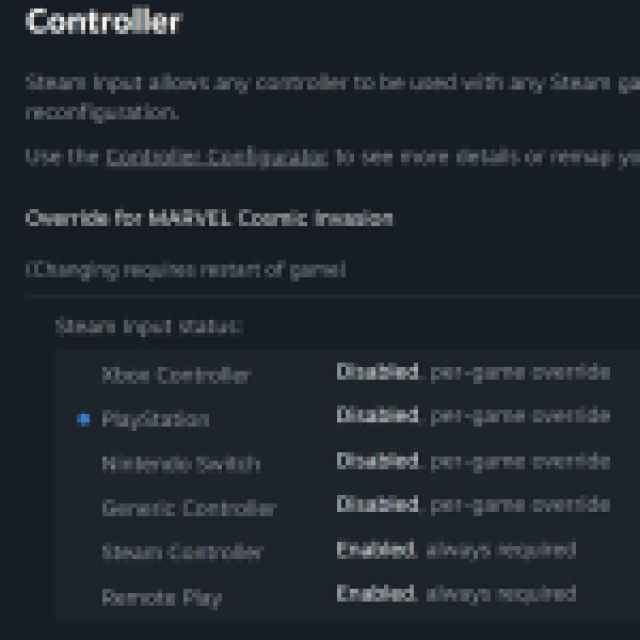
Marvel Cosmic Invasion has native support for multiple controller types on the Steam version, and I’ve tested both the Xbox Series controller as well as the DualShock 4. However, by default, Steam Input takes over, which means that you can’t even properly configure the inputs in-game or use the correct game prompts. To access the proper settings, you need to disable Steam Input.
- Make sure Marvel Cosmic Invasion isn’t running.
- Open Steam and navigate to your library.
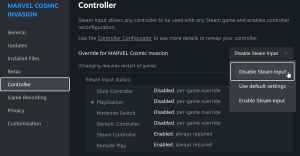
- Here, right-click on Marvel Cosmic Invasion and select Properties.
- In the Controller tab, select the Disable Steam Input option under Override for Marvel Cosmic Invasion.
Can You Rebind Controls in Marvel Cosmic Invasion?
Yes, you can completely rebind the controls in the settings, whether you’re playing with a controller or keyboard. Just make sure you’ve disabled Steam Input as instructed above.
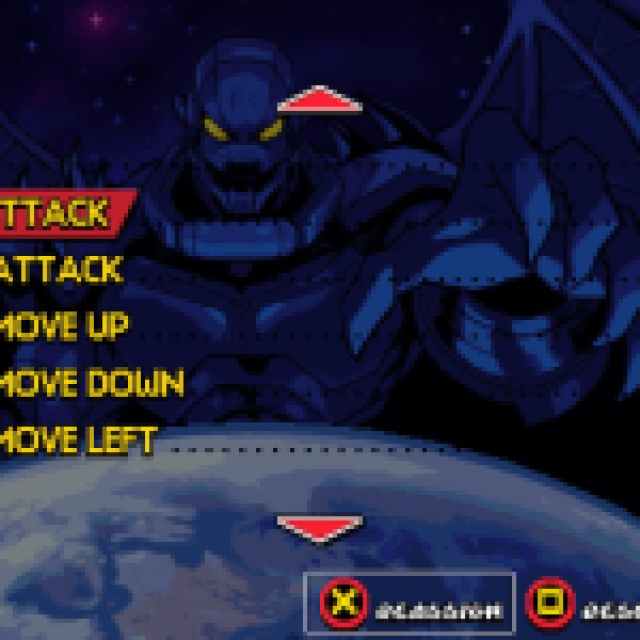
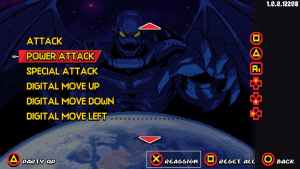
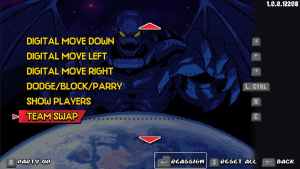
Overall, it’s nice to see that MARVEL Cosmic Invasion can be fully remapped to your liking, and there is proper native support for several controller types on PC.
If you’d like to see more helpful guides, news, or features from Prima Games, please consider adding us to your preferred sources.


