
How to Upgrade Buildings in Anno 117 Pax Romana
Tricks to avoid carpal tunnel!


Upgrading buildings is key to progressing your empire in Anno 117: Pax Romana. Improving your buildings is as simple as clicking two buttons, but since you are most likely upgrading hundreds or even thousands of them, we’ll include all the nifty tricks on how to upgrade buildings in Anno 117: Pax Romana.
How to Upgrade All Buildings in Anno 117 Pax Romana
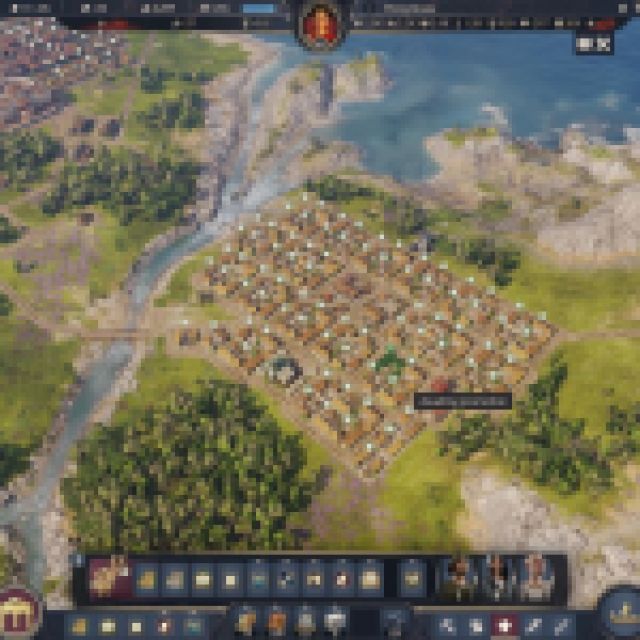

To upgrade a building or structure, you can press “U” to bring out the upgrade tool. When the upgrade tool is out, you’ll see all the buildings with available upgrades on the screen. Click on the buildings you want to upgrade, which include not only residences but also other infrastructure buildings like Trading Posts, Warehouses, and more.
The upgrade tool also works on establishing the buildings that are currently laid out in “planning mode” or as a blueprint. If you upgrade them, they’ll just build the structure, and if they have an upgrade available, you can upgrade it again. For residences, you have to wait for a while before you can upgrade a residence to its next tier.
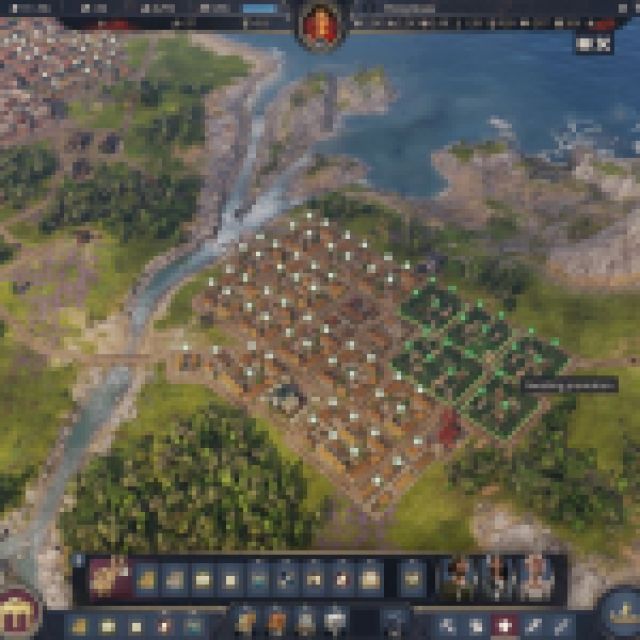

As promised, the first nifty trick everyone must know is that when you have your upgrade tool out, you can hold “Shift” and click on a specific building you want to upgrade. When you hold shift, you’ll see other buildings get highlighted. This means that it will mass upgrade all of these buildings to the next tier.
If you don’t have enough materials to upgrade everything, it’ll automatically upgrade the closest ones of the same building type to the one you are hovering over. If you want to choose a specific area, you can also click and drag while using the upgrade tool. This way, you can upgrade a specific area instead of everything at once. You’ll use this when you want to upgrade just a smaller residential area in bulk or upgrade residences closer to key public service buildings and keep others downgraded.
If you accidentally upgrade some buildings, you can still downgrade them by using the upgrade tool again and holding “Alt” while clicking the building you want to downgrade.
For roads, you can also upgrade the Dirt Road to a Paved Road, but you’ll have to use “Shift + R” to bring out the Paved Road tool. With the tool out, you can literally click on a building cluster, and it will either put a Paved Road around the building cluster or upgrade the current Dirt Road surrounding the building cluster. That’s all you need to know about upgrading!
If you want to know more about perfect production chain ratios, you can read our guide here.
If you’d like to see more helpful guides, news, or features from Prima Games, please consider adding us to your preferred sources.


