
How To Update the DLSS Version of Kingdom Come Deliverance 2
No reason not to do this.

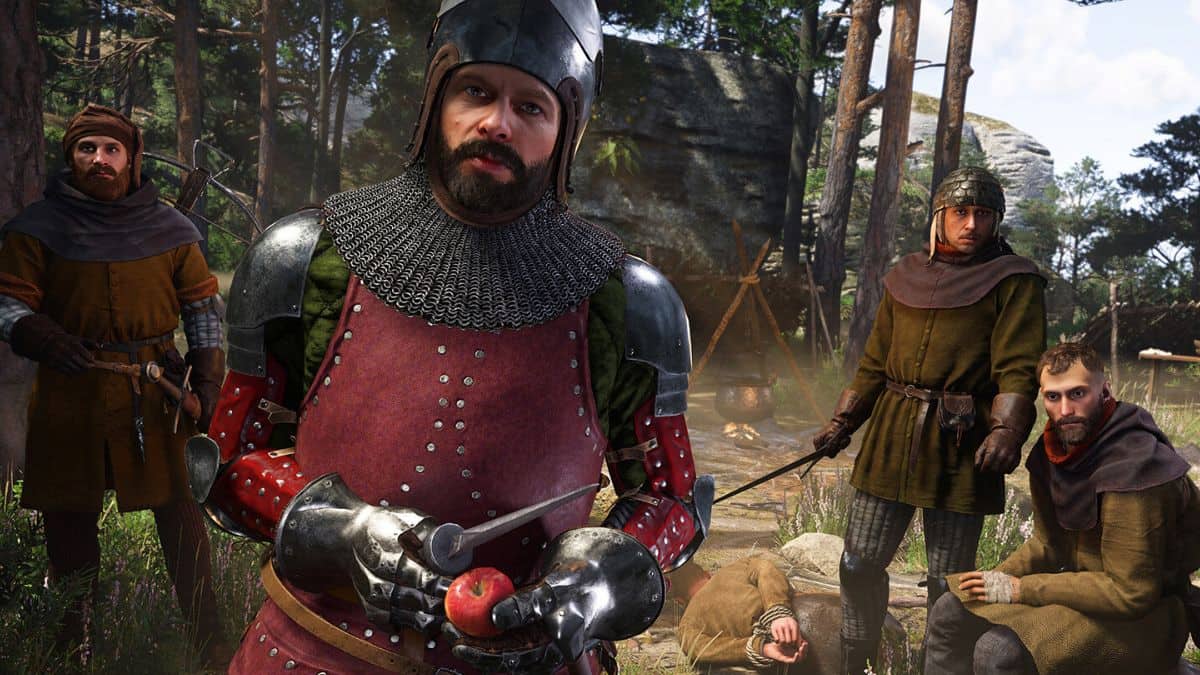
Kingdom Come Deliverance 2 is one of the best PC releases of the year and another technical showcase for CryEngine. It runs great on a variety of hardware, doesn’t have any stutter during gameplay, and looks the part as well.
It’s refreshing to see an open-world title that doesn’t stutter every few minutes, and Warhorse Studios deserves all the credit.
Kingdom Come Deliverance 2 also ships with DLSS and FSR, which can help improve performance, but the DLSS version is a bit older. The new DLSS transformer model, otherwise known as DLSS 4, is a game changer for visuals, and you’d be doing yourself a favor by upgrading Kingdom Come Deliverance 2’s DLSS version.
Update Kingdom Come Deliverance 2 to DLSS 4
As of writing, Kingdom Come Deliverance 2 has DLSS version 3.7, which, while competent, is not as good as DLSS 4. With DLSS 4, you can lower the DLSS quality preset and still get a better-looking image than DLSS 3, which means better performance and even lower quality loss.
Players can update the DLSS version by themselves in a few ways. While users can still drag the latest dll file manually, we think it’s more efficient to use one of the tools below so you can adjust the DLSS version for more than just Kingdom Come Deliverance 2.
Use NVIDIA App
NVIDIA has updated the NVIDIA App to allow users to update the DLSS version directly from the application. Make sure you have the latest version of the NVIDIA App, which you can download from the official website.
- Once logged in, head over to the “Graphics” tab.
- Here, your game library should show up automatically. If it doesn’t, you can add more folders and scan locations by hitting the three dots.
- Once you see Kingdom Come Deliverance 2 show up, select it from the list.
- Scroll down a bit until you see the “Driver Settings” heading.
- Here, select DLSS Override – Model Presets
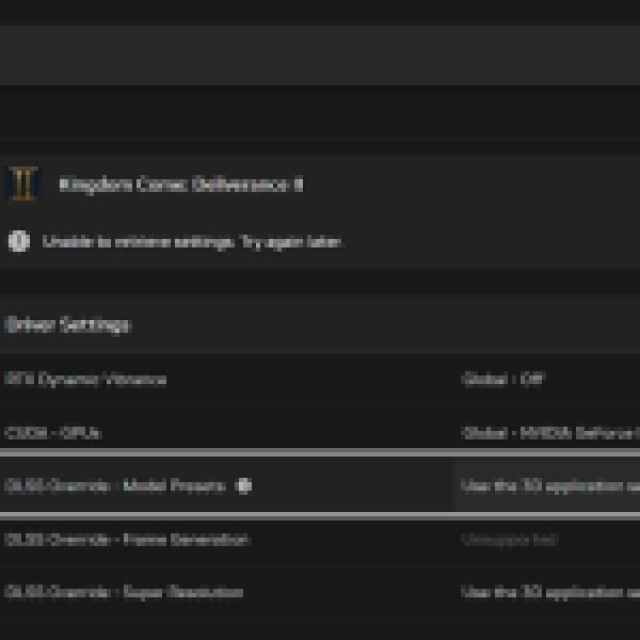
- Select “Latest” under “Use same settings for all DLSS technologies“
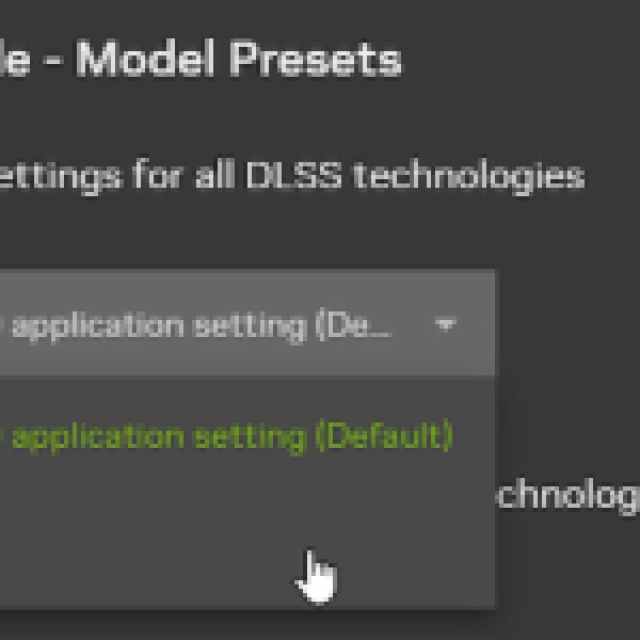

That’s all you need to do and the NVIDIA App will automatically use the latest DLSS version for Kingdom Come Deliverance 2.
Use DLSS Swapper
This is my preferred way of swapping DLSS versions because it’s far more reliable than the NVIDIA App, and it also lets you upgrade FSR and XeSS versions.
- Download the latest version from GitHub and install it.
- Launch DLSS Swapper and it will automatically scan through your library and show all the games that are currently using some form of DLSS, including Kingdom Come Deliverance 2.
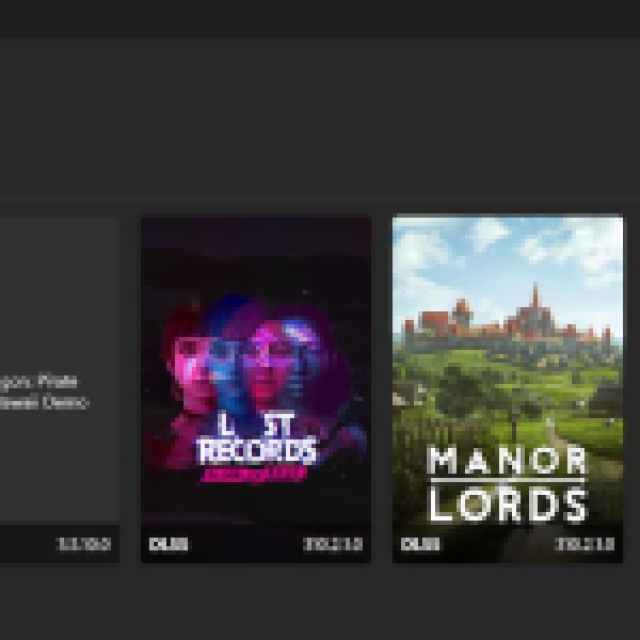
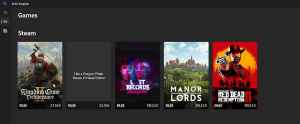
- I recommend checking “Hide games with no swappable items” in the filter at the top right. This will only show games that have some DLSS or FSR implementation.
- Now, click on Kingdom Come Deliverance 2 to open a window.
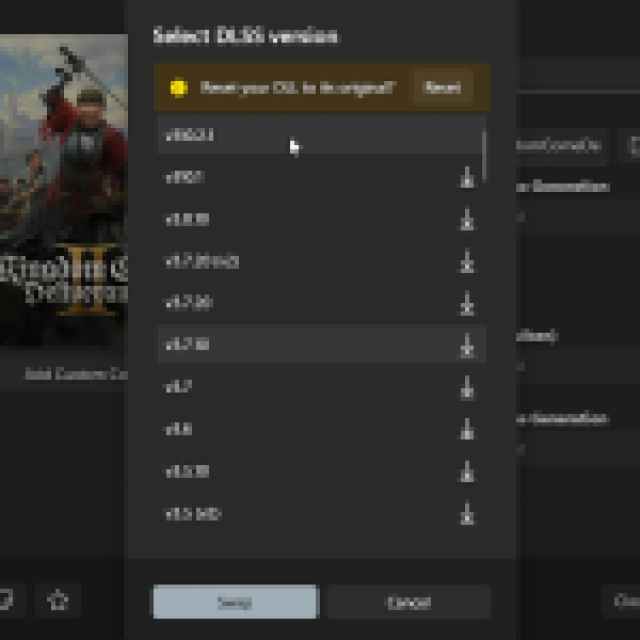
- Select the value under DLSS, which is 3.7.10 by default.
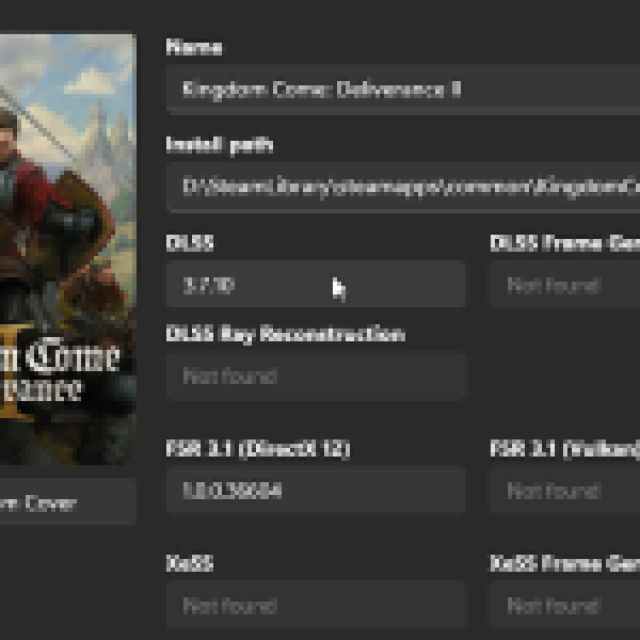
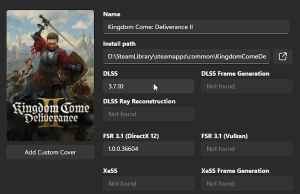
- Now, choose the latest DLSS version, which is v310.2.1 (Don’t worry, this is still DLSS 4)
- You’ll have to click the download button on the right first, and then select Swap

That’s it, the version will update in the DLSS Swapper, and also in the game. Now you can set the DLSS quality preset to something below what you were using. In my experience, even the performance preset looks decent now at 1440p, which it certainly wasn’t with DLSS 3.


