
How To Install Mods for Marvel Rivals on PC
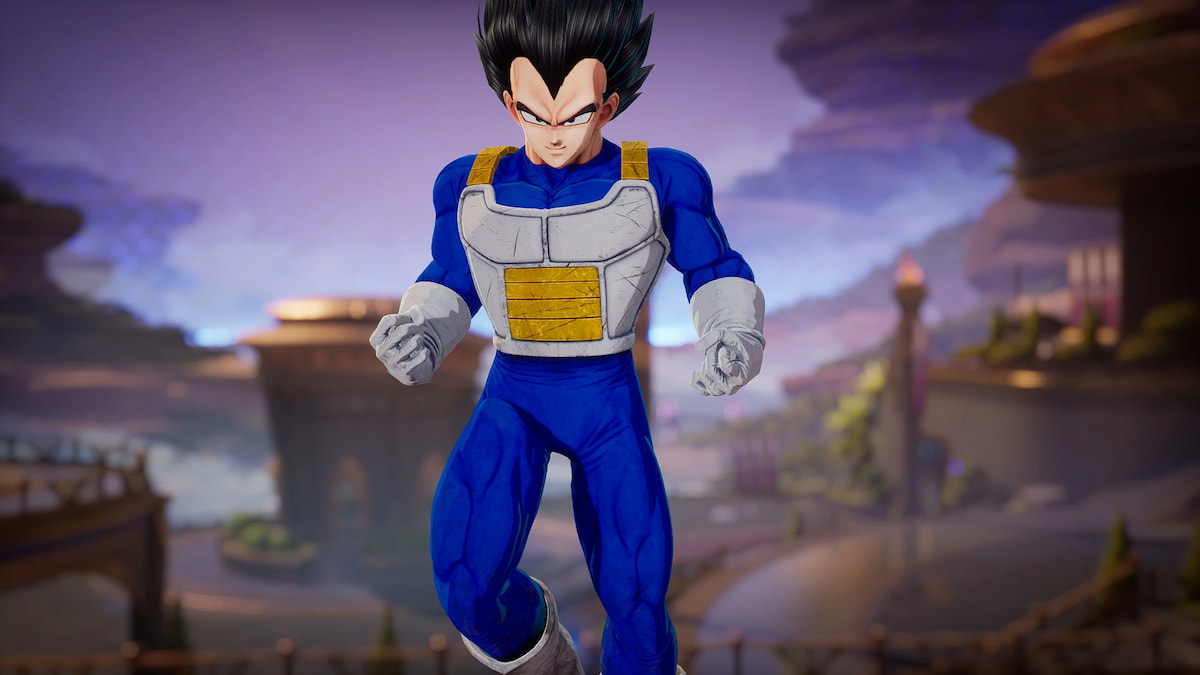
Yes, that's Vegeta instead of Iron Man, deal with it.

Marvel Rivals launched with a massive roster of 33 characters with many playstyles and archetypes to mix and match in a team. This also means that the PC community wasted no time to start modding the game by adding minor quality-of-life features and character customization in the form of skins and cosmetics. Here is how you can install different mods for Marvel Rivals on the PC version.
Installing Mods for Marvel Rivals
Marvel Rivals is developed on Unreal Engine 5, so the mod is in the form of pak files. It’s a fairly straightforward process; simply copy the mod files to a specific folder that we’ll create inside the Marvel Rivals directory.
Where To Download Marvel Rivals Mods
The vast majority of mods can be downloaded directly from Nexus Mods. You will need a free account to download the zip files for each mod. To browse through the mods, we recommend sorting the dedicated Marvel Rivals section by popularity so you can see what’s being downloaded the most.
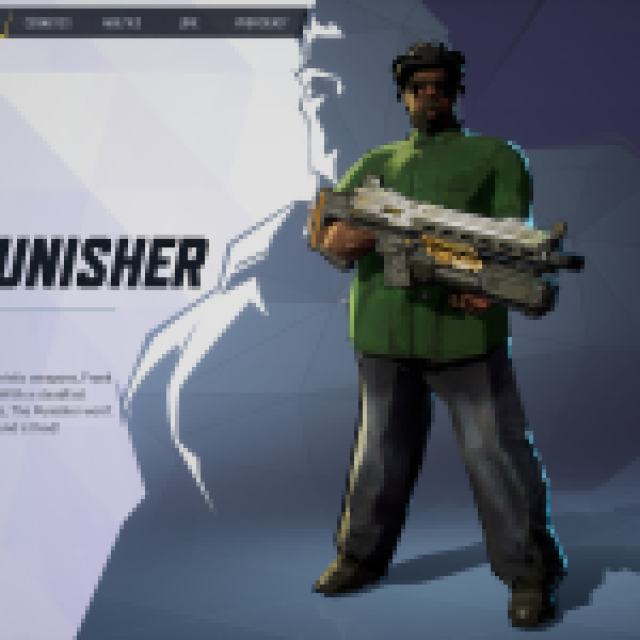
To walk you through an example, we’ll download the “Big Smoke as The Punisher” mod. Click the “Files” tab, and hit “Manual Download“

Create the ~Mods Folder
Since this is an Unreal Engine release, we need to create a dedicated mods folder inside the installation directory. All the pak files for individual mods will go here, and you don’t need a mod manager or something similar to maintain and delete these mods.
- Open Steam, and open your library
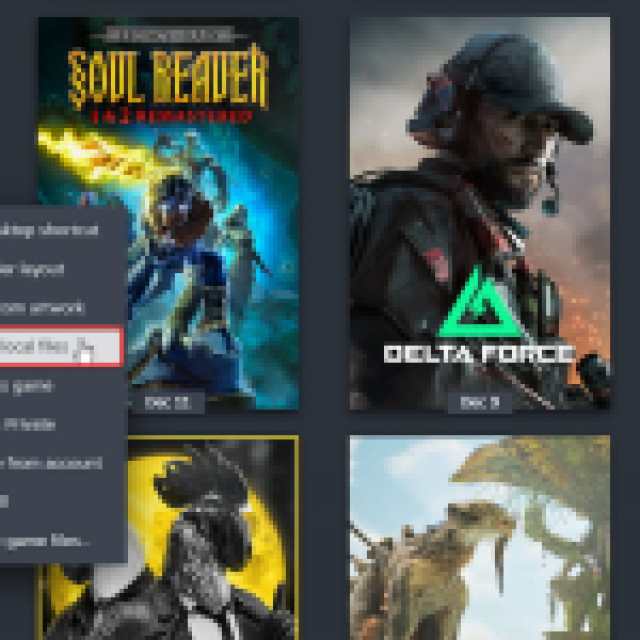
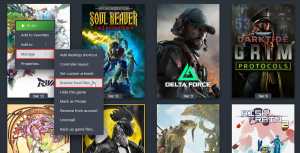
- Right-click on Marvel Rivals, select Manage, followed by Browse local files
- Here, navigate to the following folders:
MarvelRivals\MarvelGame\Marvel\Content\Paks
- In the Paks folder, create a new folder called “~mods“. Don’t forget the ~, it’s very important. Your Paks folder should look like this:
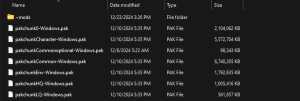
- Now, extract the zip file for the mod and copy the file with the .pak extension into the ~mods folder.
- For the Big Smoke mod, our ~mods folder will look like this:
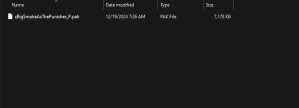
That’s all you need to do, and when you launch Marvel Rivals again, Punisher will be replaced by Big Smoke in-game.
If you want to remove the mod, simply delete the specific pak file from the ~mods folder. As long as there aren’t conflicts with existing mods, multiple mods can work together without a problem.
Are Mods Allowed in Marvel Rivals?
As of writing, modifying configuration files and in-game content is discouraged by the developers and can lead to “unexpected issues” which probably means bans.
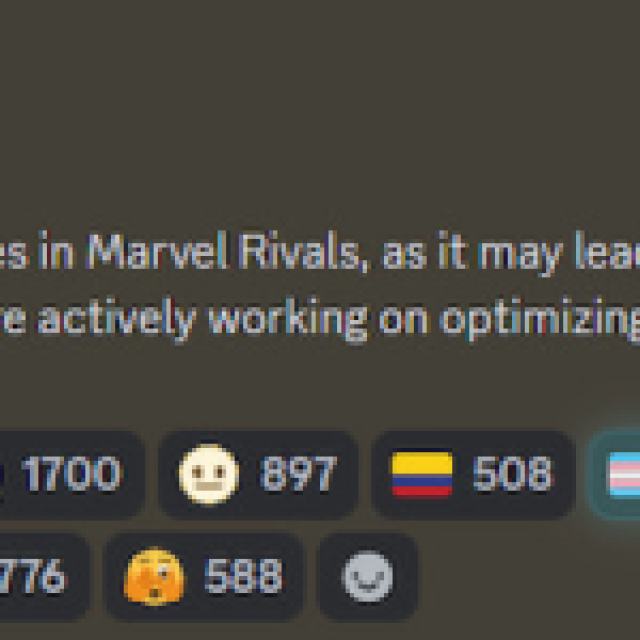

They haven’t specifically mentioned cosmetic mods, but the larger implication is that anything that modifies in-game content, or even the engine can be potentially flagged by the anti-cheat and lead to a ban.
We don’t think that cosmetic mods can lead to bans as long as the overall visibility and character size aren’t affected, but it’s a bit risky at the moment. We hope that the developers share their official stance on what type of mods are allowed so players have a better idea of what they can mod in-game.
Finding the best mods aside, if you still haven’t picked a main, make sure to check out our tier list for the Marvel Rivals roster.


