
How To Fix the Dispatch Stuttering Issues on PC
Stutter no more! (I hope)

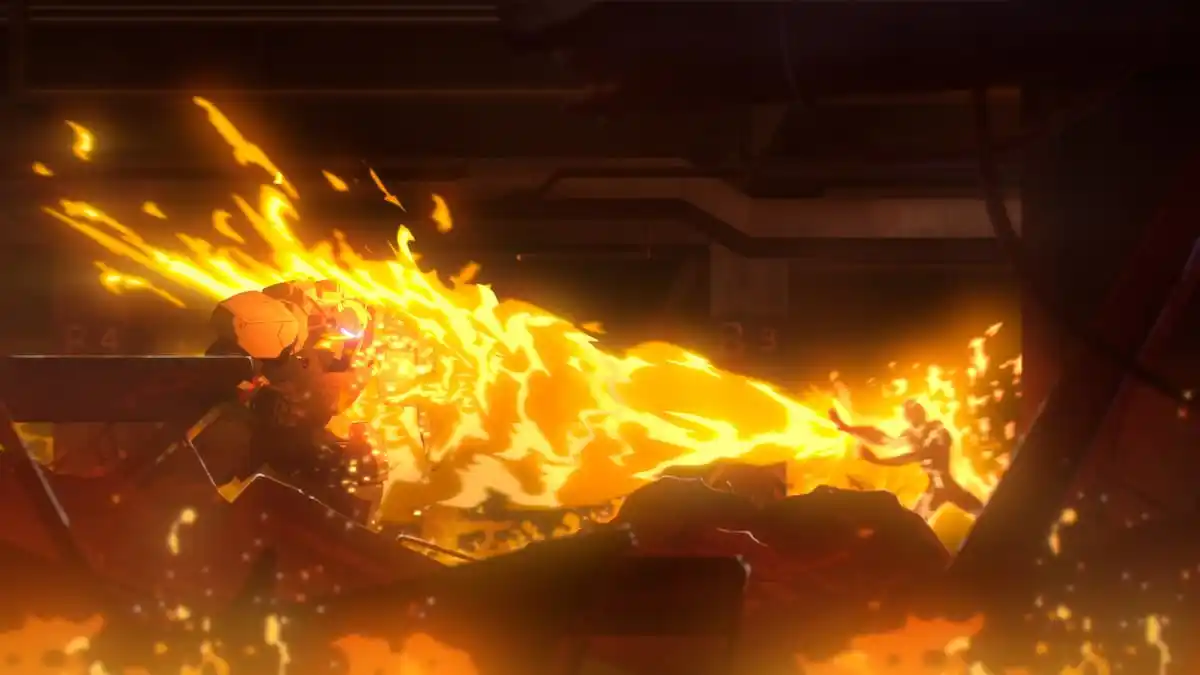
The first two episodes of the narrative-driven adventure, Dispatch, are now available. It’s not the most demanding game on PC largely because of its presentation style, but some users have reported technical issues like artifacts, green lines, and stutters.
The developers are aware of most of these problems, but if you’re running into stuttering while playing Dispatch specifically, here are a few things you can do to fix that.
Disable Overlays like Discord, NVIDIA, and Medal
Currently, if you have an overlay enabled on any software like Discord, NVIDIA, or Medal, I recommend turning it off. Discord Overlay is known to cause issues with VRR, which can lead to stuttering if your monitor supports that. Regardless, disable any active overlay and launch Dispatch again.
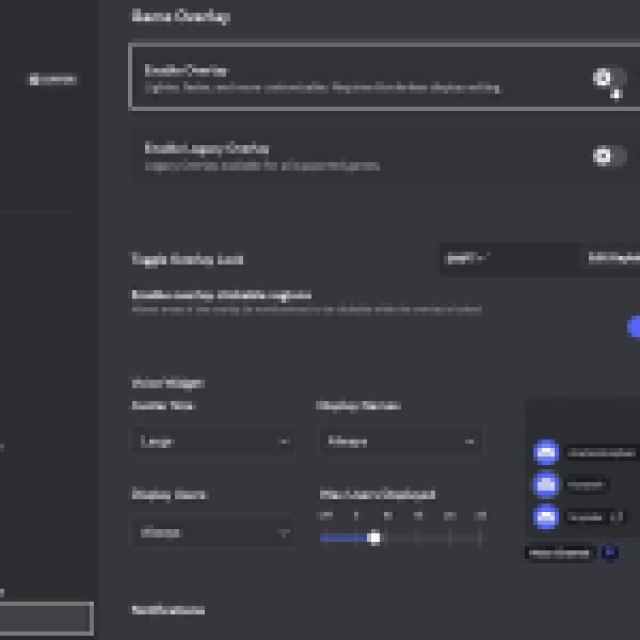
For Discord specifically, follow the steps below:
- In Discord, open settings and scroll to the bottom.
- Click Game Overlay under ACTIVITY SETTINGS.
- Here, toggle “Enable Overlay” to off.
Update GPU Drivers
Make sure you’re using the latest GPU drivers, especially if you haven’t updated those in a while. You can get the latest drivers for your GPU from the links below.
Verify Game Files
While it isn’t usually related, you may be getting an unstable experience if your game files aren’t in order. To ensure that isn’t the case, verify your installation files in the Steam client:
- Open Steam and navigate to your library
- Here, right-click on Dispatch and select Properties
- In the Installed Files tab, click on Verify integrity of game files
After you’re done, Steam will download anything missing or broken, and you should be set.
Disable Vsync (or Enable It)
If you have a VRR (G-Sync or FreeSync) monitor, you typically want VSync enabled at the driver level but disabled in the game. Enabling VSync in both places can sometimes cause stuttering or input lag because it can interfere with VRR’s ability to manage frame pacing smoothly. If you don’t have a VRR display, then enabling Vsync in-game might actually fix the problem; it will definitely remove screen-tearing.
Generic Troubleshooting
Apart from that, you can try the following generic troubleshooting suggestions.
- Update DirectX and Visual C++ Redistributables
- Switch to your dedicated GPU if you’re playing on a laptop
- Add the game’s folder to your antivirus list of exceptions or exclusions.
- Make sure that the date and time on your Windows are correct.
- Update Windows to the latest version (1909 or higher).
- Make sure you meet the minimum system requirements.
Overall, Dispatch is a mostly solid experience on PC, and I’m sure that the developers will be addressing these known issues in an update. They are responsive on the Steam forum, and you can submit a bug report on their support page as well.
If you’d like to see more helpful guides, news, or features from Prima Games, please consider adding us to your preferred sources.


