
How To Fix the Delta Force Stuttering Issue on AMD GPUs
Don't worry, it's not your GPU!

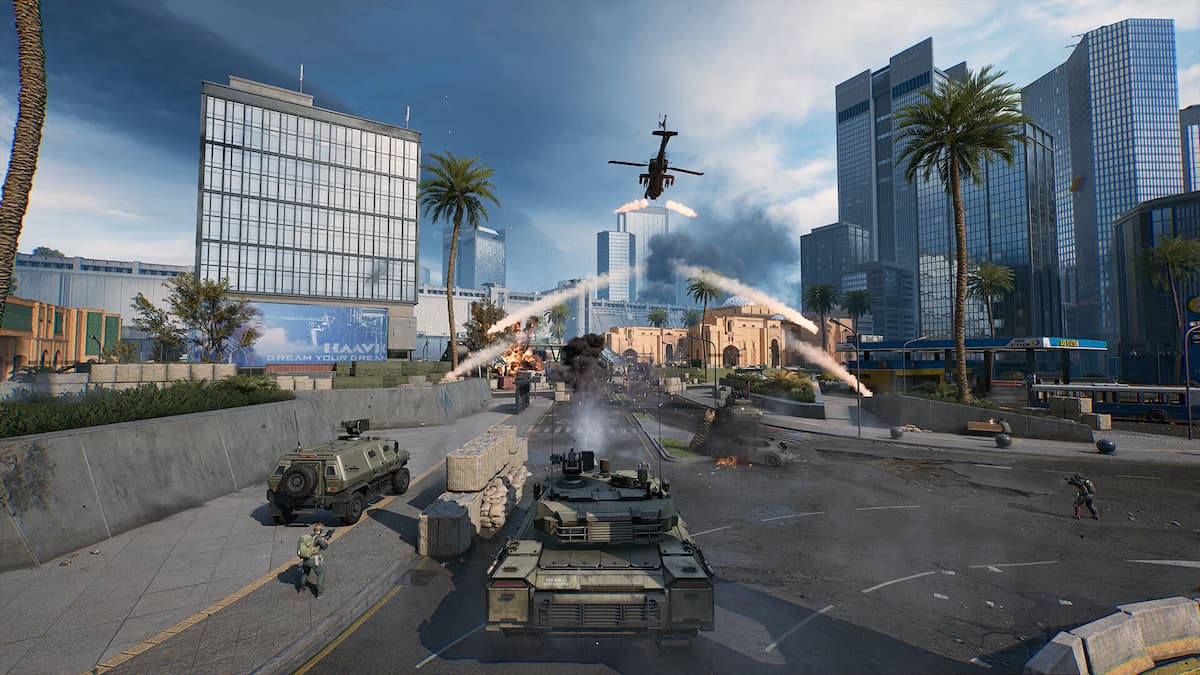
Delta Force runs quite well on PC provided you have the hardware. Despite being an Unreal Engine title, there is practically no stuttering on NVIDIA GPUs. This isn’t the case on AMD hardware, sadly, and multiple users with high-end AMD GPUs have reported constant stuttering issues while playing Delta Force. Thankfully, the developers are aware of this problem and have provided a workaround to fix the stuttering issue in Delta Force on AMD GPUs for the time being.
Fix Delta Force Stuttering on AMD GPUs
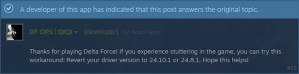
To fix the stuttering issues in Delta Force while playing on an AMD GPU, you need to downgrade the GPU drivers to either version 24.10.1 or 24.8.1. This will eliminate stuttering from Delta Force, and you can update the drivers as soon as AMD releases an update or hotfix to address the problem. This is also the recommended solution confirmed by the Delta Force developers:
Downgrade GPU Drivers
To roll back GPU drivers, we’ll first need to uninstall the existing drivers. Ideally, you should be using DDU to fully remove the drivers, but you can also remove the drivers from Windows’ “Add or Remove” section as well.
Once the drivers are uninstalled, download either of the drivers below directly from the AMD website:
- AMD Software: Adrenalin Edition 24.8.1 (Try this version first, higher success rate)
- AMD Software: Adrenalin Edition 24.10.1
After downloading the drivers, install them, and you should be good to go. Just don’t update the drivers to the latest version yet, or you’ll run into the same stuttering issue present in the current driver release from AMD.
We hope that the developers are in contact with AMD because this isn’t an issue on NVIDIA GPUs, at all. In my experience on an RTX 4070 Super, Delta Force runs quite well, and there is practically zero noticeable stuttering based on multiple hours of gameplay. I’m a bit surprised because Unreal Engine and stuttering are basically synonymous at this point, and for once, it doesn’t seem like an Engine problem.
Delta Force also has a fairly lengthy shader compilation startup, which is working as it should, at least on the NVIDIA side.
Lower Graphics Settings
If you don’t have a high-end system, we recommend avoiding the Extreme preset because it can be a bit demanding and introduce stuttering. If you are V-RAM limited, turn down the textures to a lower value as well to avoid any potential stuttering caused by this.
Generic Troubleshooting
Apart from that, you can try the following generic troubleshooting suggestions.
- Update DirectX and Visual C++ Redistributables
- Switch to your dedicated GPU if you’re playing on a laptop
- Update Media Codes for Windows N Editions
- Update Windows to the latest version
- As an added measure, you can also verify the game files to make sure all the local files are in order.
- Open Steam and navigate to your library
- Here, right-click on Delta Force and select Properties
- In the Installed Files tab, click on Verify integrity of game files
Stuttering aside, make sure you claim your pre-registration rewards in Delta Force to get some customization items and supplies for Warfare and Operations mode.


