
How to Change Voiceover Language in Neverness to Everness
Dub or sub?

With Neverness to Everness anime-style design, some of you might want to change the voiceover language to something more fitting. Watching all those anime in Japanese just makes the game feel more natural when the voiceover is in Japanese or even a different language.
Here’s a quick guide on how to change the voiceover language in Neverness to Everness.
How to Switch Voiceover Language in Neverness to Everness
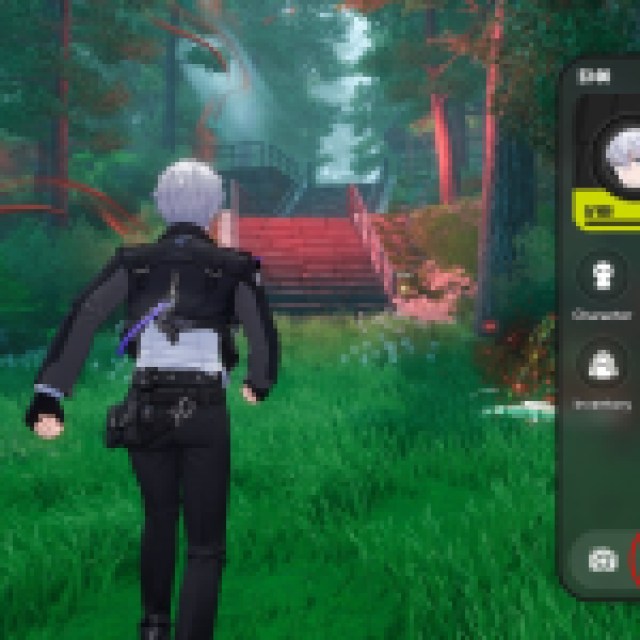
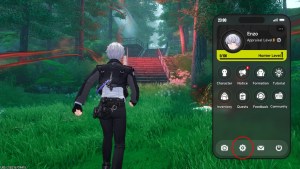
To change the voice language in the game, press ESC to open your phone. Look for the cogwheel icon to open the settings. Once the menu is open, go to the last tab or the Accounts tab.
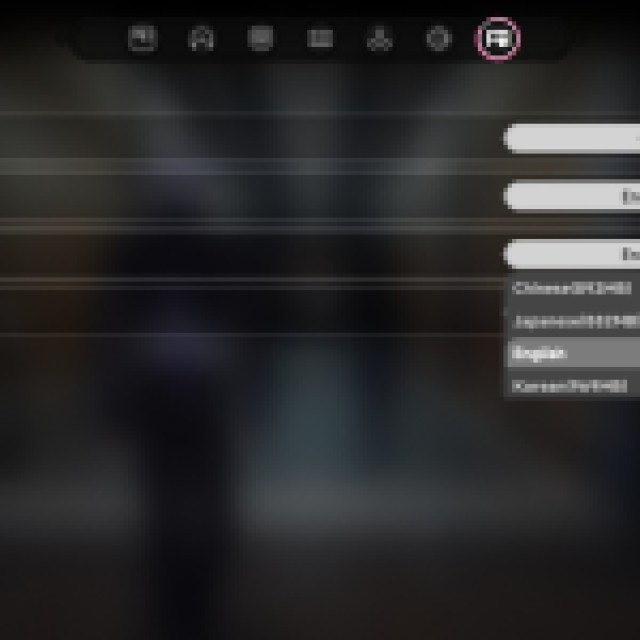
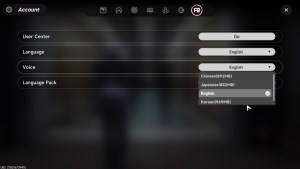
Under the Accounts section, there are Language, Voice, and Language Pack options. Select the dropdown settings on Voice, and there should be four languages available for now: Chinese, Japanese, English, and Korean.
By default, you should have the English voice automatically downloaded, while the others still require a download. The download size for each voice pack or language pack is as follows:
- Chinese – 892MB
- Japanese – 882MB
- Korean – 969MB
If you select any of these languages, it will prompt a download window in the game. However, you can also proceed playing while it is downloading, so you can continue to progress. If you choose to play while downloading, you’ll have to go back to the settings page again to change the voice-over language.
As for the Language option in the menu, it changes the text to whatever is input. So, if you are playing with the Japanese voice and change the language to Japanese as well, you’ll get the Japanese voice and Japanese subtitles.


