
Complete Controls Guide for Heroes of Might and Magic Olden Era – Hotkeys to Remember
Learning hotkeys saves a lot of time and effort in this game!

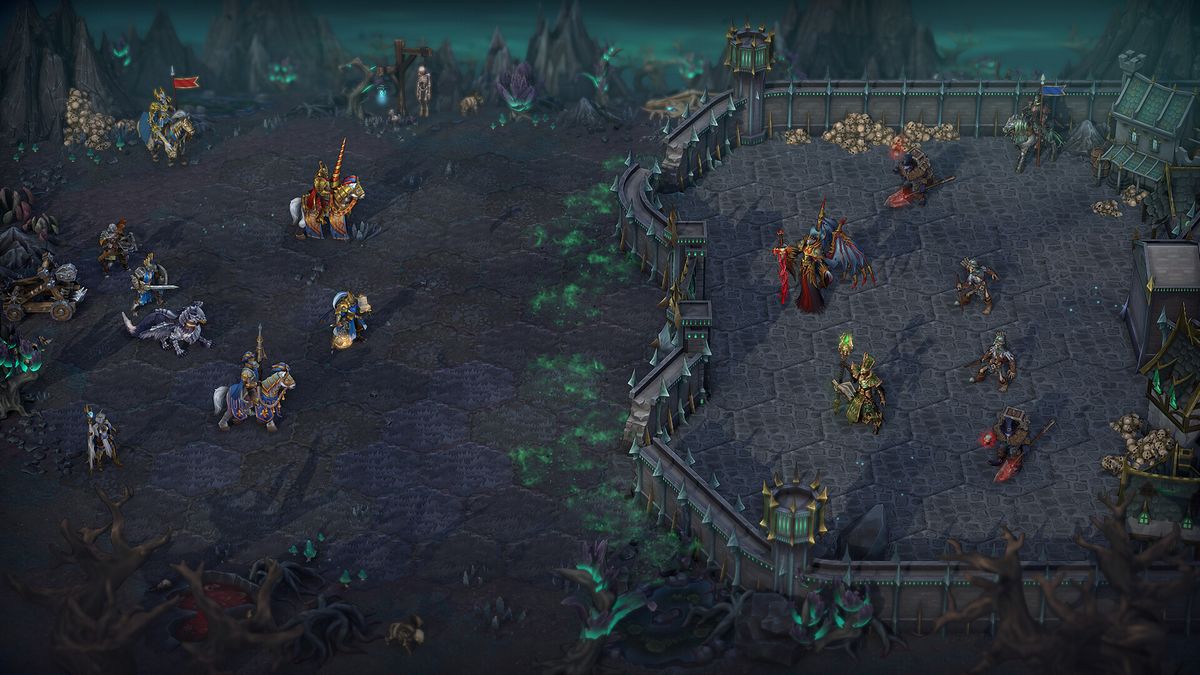
Image via Unfrozen
Heroes of Might and Magic: Olden Era is a complex RTS game that has several controls or hotkeys to remember. Not all of them are necessary to know, but knowing the most frequently used actions’ hotkeys will save you a lot of time and your wrists in the long run.
Recommended Videos
In this controls guide, I’ve listed the best hotkeys to remember and the complete controls and hotkeys settings after for HoMM: OE.
Best Hotkeys to Remember When Playing Heroes of Might and Magic: Olden Era

| Action | Hotkey | Type | Why |
| Show Alt Information | L. Alt | Global Map | Easy way to check your income, see highlighted interactables, and more. |
| Show/Hide: Area Borders, Dangerous Zones, and Map Grid | Z, X, and C | Global Map | Showing these highlights makes it easier to know a map, especially finding dangerous foes you could’ve missed. |
| Quick Save | F5 | Global Map | Fast way to save progress. |
| Quick Load | F9 | Global Map | Save scumming? |
| End Turn | E (L. Shift + E for no confirmation) | Global Map | Saves you a lot of time in the long run. |
| Continue Movement | ~ | Global Map | Probably the most useful hotkey to remember. It lets your hero continue movement without using your mouse. |
| Hero Window | H | Global Map | If you are always looking at what your heroes are holding. |
| Wait | W | Battle | These are the most common actions in battle. |
| Skip Turn | D | Battle | These are the most common actions in battle. |
| Heroic Strike | ~ | Battle | These are the most common actions in battle. |
| End Tactics Phase | Enter | Battle | Ends tactics phase. |
| Autoplay Remaining Battle | L. Shift + Q | Battle | When you are already too strong, you don’t want to battle every fight, right? |
While there could be more hotkeys you might want to remember, these are the hotkeys I personally use all the time. You can check out the complete controls and hotkeys below, which will include some of these hotkeys already mentioned.
Complete Hotkeys Guide for Heroes of Might and Magic: Olden Era
Global Map Hotkeys
| Hero Movement | LMB | Select Rewards | 1/2/3/4 |
| Camera Movement | RMB or WSAD | Show/Hide Area Borders | Z |
| Zoom In and Zoom Out | Mouse Wheel | Show/Hide Dangerous Zones | X |
| Delete Stack | L.Ctrl + X | Show/Hide Map Grid | C |
| Decline Selection | Esc | Change Fog of War | \ |
| Confirm Selection | Space | Menu | Esc |
| Select Skill/Subskill on Level Up | 1/2/3 | Quick Save | F5 |
| Open Law Screen | L | Quick Load | F9 |
| Display Alt. Information | L.Alt | End Turn | E (L.Shift + E for no confirmation) |
| Open Observatory | O | Interact with Nearest Object | Space/Num 5 |
| Open Spellbook | B | Next Hero/Previous Hero | Tab / L.Shift + Tab |
| Previous and Next Page of Spellbook | [ and ] | Continue Movement | ~ |
| Chat Wheel | Y | Hero Window | I or H |
City Hotkeys
| Stop Cinematic Camera | LMB |
| Construction Menu | B |
| Recruit Menu | C |
| Upgrade Menu | U |
| Tavern | H |
| Marketplace | M |
| Artifact Merchant | A |
| Unique Building | G |
| Next City | Tab |
| Previous City | L. Shift Tab |
| Recruit All | X |
| Recruit Base Creature | L. Shift + RMB |
| Recruit Upgraded Creature | L. Ctrl + RMB |
| Recruit Alt-Upgraded Creature | L. Alt + RMB |
Battle Hotkeys
| Select Creature Ability | 1/2/3/4/5 |
| Select Hero Ability | 6/7/8/9/0 |
| Wait | W |
| Skip Turn | D |
| Heroic Strike | ~ |
| Surrender | R |
| Flee | E |
| Battle Log | L |
| End Tactics Phase | Enter |
| Autoplay Remaining Battle | L. Shift + Q |
| Switch to Auto-Battle | A |
| Alternative Camera Position | C |
Hero and Garrison Hotkeys
| Split 1 Unit | L. Ctrl + LMB |
| Fill All Slots With Units | L. Ctrl + L. Shift + LMB |
| Merge All Units Into One Slot | L. Ctrl + L. Shift + RMB |
| Delete Stack | L. Ctrl + D + LMB |
| Divide Equally | L. Shift + LMB |
| Distribute Equally Among Available Slots | L. Shift + RMB |
| Move Stack to Another Line | L. Ctrl + L. Alt + LMB |
| Move All Except 1 Unit From Selected to Another Line | L. Ctrl + L. Alt + RMB |
| Hero Interaction Screen | Q |
Hero Interaction Screen Hotkeys
| Swap Full Army & Artifacts | Tab |
| Transfer Full Army & Artifacts Lefft | L. Ctrl + 1 |
| Transfer Full Army & Artifacts Right | L. Ctrl + 2 |
| Transfer Selected Artifact | L. Ctrl + L. Alt + LMB |
| Transfer All Artifacts Except Selected | L. Ctrl + L. Alt + RMB |
| Transfer Selected Stack | L. Ctrl + L. Alt + LMB |
| Transfer Full Army Except 1 Unit From Selected | L. Ctrl + L. Alt + RMB |


