
Cairn Complete Controls for PC and Controller
Recall Climbot x10.

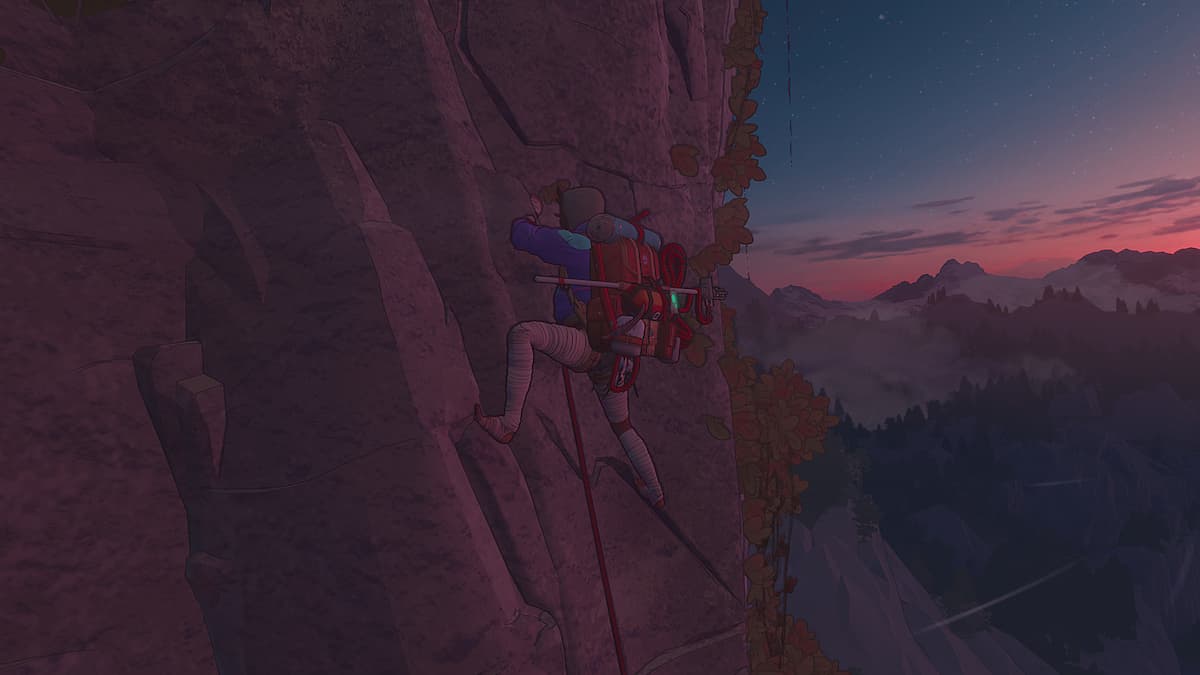
Cairn is out now on PC and PS5, and it’s easily one of the best releases of the year. The immersive climbing adventure from The Game Bakers plays great no matter what form of input you prefer, thanks to its highly intuitive controls.
If you need a reference to its default control scheme, here are the complete controls for Cairn, whether you’re playing on keyboard and mouse or prefer a controller.
Cairn Complete Controls for Controller
| Action | Context | Xbox | PlayStation |
|---|---|---|---|
| Move Camera | – | Right Stick | Right Stick |
| Move | Walking | Left Stick | Left Stick |
| Move a limb | Climbing | Left Stick | Left Stick |
| Rappel | Climbing – Holding Rope | Left Stick | Left Stick |
| Ascend Rope | Climbing – Holding Rope | Left Stick | Left Stick |
| Recover Stamina | Climbing | Y | Triangle |
| Recall Climbot | Walking | T | Triangle |
| Cancel Last Action | Climbing | B | Circle |
| Jump Back Down | Climbing | B (Hold) | Circle (Hold) |
| Start Climbing | Walking | X | Square |
| Climb | Climbing | X | Square |
| Interact | – | A | X |
| Jump | Walking – With Momentum | A | X |
| Bag, Quick rest | – | D-Pad Down | D-Pad Down |
| Bottle, Barometer | – | D-Pad Left | D-Pad Left |
| Piton, Light | – | D-Pad Up | D-Pad Up |
| Chalk, Finger state | – | D-Pad Right | D-Pad Right |
| Take a running start | Walking | RT | R2 |
| Speed Walk | Walking | RB | R1 |
| Manual Limb Selection | Climbing | RB | R1 |
| Alternate quick actions | – | LT | L2 |
| Scope the wall | – | LB | L1 |
Cairn Complete Controls for Keyboard and Mouse
| Action | Context | Input |
|---|---|---|
| Move Camera | – | Mouse Movement |
| Move | Walking | W / S / A / D |
| Move a limb | Climbing | W / S / A / D |
| Rappel | Climbing – Holding Rope | W / S / A / D |
| Ascend Rope | Climbing – Holding Rope | W / S / A / D |
| Recover Stamina | Climbing | Q |
| Recall Climbot | Walking | Q |
| Cancel Last Action | Climbing | Right Mouse Button |
| Jump Back Down | Climbing | Right Mouse Button (Hold) |
| Start Climbing | Walking | Left Mouse Button |
| Climb | Climbing | Left Mouse Button |
| Interact | – | E |
| Jump | Walking – With Momentum | Space bar |
| Bag, Quick rest | – | 1 |
| Bottle, Barometer | – | 2 |
| Piton, Light | – | 3 |
| Chalk, Finger state | – | 4 |
| Take a running start | Walking | Ctrl |
| Speed Walk | Walking | Shift |
| Manual Limb Selection | Climbing | Space bar |
| Alternate quick actions | – | X |
| Scope the wall | – | Tab |
Can You Remap Controls in Cairn?
Yes, if you aren’t happy with the default control scheme, you can completely remap all actions for keyboard, mouse, and controllers.
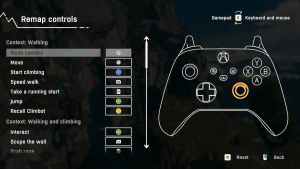
Personally, I prefer using the controller with Cairn, but it’s definitely playable on keyboard and mouse. The developers do recommend playing with a controller, but remaping means you can adjust it till you’re comfortable.


