
How to Reload in WARDOGS: Ammo & Magazines, Explained
All the details on how to reload in WARDOGS, including switching magazines and combining loose ammo into a magazine.

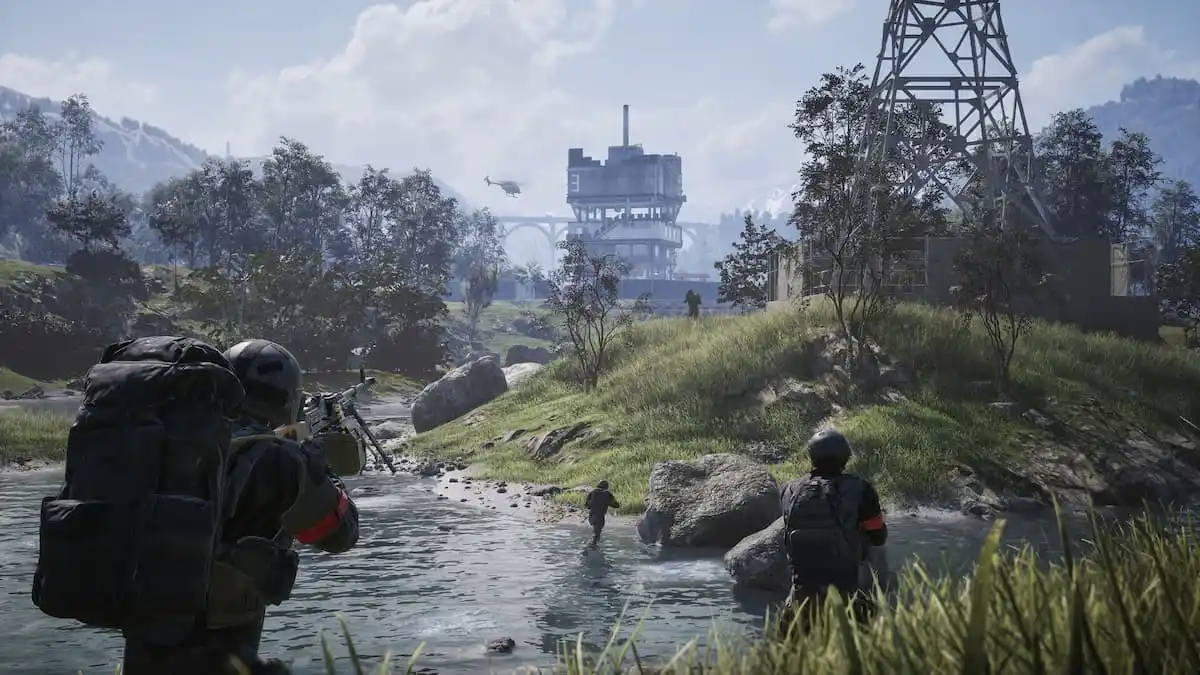
WARDOGS is making waves after the launch into early access, but the mechanics may be confusing for some players, including how to reload.
Unlike many other FPS titles, WARDOGS is a much more realistic shooter, and reloading your weapon isn’t as simple as a quick switch.
There are a few things to be aware of and get used to, all of which are outlined here.
How Does Ammo Work in WARDOGS?
Unlike many traditional FPS titles, the ammunition mechanics in WARDOGS vary, and there are a few particular pieces that are required for a functioning weapon.
Purchasing a magazine isn’t enough, as you also need to have ammunition for the magazine. The mechanics work similarly to Escape From Tarkov, and you can’t have one without the other.
Loose ammunition takes up less space in your backpack than Magazines, so the best approach is to have one or two magazines and a bunch of loose ammunition. Once a magazine has been emptied, it can be filled up again with more ammo.
How to Reload in WARDOGS
The approach to reloading in WARDOGS varies in different circumstances, which may seem off-putting and confusing at first, but it won’t take long until you get your head around it.
Here are the button prompts for various types of reloading and details on the scenarios where they apply.
- Press R: Switch magazines.
- Hold R: Drop magazine to the floor (does NOT put it in your inventory)
- Press C: Combine ammunition
If you want to reload in the same way you would in other FPS titles like Call of Duty, you need at least two magazines equipped with ammo, which can then be switched by pressing ‘R’.
When a magazine is empty, it will need to be refilled with loose ammo. To do this, open your inventory, make sure the magazine you want to fill is in your backpack, alongside the loose ammo, and press ‘C’ to combine ammo.
This does take time, so make sure you’re protected when combining ammo, and that’s why it’s so important to carry at least two magazines, so you can switch as required in a firefight.


