
007 First Light Save File Location on PC
Confidential.


007 First Light is an absolute blast on PC, and while it can be played offline, it comes with the IO Interactive online features and limited cross-progression capabilities. That said, if you’re looking for your local progress data, here is the save file location for 007 First Light on PC.
007 First Light Save File Location
| Client | Save File Location |
|---|---|
| Steam | C:\Program Files (x86)\Steam\userdata\[Steam ID]\1659040\remote |
Inside the Steam installation folder, you’ll see a folder called userdata. Here, you’ll want to open the folder that corresponds to your unique Steam numeric ID. Inside that, there are a ton of folders, but the one you’re looking for is 1659040, which is 007 First Light’s unique Steam app ID. Here, you’ll find all the saved content for the title.
Since it’s a bit tricky to remember this, I recommend backing up the 1659040 folder and placing it in a folder called 007 First Light. For future use, you’ll want to move the folder back to the Steam numeric ID folder.
Does 007 First Light Support Multiple Save Slots?
Yes, you can create up to five unique save slots in 007 First Light. Just head over to “Start Story” in the main menu, and you’ll see a screen with empty save slots.
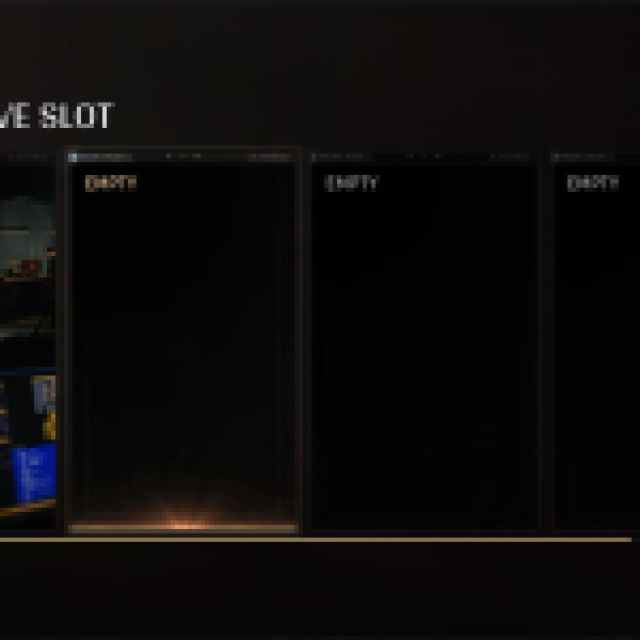
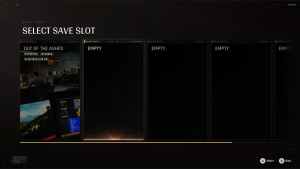
You can also delete any existing profile as well.
007 First Light Cross-Progression Explained
While 007 First Light supports cross-progression thanks to the IOI account, your actual save data isn’t carried over to other platforms. The following data is carried over across platforms:
- Tac Sim Experience (XP)
- Tac Sim Clearance level
- Tac Sim Inventory
- Campaign Challenges and Tac Sim Challenges progress
- Unlocks and Inventory
- IOI Account Rewards
The following content isn’t shared across platforms:
- Game license and DLC license
- DLC-based unlocks
- Save games and Campaign progression
- Collectibles
- Achievements and trophies
- Leaderboards (platform-specific)
Essentially, the online progression is what carries over, not the single-player content.
007 First Light Steam Features
007 First Light is available on both Steam and the Epic Games Store, but there are a lot more client features in the Steam version, including the following:
- Steam Cloud: Your progress is automatically uploaded to Steam Cloud, which can be accessed on different systems with the client.
- Family Share: Members of your Steam family can now access 007 First Light as well.
- Steam Input: 007 First Light has full controller support, and DualSense controllers work just fine with it, but if you have an untraditional controller, Steam Input makes it easy to use.
Overall, IO Interactive has delivered yet another excellent single-player experience with support for multiple save slots as well. The online integration is a mixed bag, but thankfully, it’s all optional.


