
Pragmata Complete Controls for PC and Controller
Hugh is a joy to control!

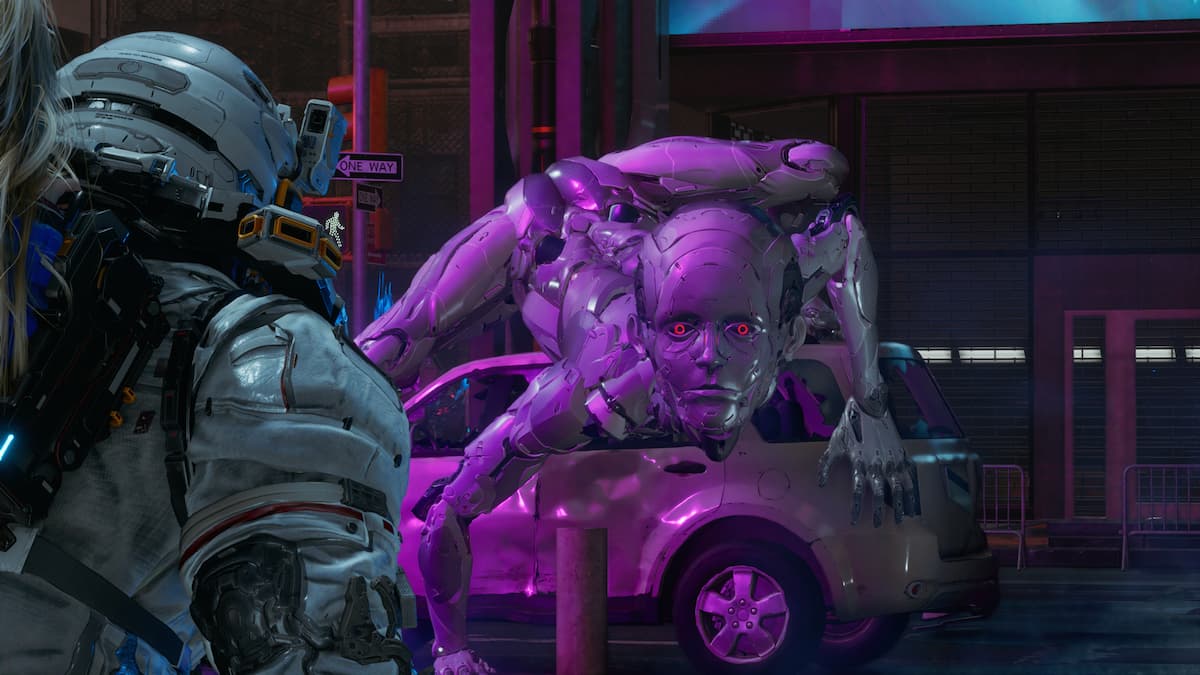
Pragmata is a tightly designed action title that seamlessly blends shooting and puzzle hacking. Despite its unique combat system, the actual controls are fairly intuitive and work without friction. If you need a quick reference to the default scheme, here are the complete controls for Pragmata.
Pragmata Complete Controls for Keyboard and Mouse
Here are the complete controls for Pragmata if you’re playing the game on keyboard and mouse.
| Action | Input |
|---|---|
| Aim Weapon | Right Mouse Button |
| Shoot | Left Mouse Button |
| Begin / Cancel Mouse Hacking | Alt |
| Reset Hacking | R |
| Jump / Hover | Space |
| Run | Shift |
| Dodge | Ctrl |
| Interact / Pick Up | C |
| Use Repair Cartridge | Q |
| Scan | C |
| Overdrive | X |
| Lim Eraser | E |
| Auto-hacking | G |
| Move Forward | W |
| Move Backward | S |
| Move Left | A |
| Move Right | D |
| Equip Top Weapon | 1 |
| Equip Left Weapon | 2 |
| Equip Right Weapon | 3 |
| Equip Bottom Weapon | 4 |
| Lock-On / Cancel Hack | V |
| Reset Camera | B |
| Pause | P |
Pragmata Complete Controls for Controller
Here are the complete controls for a controller, whether you’re playing on an Xbox, PlayStation, or Switch 2 pad.
| Action | Xbox | PlayStation | Switch 2 |
|---|---|---|---|
| Aim Weapon | LT | L2 | ZL |
| Shoot | RT | R2 | ZR |
| Camera | Right Stick | Right Stick | Right Stick |
| Reset Camera | RS | R3 | Right Stick (Press) |
| Movement | Left Stick | Left Stick | Left Stick |
| Hacking and Cursor Movement | LT (Aim) + Y (↑) / A (↓) / X (←) / B (→) | L2 (Aim) + Triangle (↑) / X (↓) / Square (←) / Circle (→) | ZL (Aim) + X (↑) / B (↓) / Y (←) / A (→) |
| Reset Hacking | LT (Hold) + View Button | L2 (Hold) + View Touchpad | ZL (Hold) + – |
| Jump / Hover | A | X | B |
| Hover | A (Hold) | X (Hold) | B (Hold) |
| Run | LS | L3 | LS |
| Dodge | RB | R1 | R |
| Interact / Pick Up | Y | Triangle | X |
| Use Repair Cartridge | B (Hold) | Circle (Hold) | A (Hold) |
| Scan | X | Square | Y |
| Critical Shot | RT | R2 | ZR |
| Overdrive | LS + RS | L3 + R3 | LS + RS |
| Lim Eraser | RB (Hold) | R1 (Hold) | R (Hold) |
| Equip Top Weapon | D-Pad Up | D-Pad Up | D-Pad Up |
| Equip Left Weapon | D-Pad Left | D-Pad Left | D-Pad Left |
| Equip Right Weapon | D-Pad Right | D-Pad Right | D-Pad Right |
| Equip Bottom Weapon | D-Pad Down | D-Pad Down | D-Pad Down |
| Pause | Menu Button | Options Button | + |
Can you Remap Controls in Pragmata?
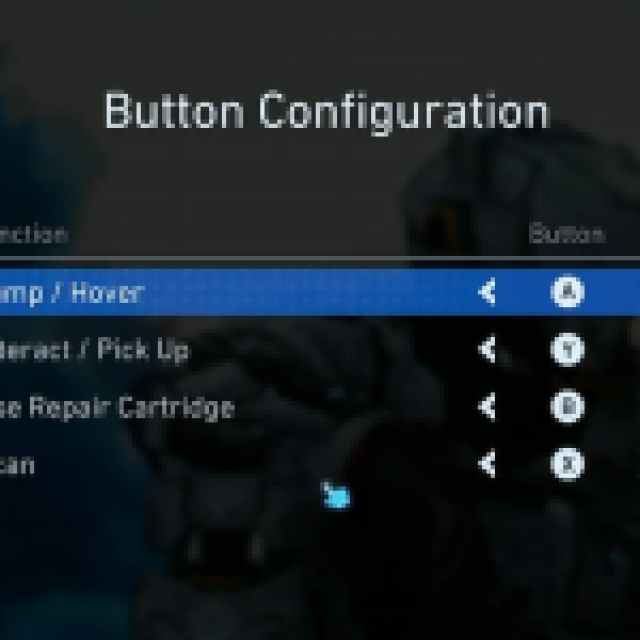
You can fully remap the controls in Pragmata when playing with a keyboard and mouse, but if you’re using a controller, you can only adjust the bindings of the face buttons.

Pragmata Controller Support on PC
On PC, Pragmata has native support for Xbox and PlayStation controllers. I’ve tested the Xbox Series controller as well as the DualSense, and both work without the need for Steam Input.
If you’re playing with a DualSense, you can also enjoy the following features in Pragmata:
- Haptic Feedback
- Adaptive Triggers
- Motion Controls (Gyro Aiming)
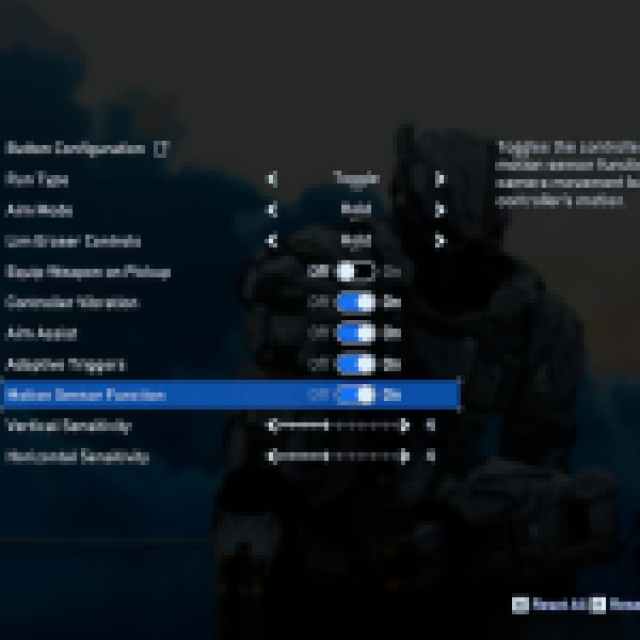
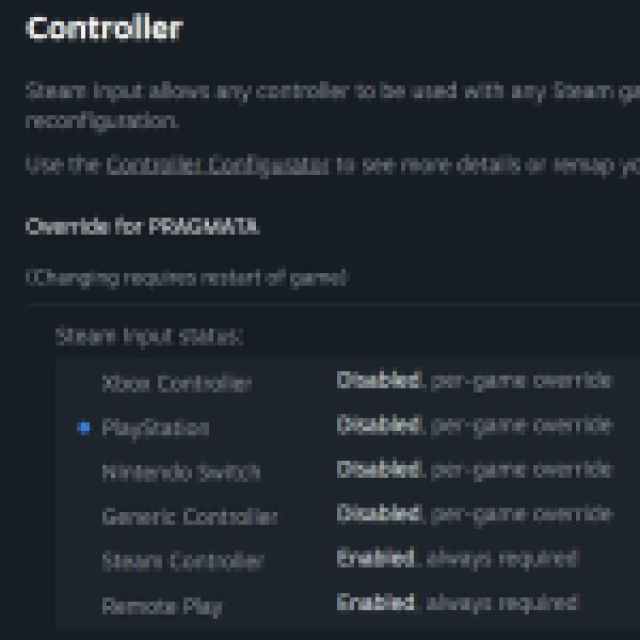
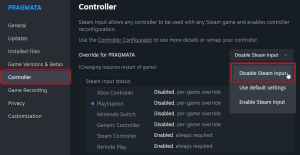
If, for whatever reason, either of these controllers isn’t working properly, I recommend disabling Steam Input to avoid any conflicts.
- Make sure Pragmata isn’t running.
- Open Steam and navigate to your library.
- Here, right-click on Pragmata and select Properties.
- In the Controller tab, select the Disable Steam Input option under Override for Pragmata.
Overall, Pragmata has tight controls, and every aspect of the gameplay feels intuitive, built around a simple but effective control scheme.


