
How to Create the Second Module in Modulus: Factory Automation
First step into madness.

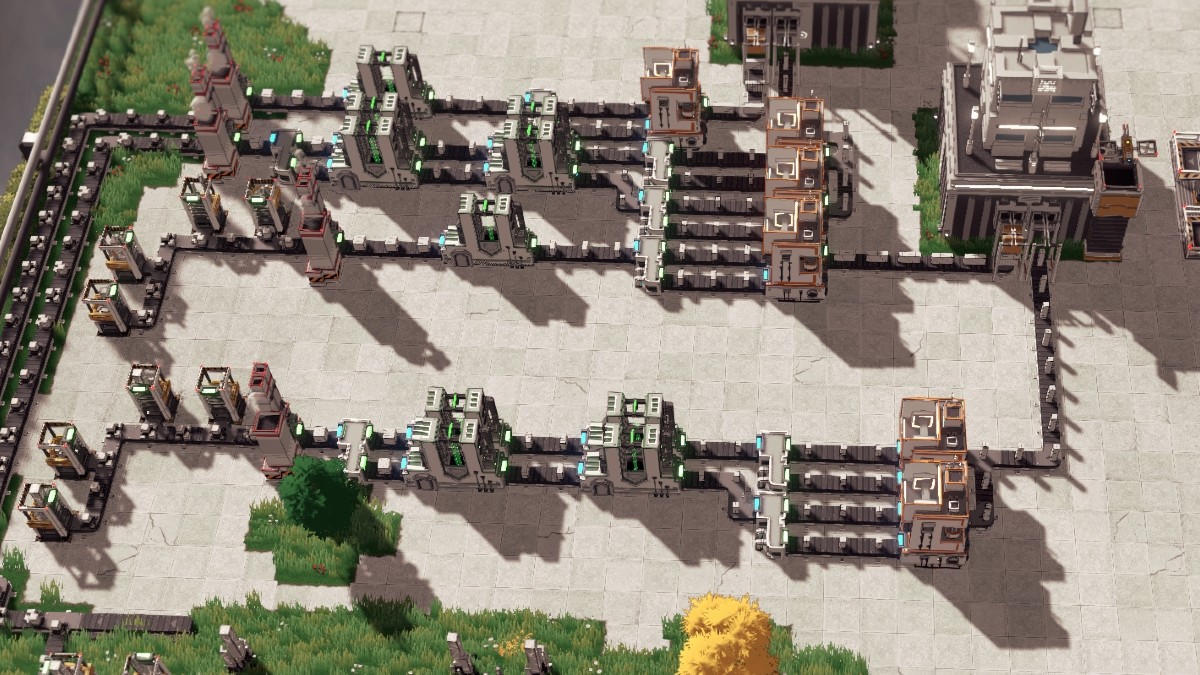
Even when you are used to playing factory and automation simulation games, Modulus: Factory Automation’s early learning curve can become a head-scratcher.
There’s a tutorial to help you learn the ropes, but even with the objectives being laid out clearly, creating the second module is the first of many difficult tasks you’ll have to overcome with little guidance, and here’s a quick guide on how to make it.
How to Create the 2x8x2 Module in Modulus: Factory Automation
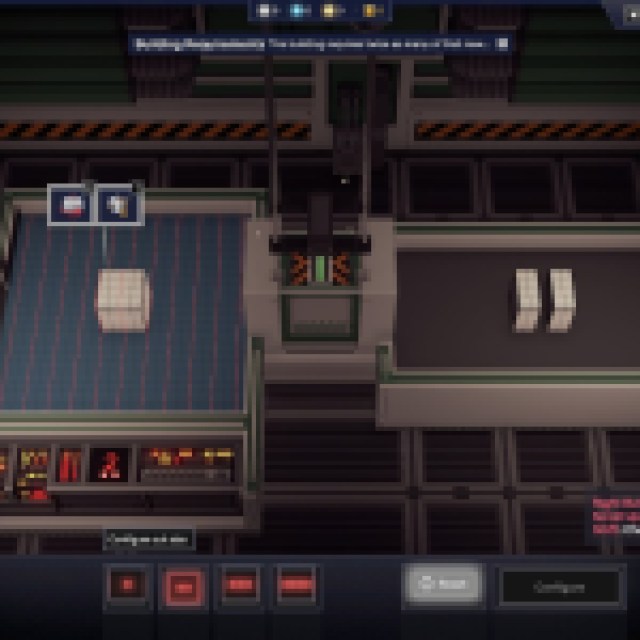
When you follow the tutorial, you’ll reach the “create a Second Module” objective right after learning how to copy layouts. However, that copied layout doesn’t have the correct buildings to create the second module.
The correct layout needs to be: Miner > Furnace > Cutter > Cutter > Assembler
The product comes out of the furnace as a 4x4x4 module and needs to be cut to a 2x4x4 size first (the second cut size configuration). Since you are cutting the module, you’ll have twice as many modules. Make sure to split the conveyor belt after the first Cutter and insert it into another cutter to maximize efficiency.
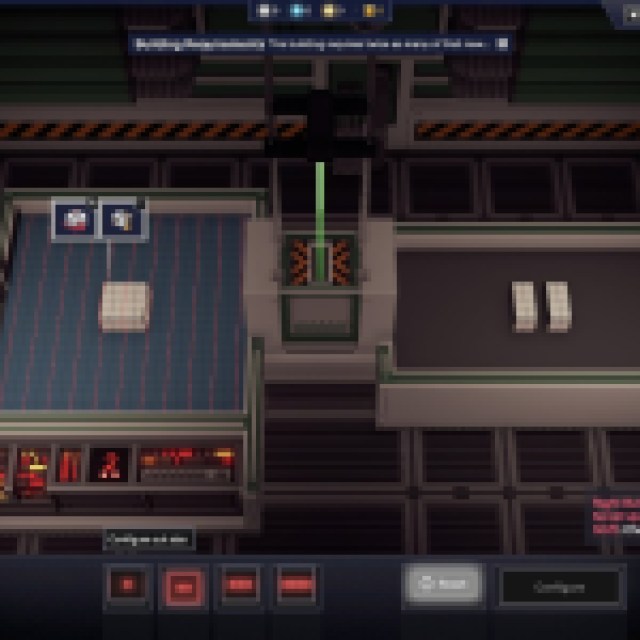
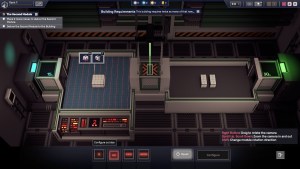
The configuration for the second cutter will be the second cut size, with the module standing horizontally. You’ll end up with a 2x4x2 module after the second cutting process. Split your second cutter again to maximize efficiency.
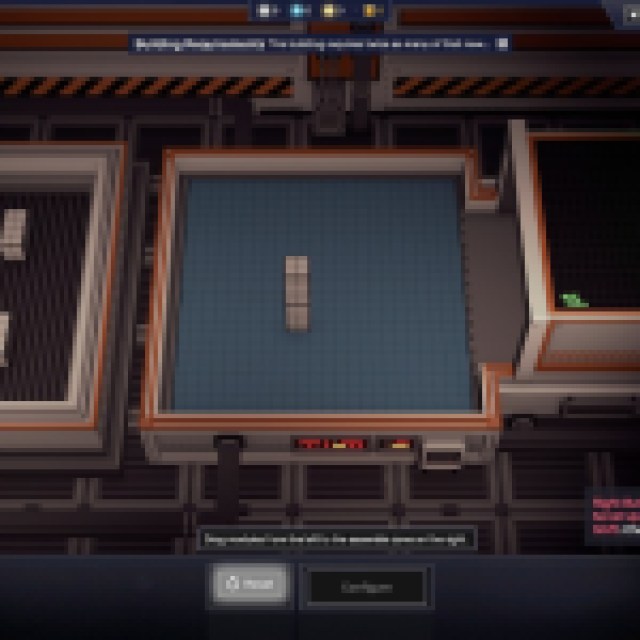

Create two Assemblers and insert both 2x4x2 modules. Stack them on top of each other to create the 2x8x2 module.
For maximum efficiency, you should have: 4x Miner > 1x Furnace > 4x Cutter > 8 Cutter > 4 Assemblers. This ratio is efficient but produces way too many 2x8x2 modules. You can still create this setup, since you might use the 2x8x2 module elsewhere as you progress to more complex facilities.
After finishing the whole factory, create a crane next to the Basic Core Facility: Small, and create a single line conveyor belt grabbing all the 2x8x2 modules from the Assemblers. A conveyor belt this early can handle 60/m, which is exactly the number of the 4 Assemblers (15/m each) on this production line.
Merge all outputs from the Assemblers into one conveyor belt leading to the Core Facility. If you need more of these exact modules, you can easily use a Splitter to take some of these to other production lines.


