
How To Fix the REANIMAL Ultrawide Issue on PC
Ultrawide-animal!

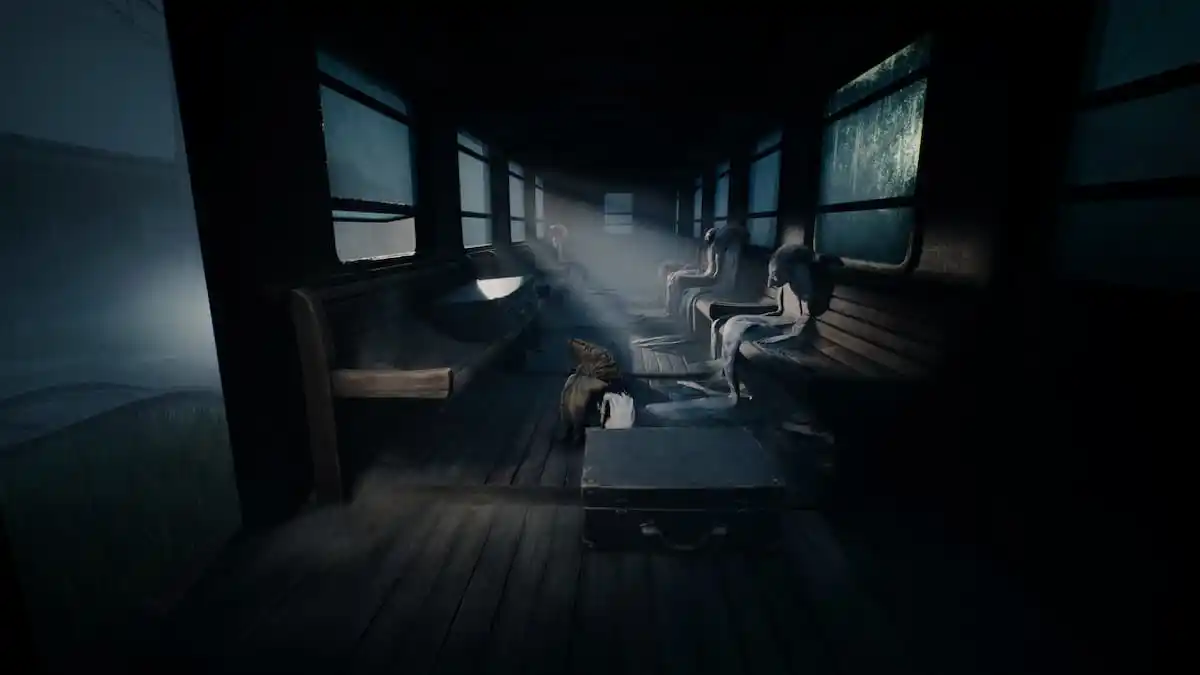
REANIMAL is out now on PC, and it’s already one of Tarsier’s most critically acclaimed releases ever. It’s also one of the better Unreal Engine 5 releases, delivering jaw-dropping visuals and solid performance with minimal stutters. Sadly, it doesn’t have ultrawide support, which means you’ll be stuck with black bars.
As usual, though, the widescreen modding community has already addresed and Lyall has released a patch which adds ultrawide support to REANIMAL. Here is how you can install that.
Fix the REANIMAL Ultrawide Issue on PC
The patch from Lyall removes pillarboxing and letterboxing from REANIMAL’s presentation, allowing you to play the title on your ultrawide monitor without limitations.
- Make sure REANIMAL isn’t running.
- Head over to the following Codeberg link and download the latest patch file by clicking SUWSF zip under “Installation”.
- Head over to the following location within the REANIMAL installation folder and extract the zip file:
\common\REANIMAL
That’s all you need to do, and the next time you launch REANIMAL, pillarboxing and letterboxing will be removed from its presentation. Keep in mind that since it’s rendering more of the scene, performance will take a bit of a hit.
All credits go to Lyall for creating and testing the patch. Their contributions are incredibly helpful for PC gamers, and you can learn about their work on their Patreon. There is a chance that Lyall will update this patch with new potential features to keep an eye on the releases page.
There are practically no UI elements beyond rare button prompts, so you don’t need to worry about this patch affecting that aspect in any way. There is a SUWSF.ini configuration file included with the patch, which you can edit to further customize the experience. It’s found at the following location in the Win64 folder:
common\REANIMAL\Engine\Binaries\Win64
I recommend against it because Lyall has set up the patch in a way that it works well with whatever resolution you throw at it.
If you want to remove the patch for any reason, you can either disable it through the SUWSF.ini file by setting the value of the following to false, or you can delete all the patch files:
; Globally enable or disable patches (default: true)
Enabled=false
I don’t think there’s any reason to disable it unless you don’t want to take the performance hit, which shouldn’t be that much anyway.
At this point, I don’t think the developers will add any actual ultrawide support because it’s a cinematic title with very deliberate framing, and supporting wider resolutions might not be their priority right now. I really hope they consider adding that, though, so more people can enjoy their game regardless of their preferred aspect ratios and resolutions.


