
ARC Raiders Online Connection Error – ARSB0003
It's a major launch, what did we expect?


ARC Raiders has just had its global launch, and with so much hype surrounding this one, it was bound to have some server issues at launch. The first we’ve managed to spot is the Online Connection Error, ARSB0003.
How to Fix Online Connection Error ARSB0003
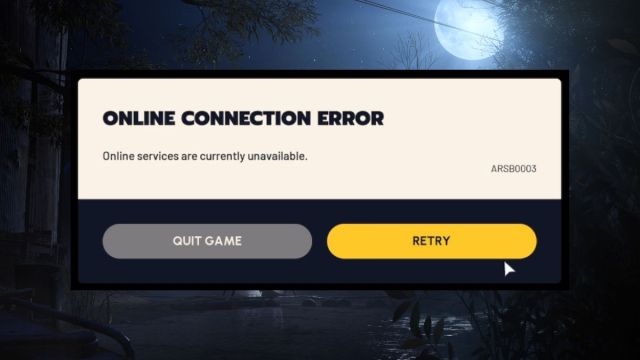
If you’re seeing the above connection error, it’s likely that your connection to the server just timed out. Hit retry a few times, and if that doesn’t work, try restarting your game and trying again. If all else fails, restart Steam and then give it another shot.
If none of that works, the only other solution is to simply wait. While you do, try resetting your router in the meantime, so that you have the best possible connection when the servers clear up.
Other Arc Raiders Connection Errors
Other errors we’ve found include the “Couldn’t Create Account” error, and a “Network Timeout” error. In either case, simply follow the same steps as above. Retry, and if that doesn’t work, quit the game and restart it.
If that fails, restart your router, then restart Steam, and try again.
Hopefully the servers recover fast and we can all enjoy some ARC Raiders real soon!
If you’d like to see more helpful guides, news, or features from Prima Games, please consider adding us to your preferred sources.


