
How To Fix the Dune Awakening Crashing on PC
Crash is the mind-killer.

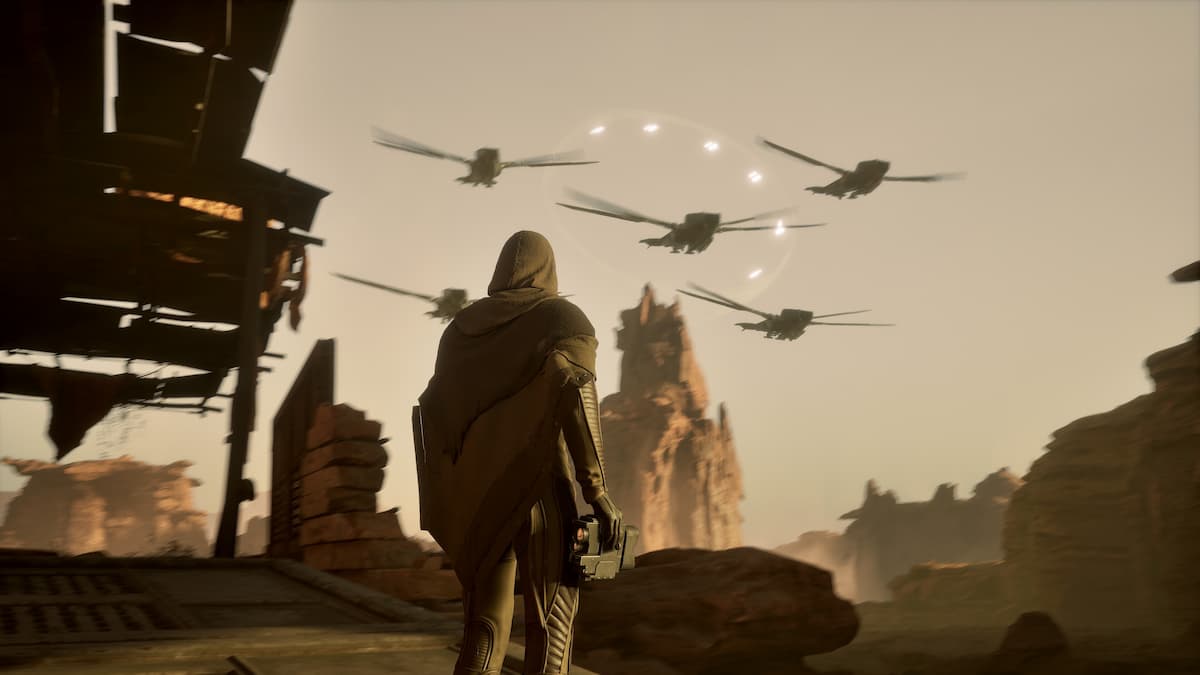
Dune: Awakening is now available on PC for deluxe edition owners and has hit an impressive 93K concurrent player peak. It’s built on Unreal Engine 5 and has all the hallmarks of the engine in terms of visuals, but also some stability issues with crashing reported from several players.
Here are a few things you can do to fix these stability issues in Dune Awakening and reduce crashing and freezing.
NVIDIA Users: Install Hotfix 576.66
If you’re playing Dune Awakening on an NVIDIA GPU, the developers recommend installing the new 576.66 hotfix released to address crashing issues in Dune Awakening and several other visual and stability issues in other games.
NVIDIA drivers have been a mess lately, and the game even throws a prompt at the start urging players to get this specific hotfix.
Intel 13th or 14th-Gen Users: Update BIOS
If you have a 13th or 14th-Gen Intel CPU, you need to update the BIOS to the latest available version provided by your motherboard manufacturer. Intel has deployed fixes to control voltages across its 13th or 14th-Gen processors. You need the update 0x12B and ideally 0x12F. This is a common issue with Unreal Engine titles, and you’ll probably see an “Out of Memory” error after a crash.
Verify Game Files
Dune: Awakening is a massive MMO, and it will continue receiving multiple updates, especially during the launch week. During this, something may go wrong during the download or installation process, resulting in corrupted or missing files. To ensure that isn’t the case, verify your game files. I highly recommend doing this if you’re getting a crash at launch.
- Open Steam and navigate to your library
- Here, right-click on Dune: Awakening and select Properties
- In the Installed Files tab, click on Verify integrity of game files


After it’s done, launch Dune: Awakening, and it should run without a crash at startup.
Generic Troubleshooting
Apart from that, you can try the following generic troubleshooting suggestions.
- Update DirectX and Visual C++ Redistributables
- Switch to your dedicated GPU if you’re playing on a laptop
- Don’t interrupt the shader compilation process – It doesn’t take too long.
- Add the game’s folder to your antivirus list of exceptions or exclusions
- Make sure that the date and time in your Windows are correct
- Update Windows to the latest version (1909 or higher)
- Make sure you meet the minimum system requirements.
After you’ve gone through my list of suggestions, Dune: Awakening should run properly and without any major stability issues. This is an Unreal Engine 5 title, and you should expect a mostly decent experience apart from the usual stutters.


