
How To Fix the Mandragora Ultrawide Issue on PC
You can count on Lyall.


Mandragora: Whispers of the Witch Tree is a dark action RPG from Primal Game Studio that features a rich metroidvania world to explore and horrific enemies to take on. It’s easy on the hardware and looks quite striking thanks to its distinct art style.
The PC version of Mandragora: Whispers of the Witch Tree has a decent amount of settings but lacks ultrawide support. As usual, though, Lyall from the widescreen community took it upon themselves to address it in a dedicated patch for the title.
Fix the Mandragora Ultrawide Issue on PC
The patch from Lyall adds ultrawide support to Mandragora: Whispers of the Witch Tree while also allowing you to alter the HUD’s placement on the screen.
As always, installing the patch is a fairly straightforward task:
- Make sure Mandragora isn’t running.
- Head over to the following GitHub link.
- Here, click on MandragoraFix_v0.0.1.zip under Assets to download the patch zip file.
- Extract the zip file in the game’s installation folder.
Once you’re done, the game will run perfectly in your desired ultrawide resolution. Here is a screenshot provided by Lyall that shows Mandragora with the patch applied.
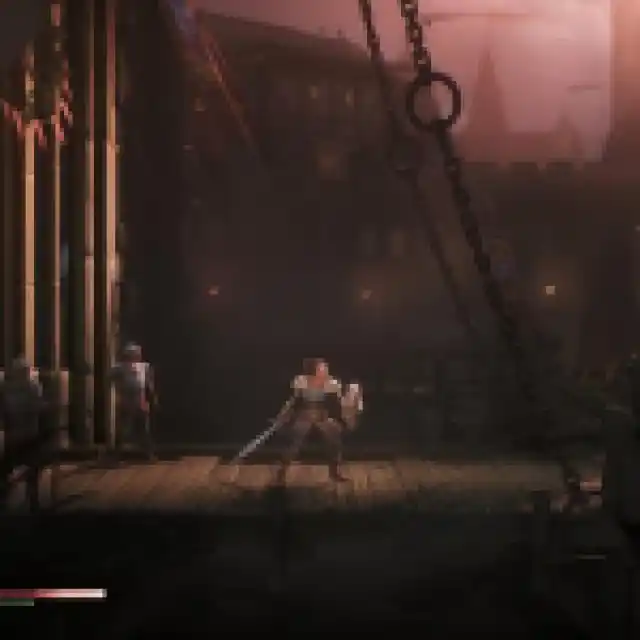
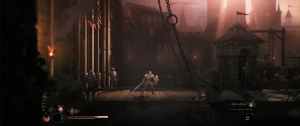
All credits go to Lyall for creating and testing the patch. Their contributions are incredibly helpful for PC gamers, and you can learn about their work on their Patreon or Ko-fi pages.
You can further customize your Mandragora experience by editing the MandragoraFix.ini file.
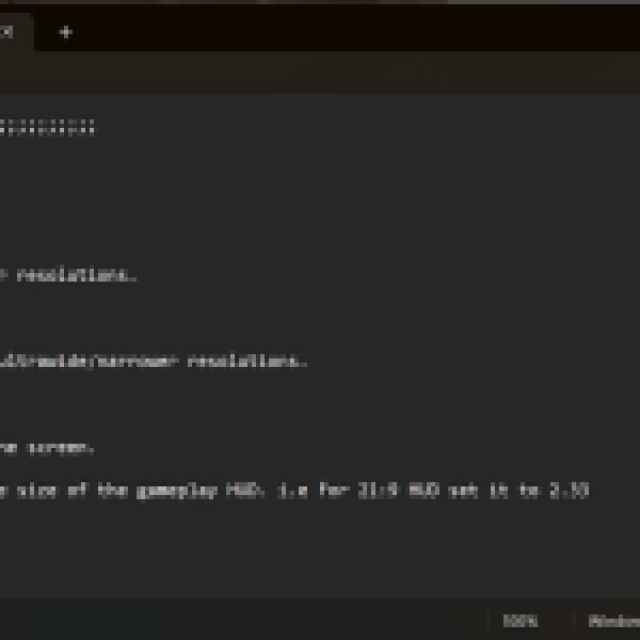
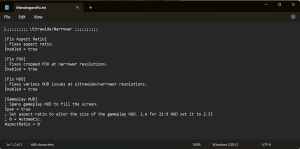
The patch automatically applies fixes for the following:
- Aspect ratio
- Cropped FOV
- HUD issues
Additionally, you can use a custom value for the gameplay HUD if you’re on a wider display. I recommend keeping an eye on the releases section of the patch’s GitHub page in case there is an update. Though, considering how this version already gets the job done, I doubt there will be a significant update.
If you wish to remove the patch, simply delete the files that came with the zip file.
Overall, this is another excellent patch from Lyall that adds ultrawide support in a title that should’ve had it in the first place. We doubt that the developers will add this anytime soon.


